
Blue POS fiscal tills for hospitality and retail
NOAH helps you choose Blue POS software, tills and equipment for your venue or shop.
Request a Blue POS quoteBlue POS modules
Blue POS for hospitality
Blue POS connects table orders, checkout and back-office reporting for cafés, restaurants and other hospitality venues.
Features
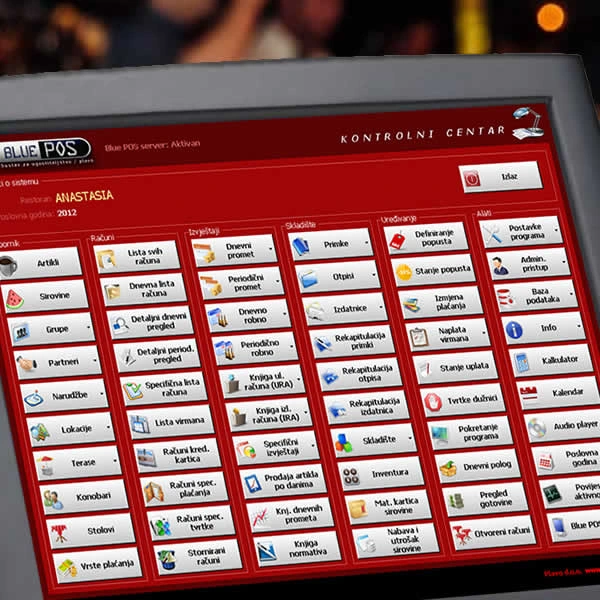
Staff and permissions
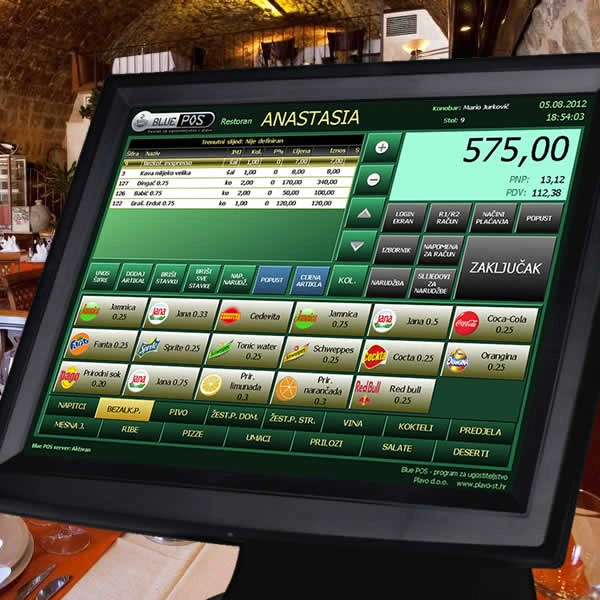
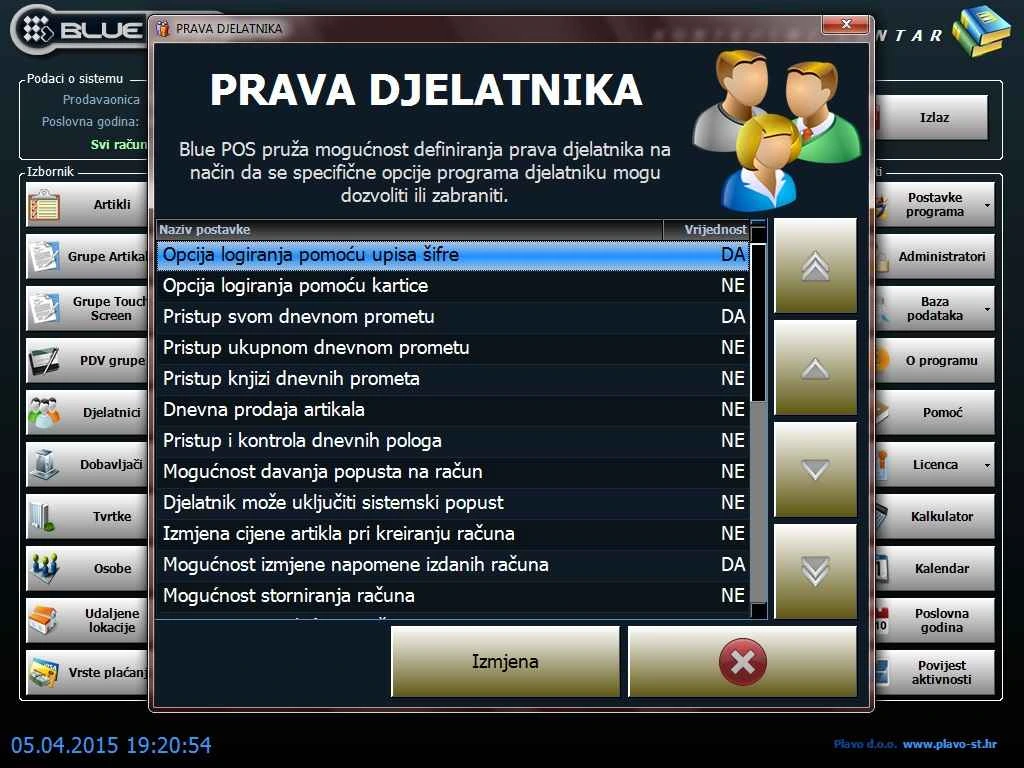
- Set separate permissions for owners, administrators and waiters. Give each waiter access to the options they need.
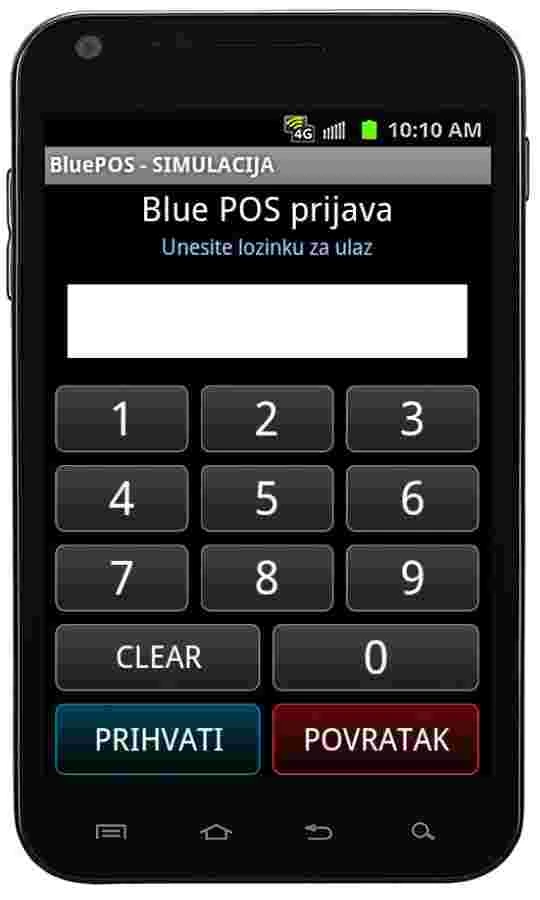
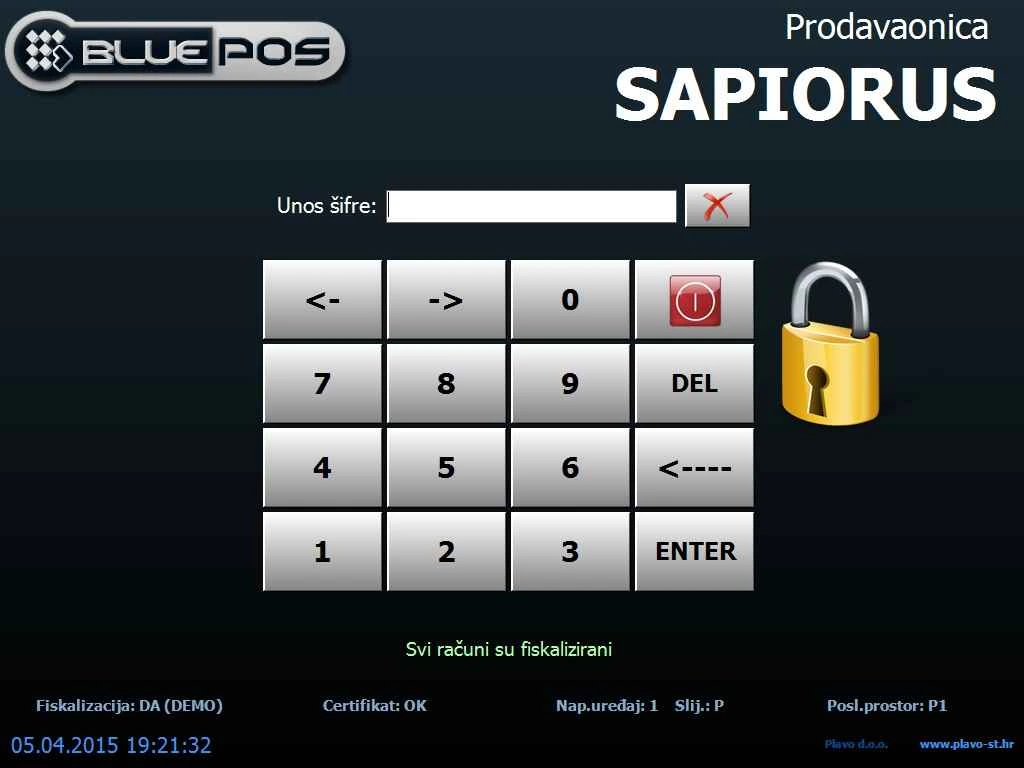
- Sign in with a passcode or RFID card, with an audible indication of success or failure. Enable automatic sign-in where appropriate.
- Administrators can review logged waiter activity. In café or restaurant mode, choose whether to use waiter accounts, tables and orders.
Tables, terraces and orders
- Build a visual layout for dining rooms and terraces using six table types. Colours show which tables are available or occupied, and you can attach a receipt note to a table.
- Track orders and consumption by table or guest, organise dishes by course and route items to multiple kitchen and bar printers. Move items between tables when needed.
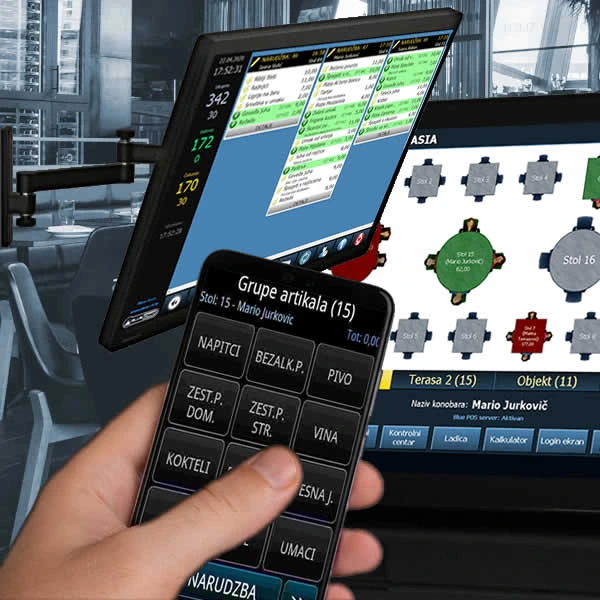
- Connect Android devices to the till server to take orders at the table. Combine orders on one receipt or split the bill across several receipts.
Receipts, payments and pricing
- Issue receipts in euros, including receipts with company details. Record cash, card or bank transfer payments and calculate change at checkout.
- Set promotional or happy-hour prices and discount an item or the full bill. Review and reprint receipts, change the payment method or void a receipt according to permissions.
- Customise receipt printing and add a logo. Print barcodes on receipts, scan items at checkout and connect an optional LED customer display. POS printers can use COM, LPT or USB connections.
Stock, purchasing and recipes
- Maintain records for items, ingredients, suppliers, companies and contacts. Group items and ingredients for financial and inventory reporting.
- Record purchases with goods receipts and track stock issues and ingredient write-offs. Review current stock or stock as of a selected date and time, stocktakes, item costing and ingredient movement records.
- Review ingredient quantities in recipes, the recipe register, ingredient purchases and consumption over a selected period, and summaries of receipts, issues and write-offs.
Sales and activity reports
- Review receipts by day or financial year, card receipts, bank transfers and voids. Filter by waiter, payment method, company, guest, table, till, item or period.
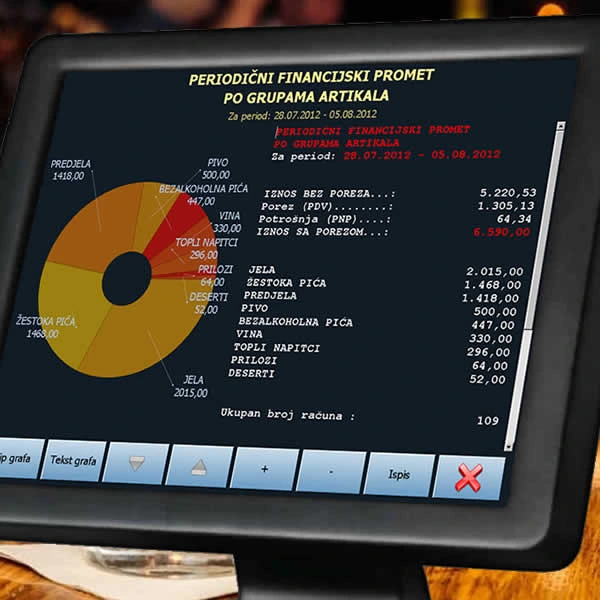
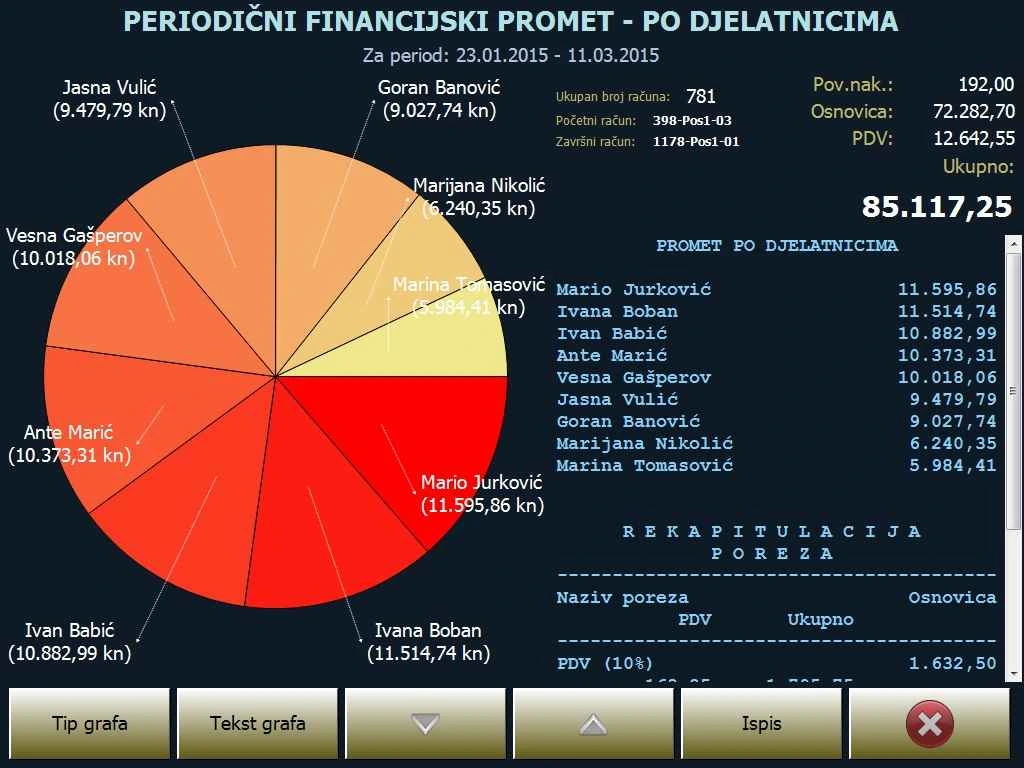
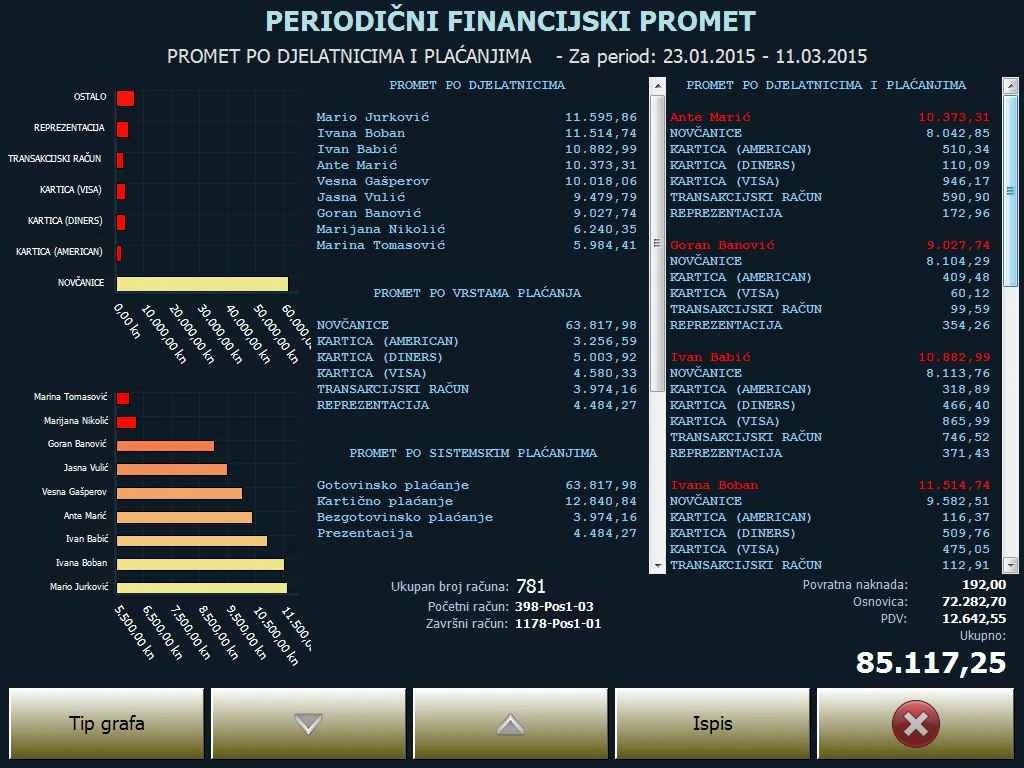
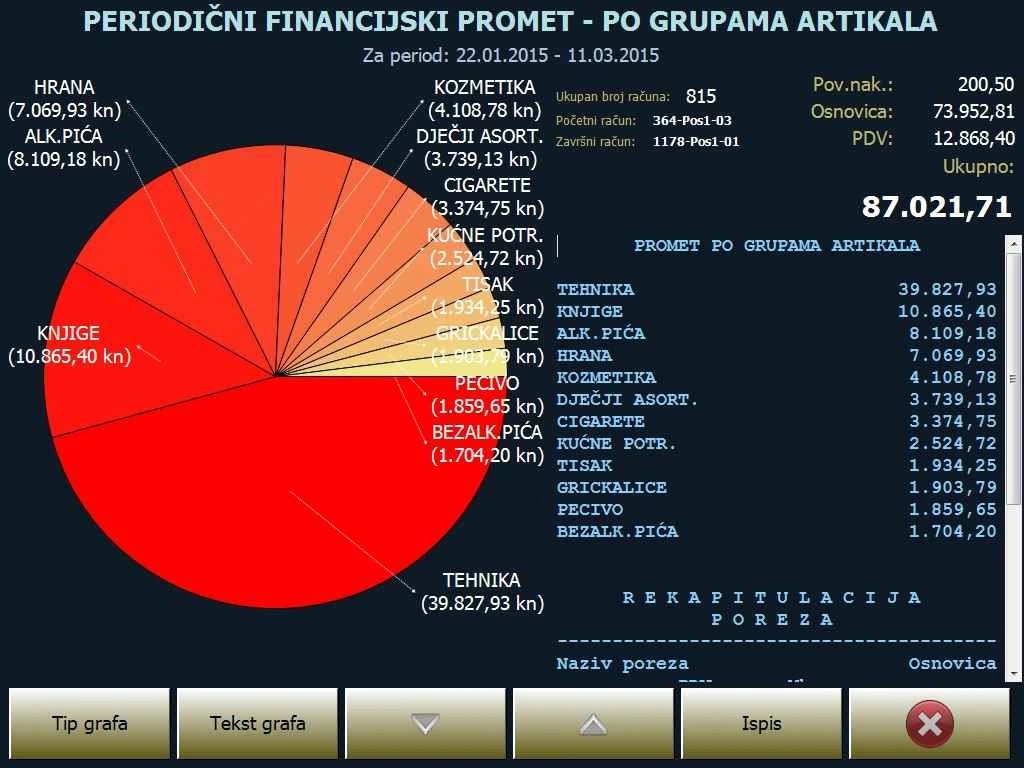
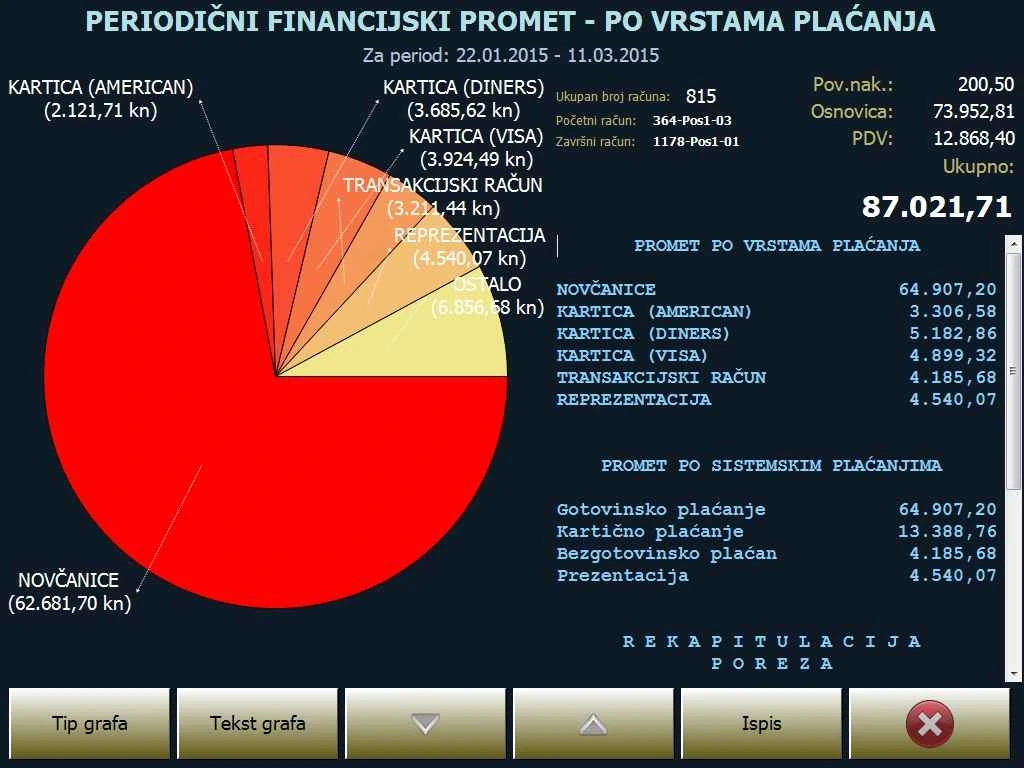
- Daily and periodic financial reports break down sales by waiter, payment method, till, item group, drink category and VAT group. Review hourly sales, product rankings, daily sales of a selected item, daily turnover and profit.
- Inventory reports cover sales by food, drinks and other item groups, tax totals and ingredient consumption. Filter sales further by waiter, table, payment method, guest, till and period.
- Review purchase and sales invoice registers (URA and IRA) by period or financial year, bank transfer balances by customer, outstanding companies, daily cash deposits, and reports on opening times and staff activity.
- Use table and chart views, print to POS or A4, or export to PDF. Send financial and inventory reports by email and financial summaries by SMS.
Networked tills and settings
- Blue POS runs on Windows and uses Microsoft SQL Server Express. Standard and touchscreen tills can share a central server, with back-office or remote access to reports while tills remain in use.
- Adjust touchscreen button colours and sizes, the interface theme and the built-in audio player. Set when sales after midnight stop counting towards the previous business day. The application can roll over to the new financial year automatically.
- Bulk updates for VAT and consumption tax rates are available, along with electronic and printed manuals. For fiscalisation and e-invoicing, we check the required setup and software version.
Blue Chef kitchen display
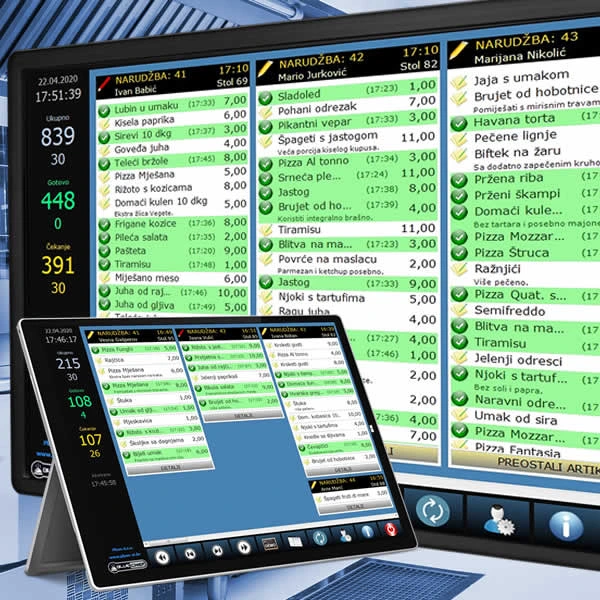
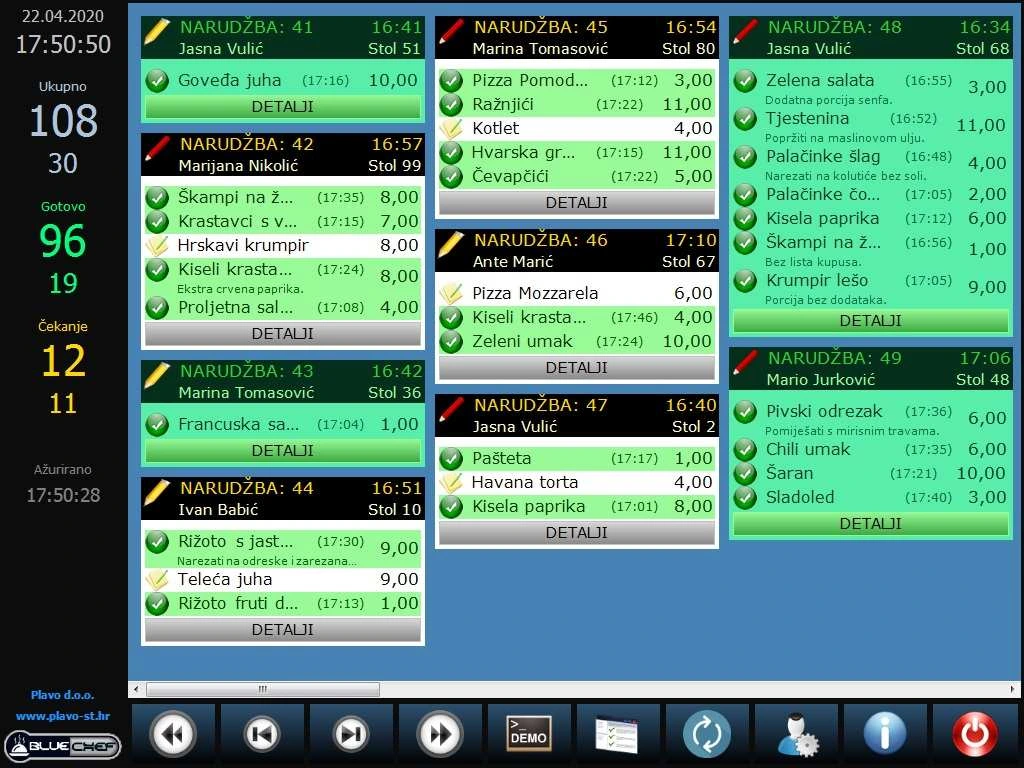
Blue Chef is part of Blue POS for hospitality. It shows incoming orders on a Windows kitchen display so staff can start preparing dishes as soon as an order comes in.
Features
Order queue
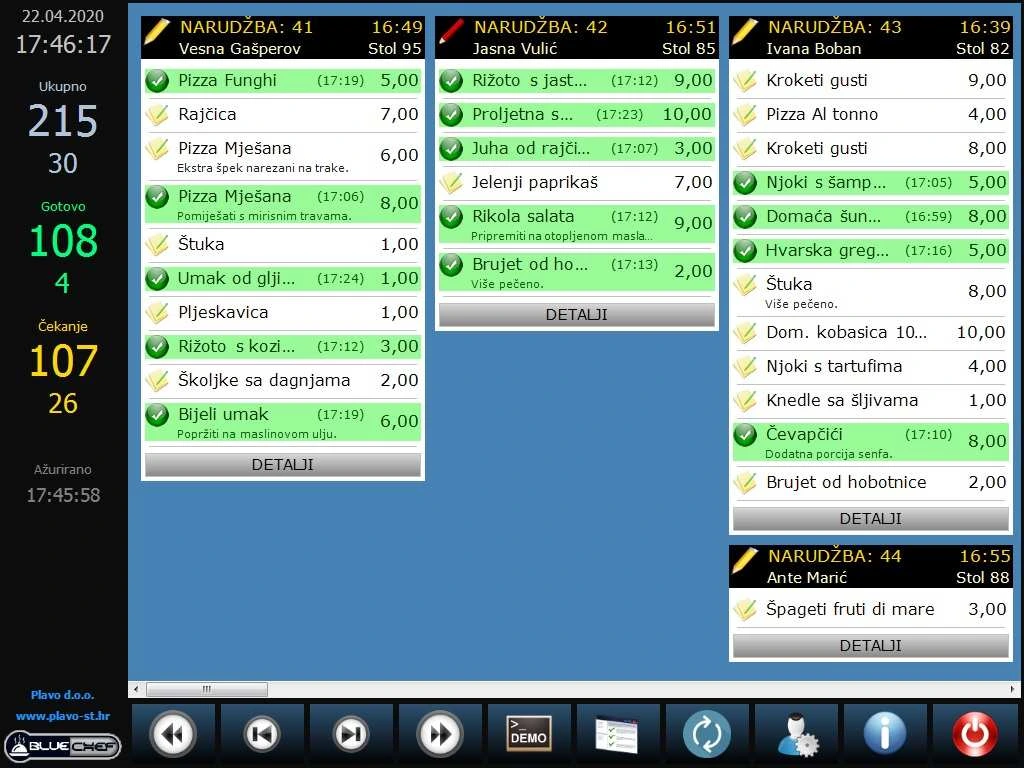
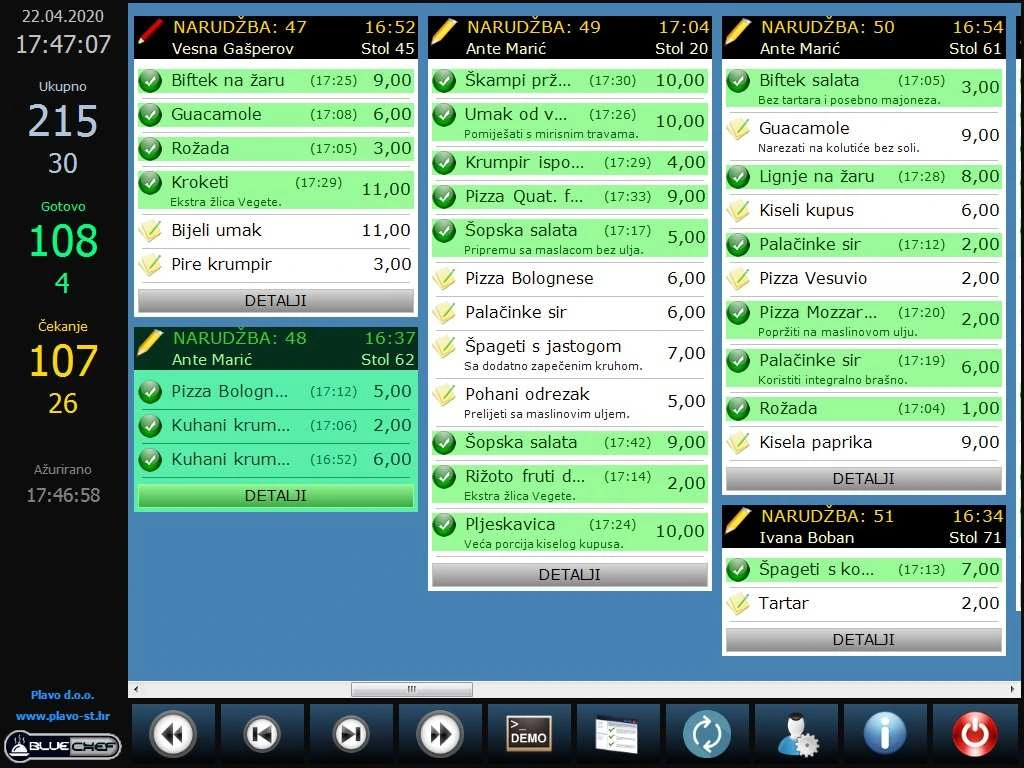
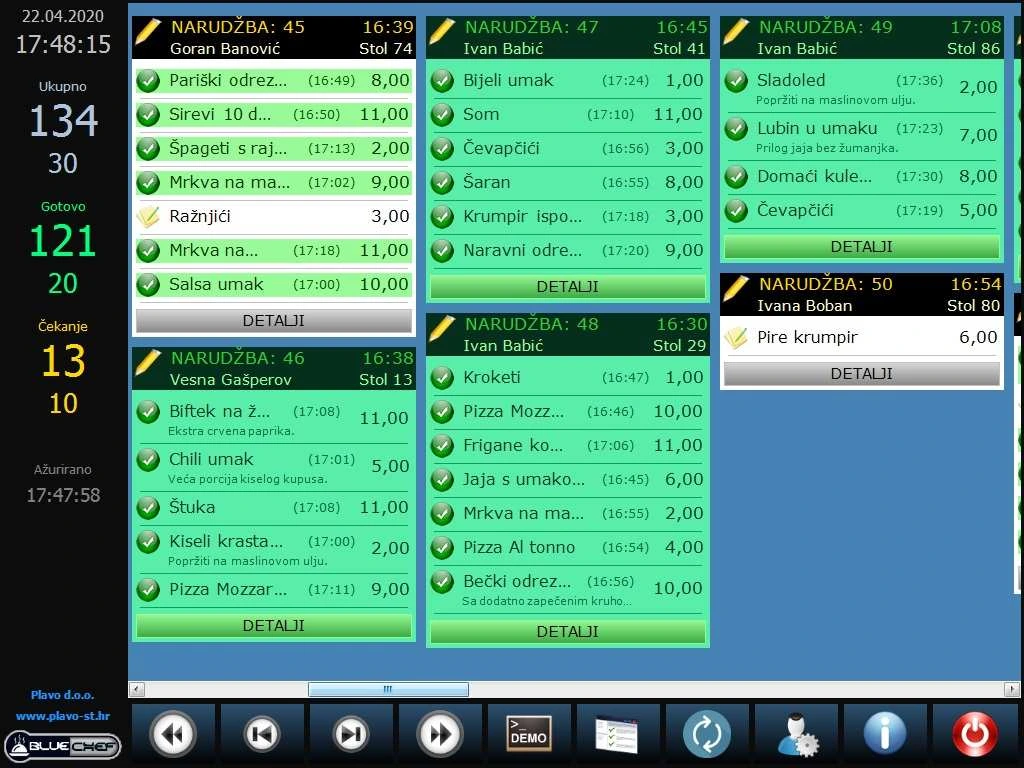
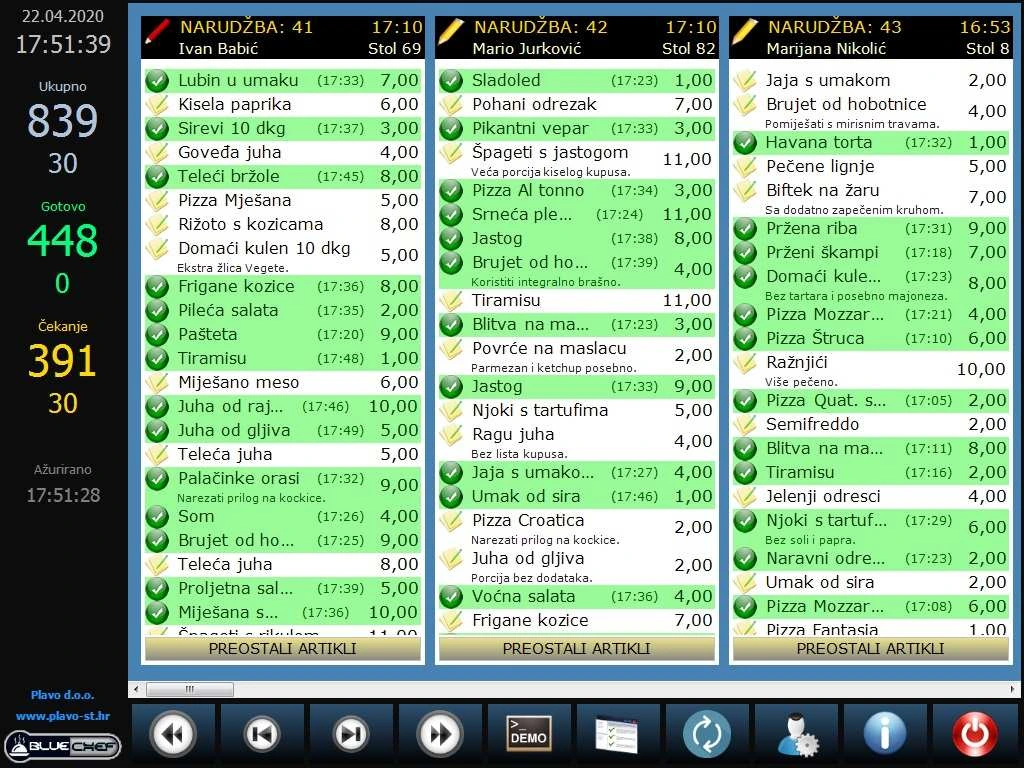
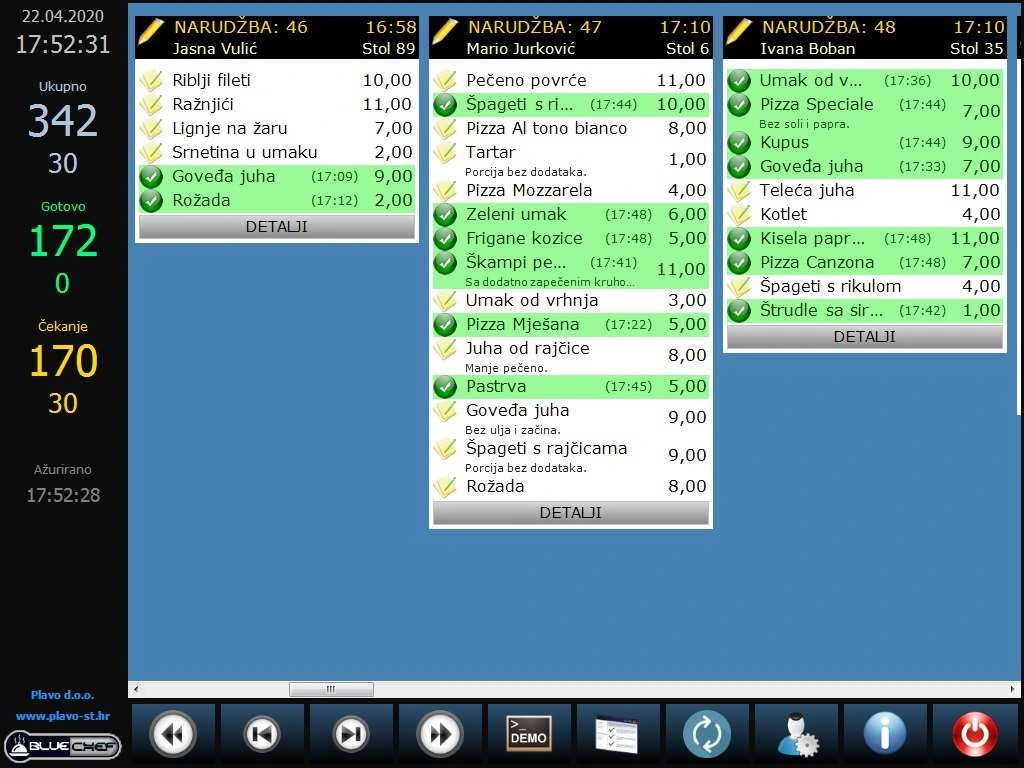
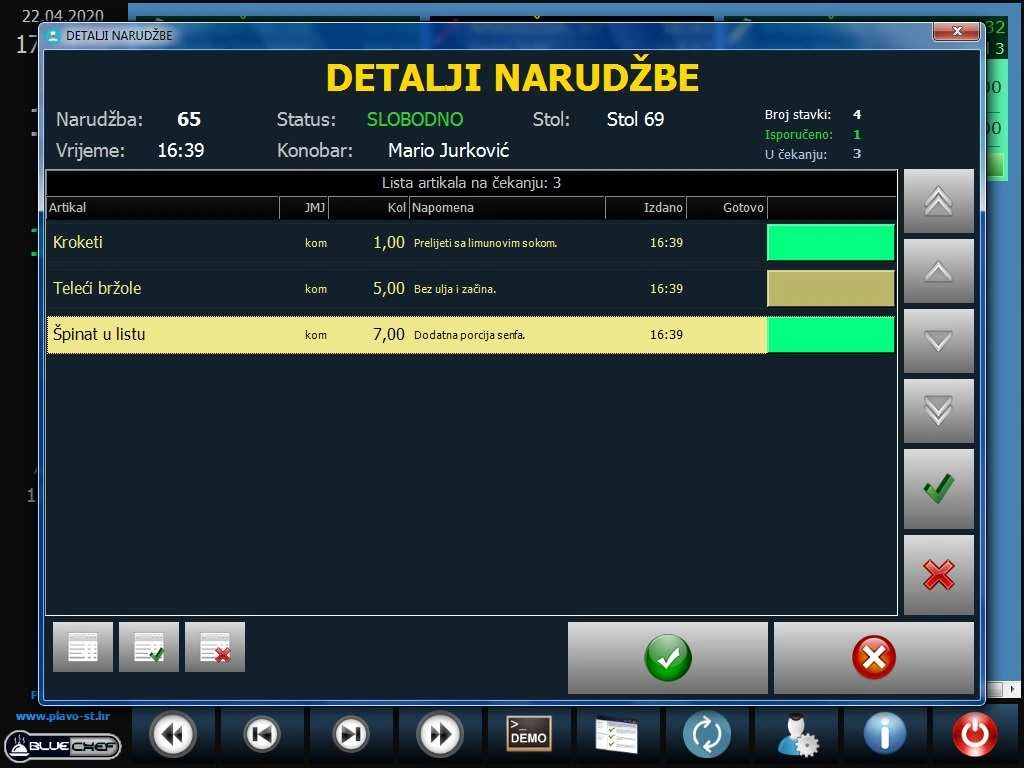
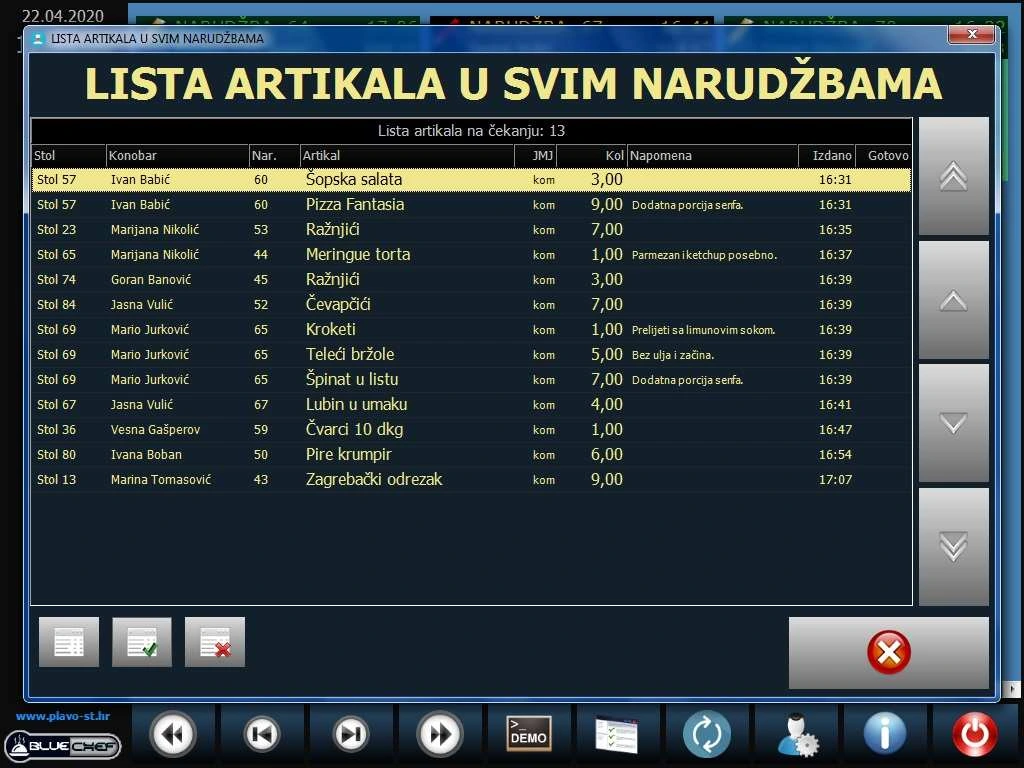
- See active orders in priority order. Each entry shows the order number, time, table, waiter and ordered items.
- With Blue POS Android connected, orders entered at the table appear on the kitchen display in real time.
Preparation and notifications
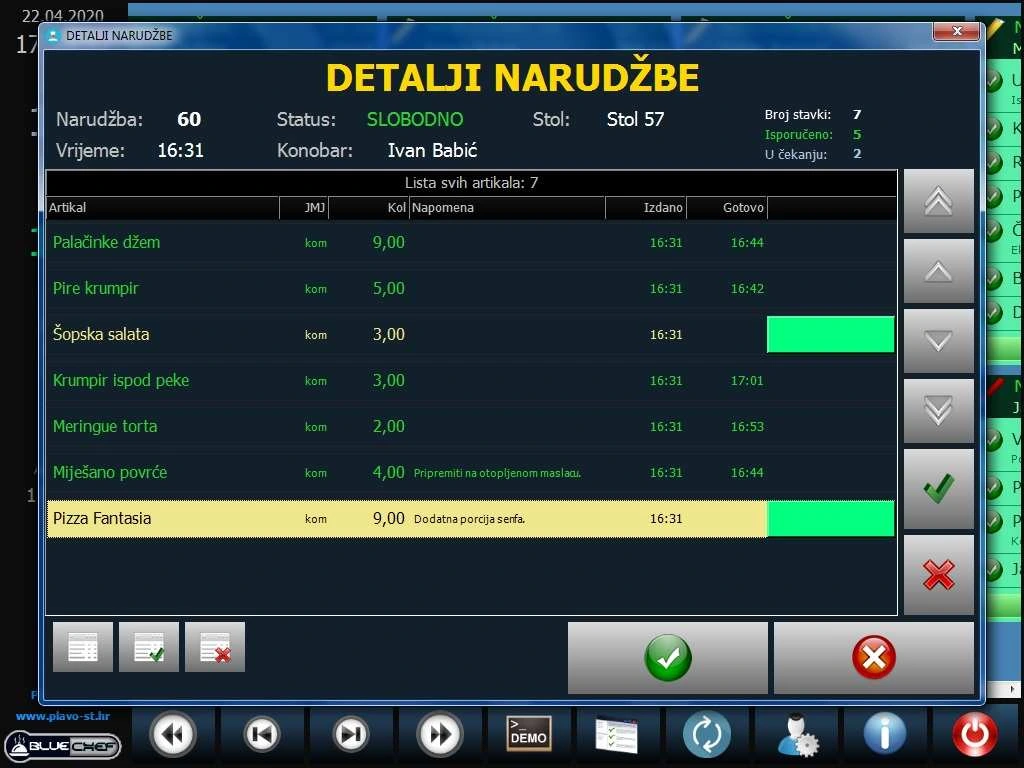
- View all ordered items, only items in preparation or only finished items. Colours distinguish preparation and completion for individual items and whole orders.
- Send a notification to the Blue POS till when an individual dish or the full order is ready, so the waiter knows what can be served.
Settings and demo mode
- Adjust the module settings to the kitchen workflow. Use simulation mode to demonstrate the order workflow.
Order tracking and reporting
- Track orders from intake to completion. Use the reporting and inventory tools in Blue POS for hospitality to review sales and ingredient consumption.
Blue Chef gallery
Blue POS Android table ordering
Blue POS Android connects waiters’ phones and tablets to the hospitality till for table service, terrace orders and delivery.
Features
Orders and table service
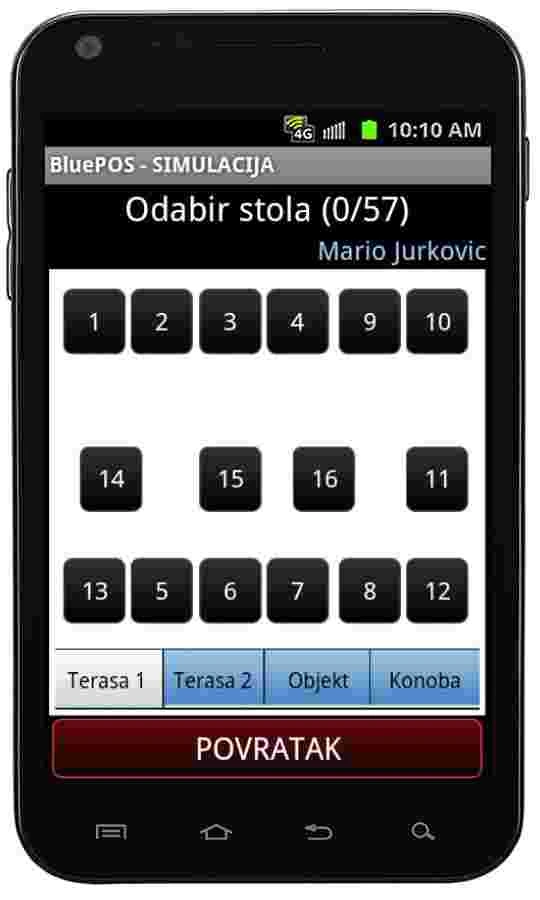
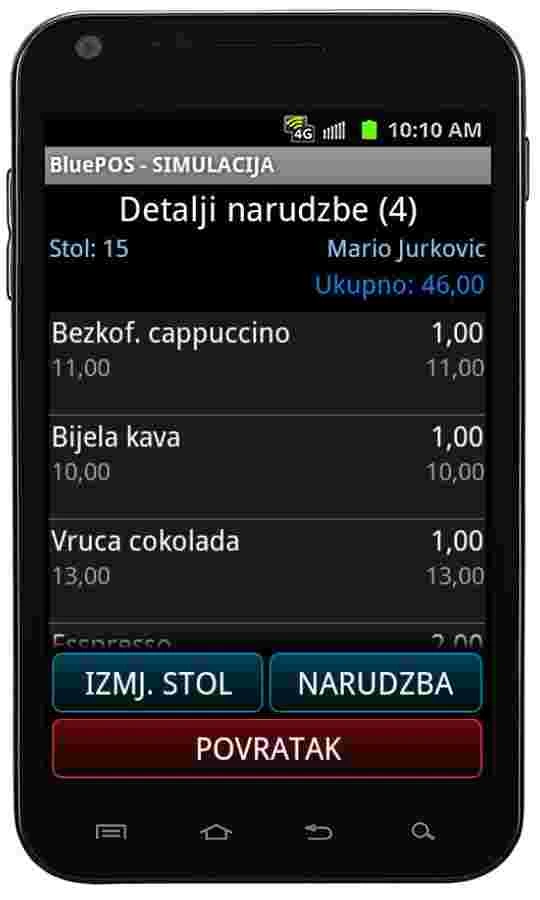
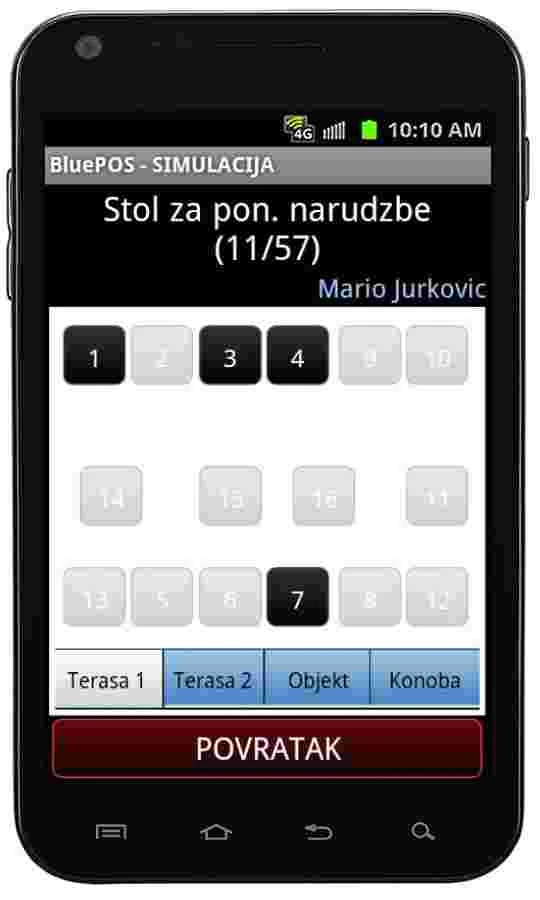
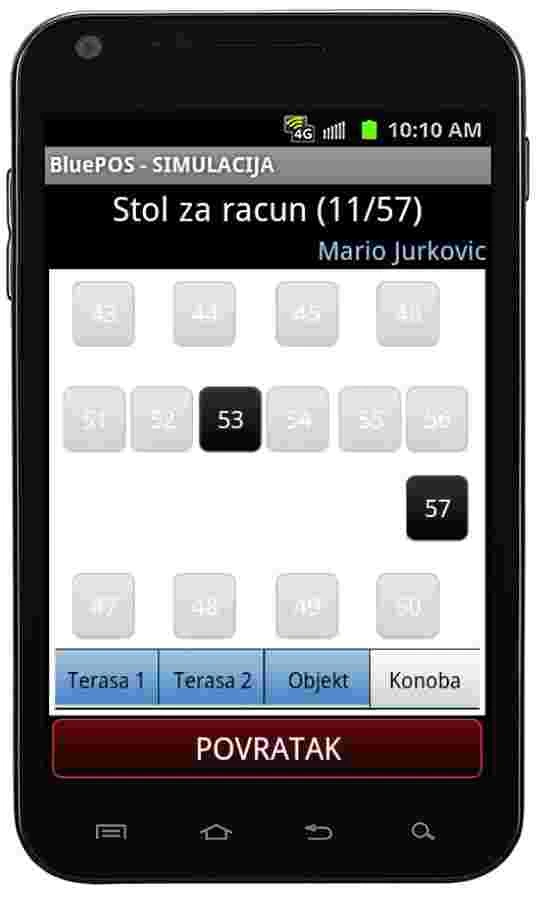
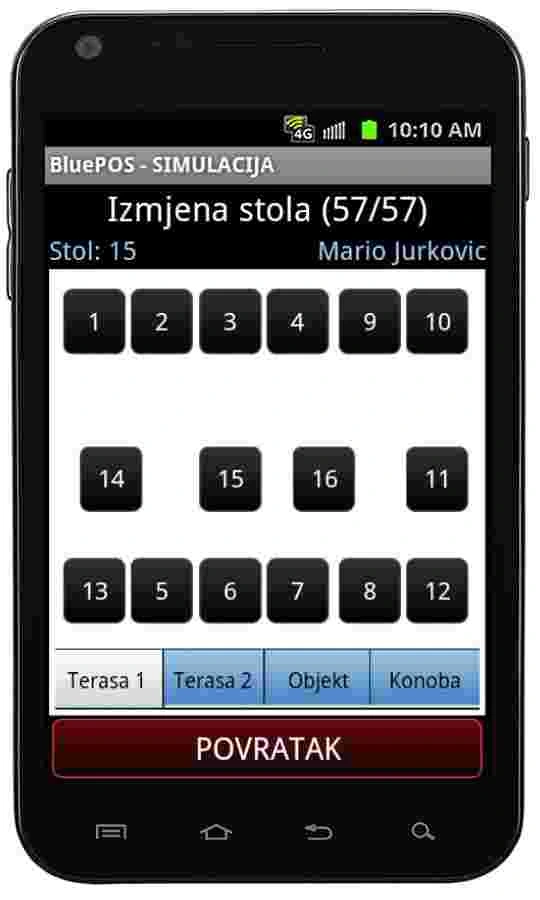
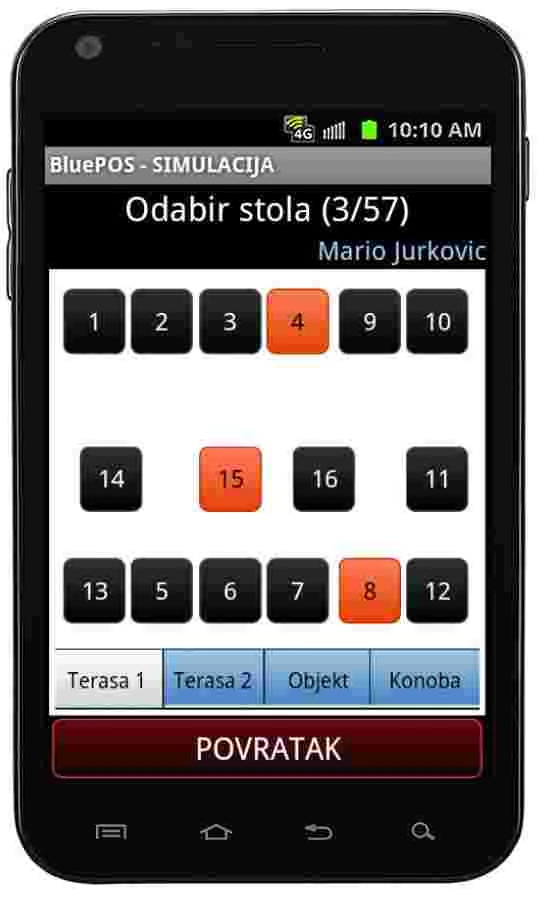
- Select a table on the dining room or terrace layout. Send the order from a phone or tablet to the server, which routes food and drinks to the configured kitchen and bar printers.
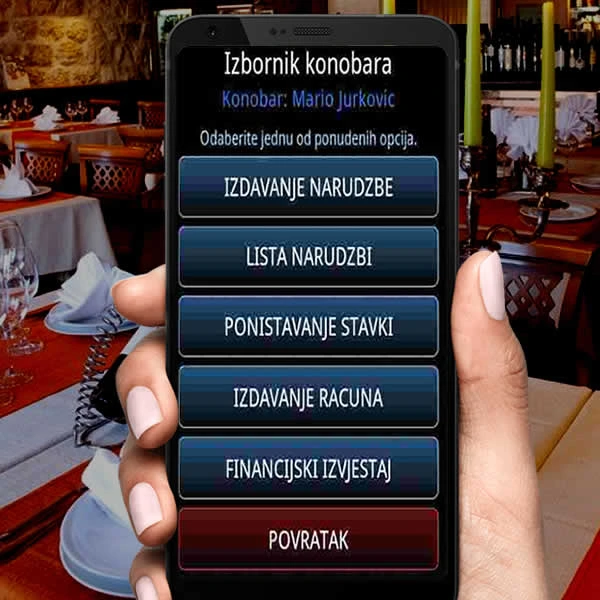
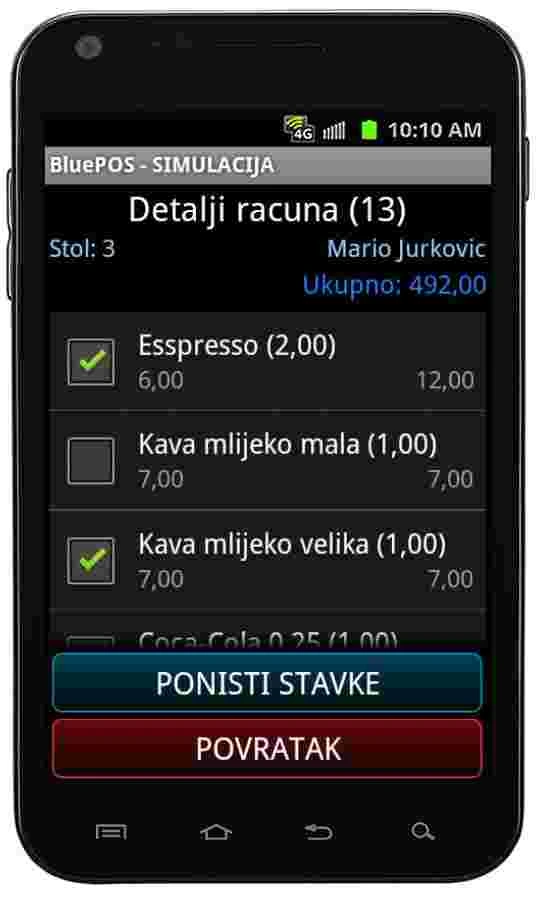
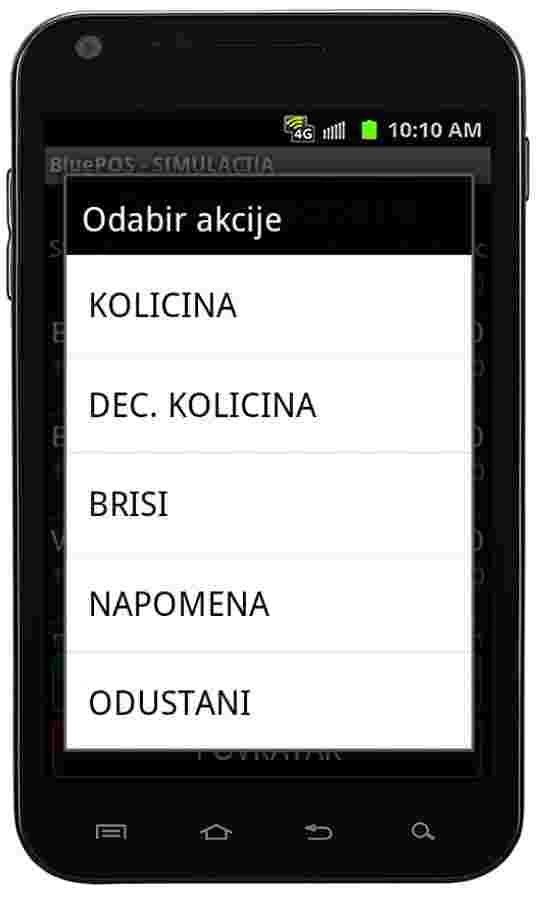
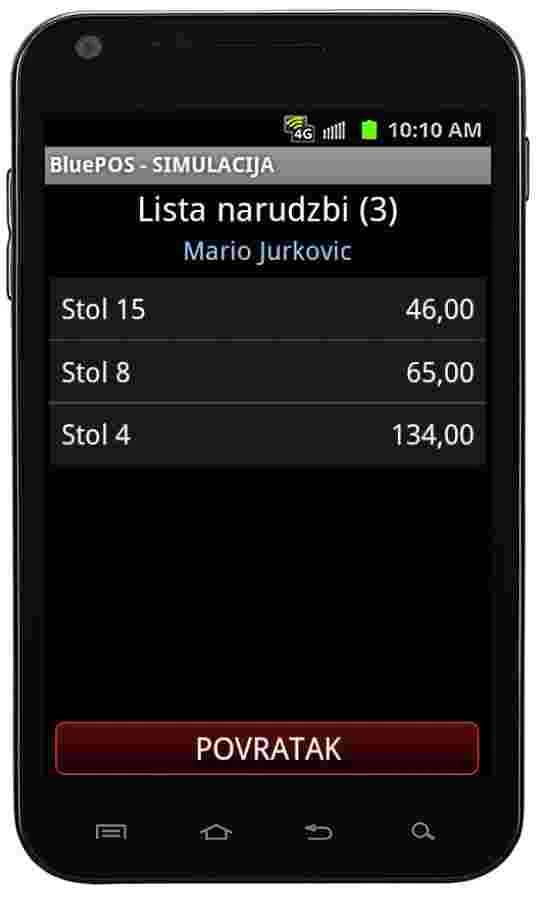
- The table is marked as occupied by the waiter serving it. Add new items to an existing order, add notes, cancel or save an order on the device, and view open orders.
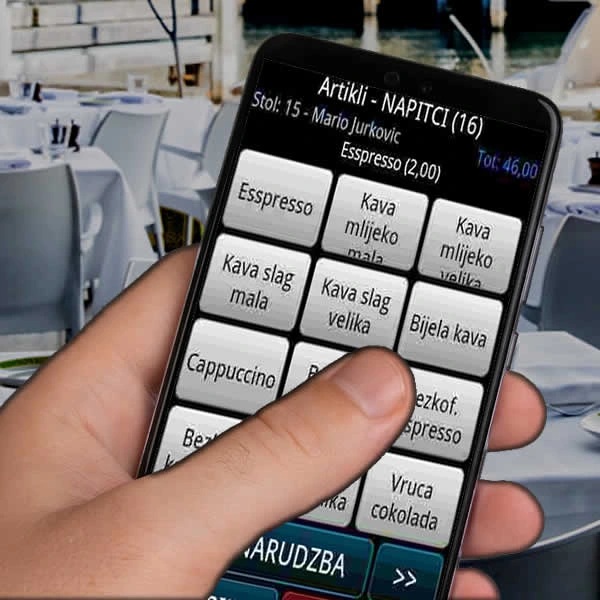
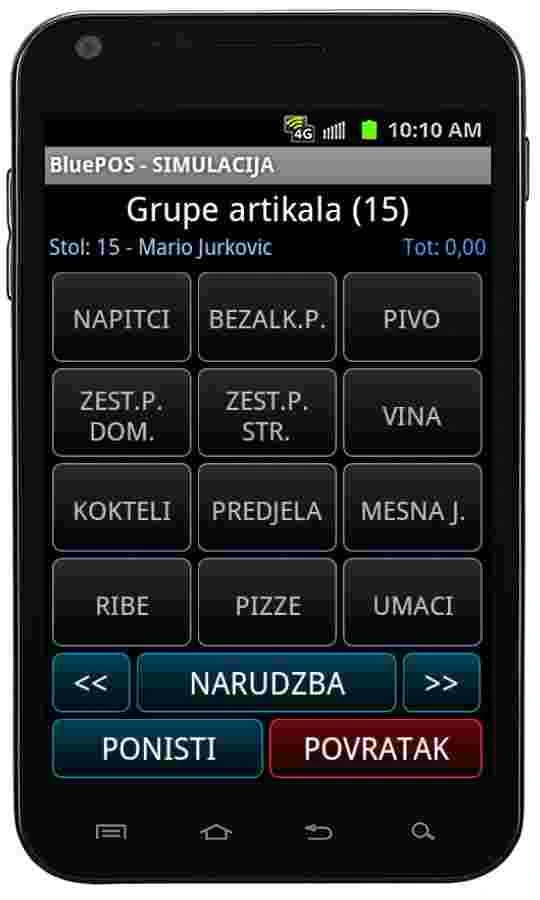
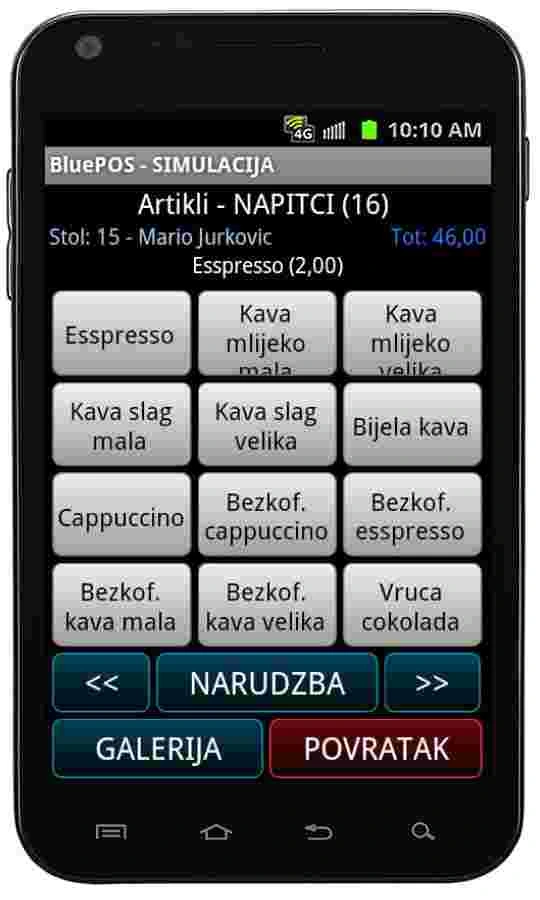
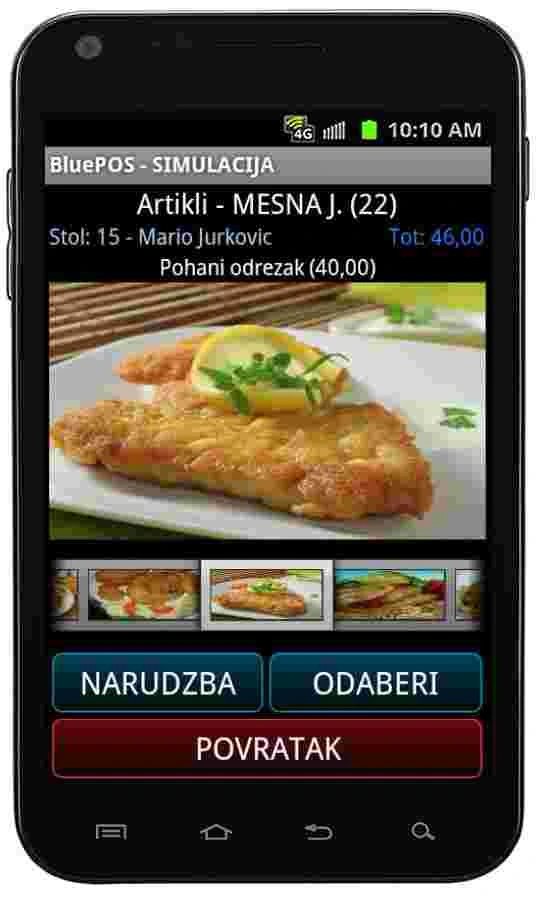
- Browse item groups in a button grid and view item photos in the product list. Send a message to the till from the mobile device.
Receipts, delivery and sales
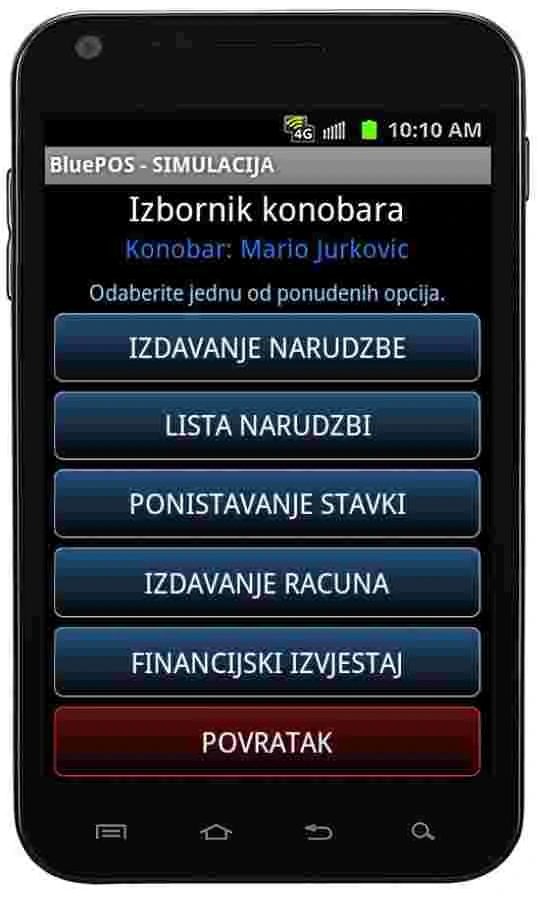
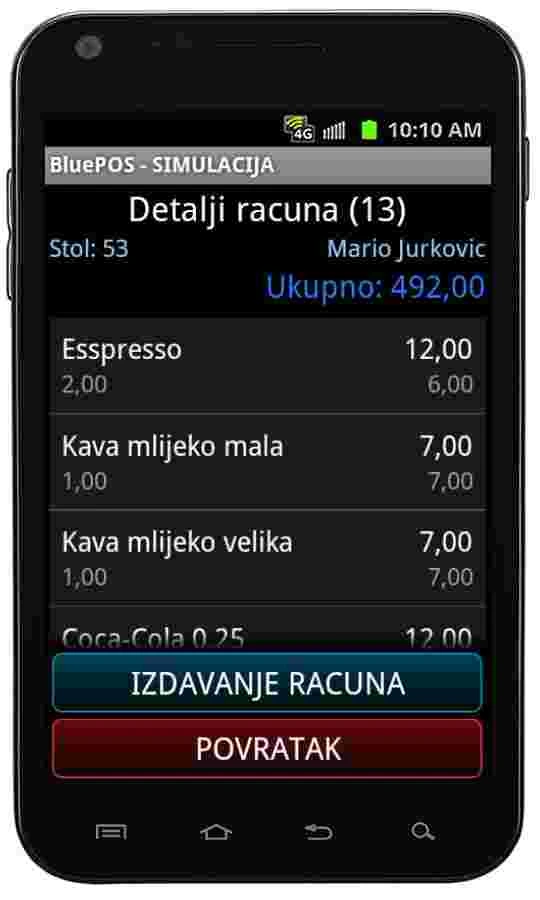
- With the appropriate permissions, issue a receipt for an open table and print or reprint it on a Bluetooth printer. An internet connection also allows you to issue a receipt at the delivery address.
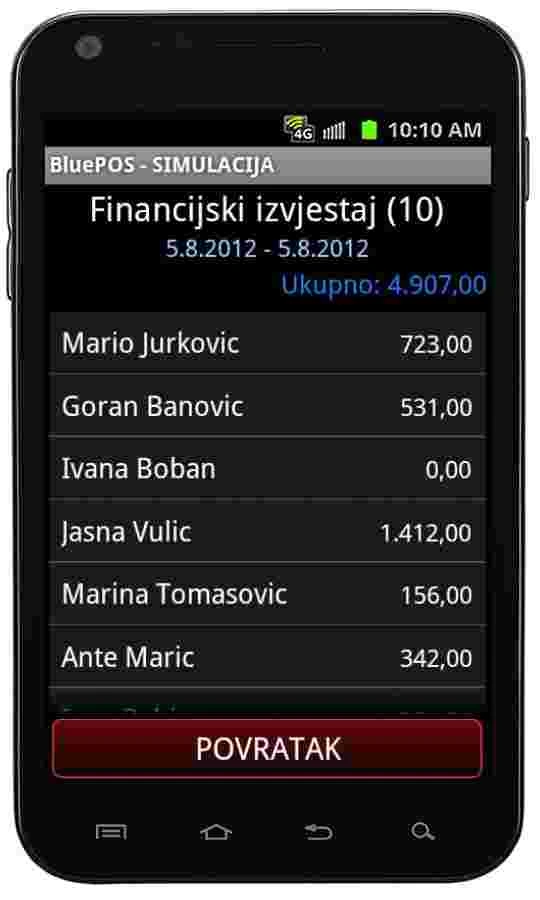
- Receipts are stored at the central till. Authorised users can view a venue-wide financial report with a separate sales breakdown for each mobile checkout device.
Table reservations
- Select a table, enter the guest’s name and a note, and add any items to prepare. Reserved tables are colour-coded on the central till.
Devices, permissions and sync
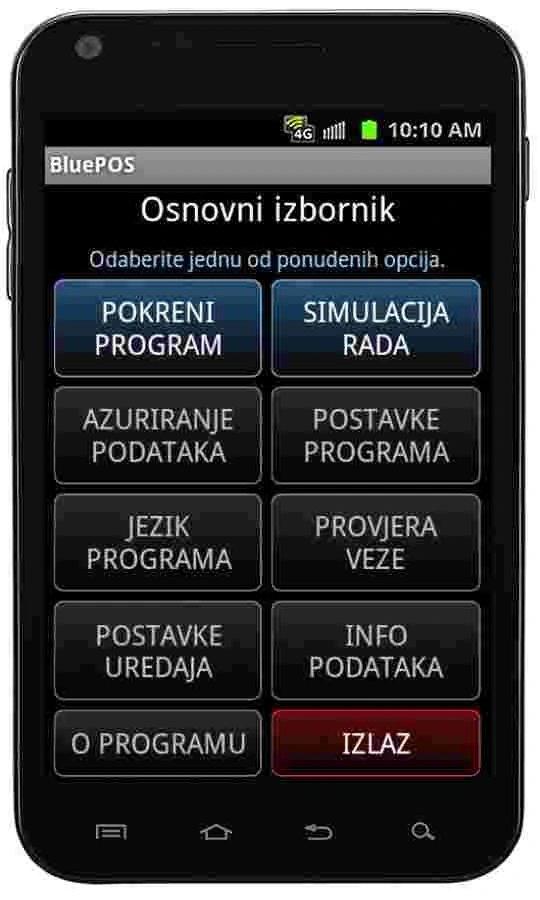
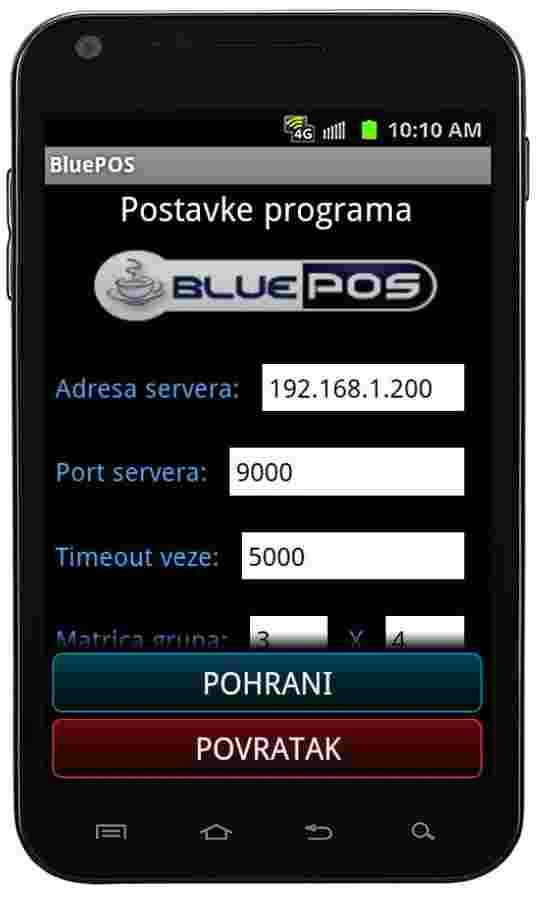
- The application runs on Android phones and tablets and has a multilingual interface. Items, waiters, terraces, tables and notes sync with the till.
- Use the Control Centre to set options and permissions per device, including access to reports and receipt issuance. Access controls protect the system from unauthorised devices. Use simulation mode for demonstrations.
Blue POS Android and Blue POS Mini
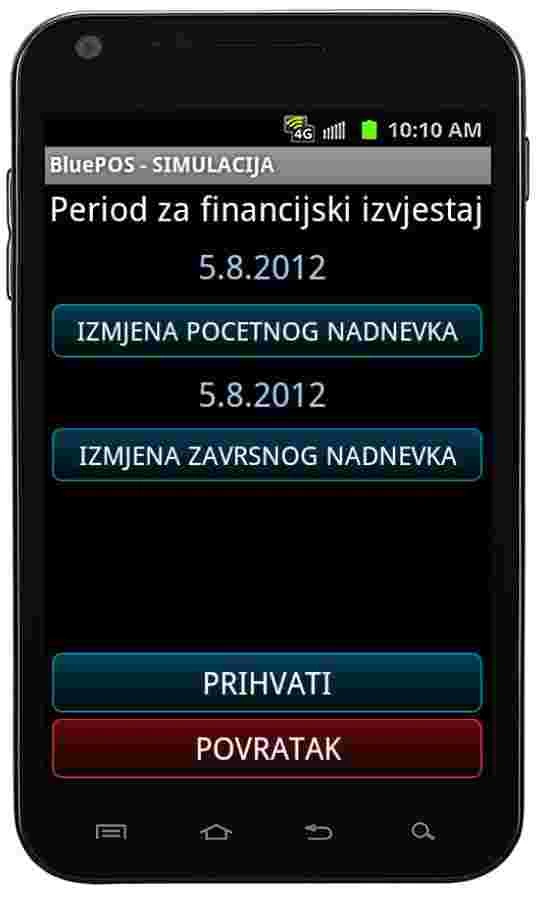
- Blue POS Android covers orders, receipts, financial reports and table reservations. The free Blue POS Mini edition supports messaging the till and viewing the financial report.
Blue POS Android gallery
Blue POS Retail
A checkout system for shops, bakeries, butcher shops and other retailers.
Features
Checkout and receipts
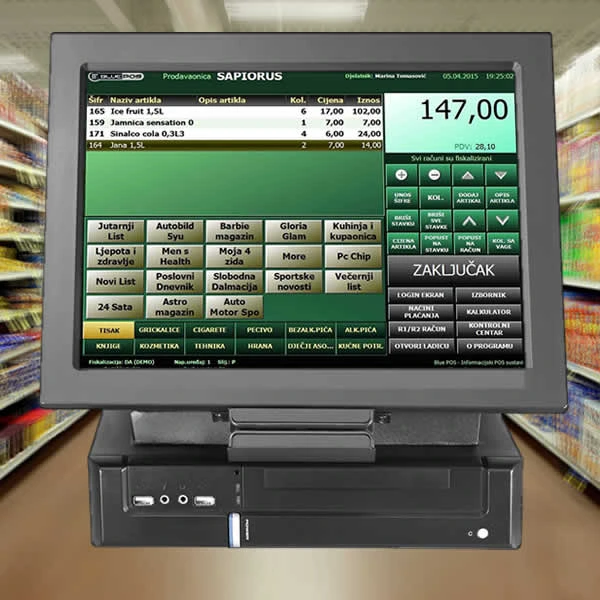
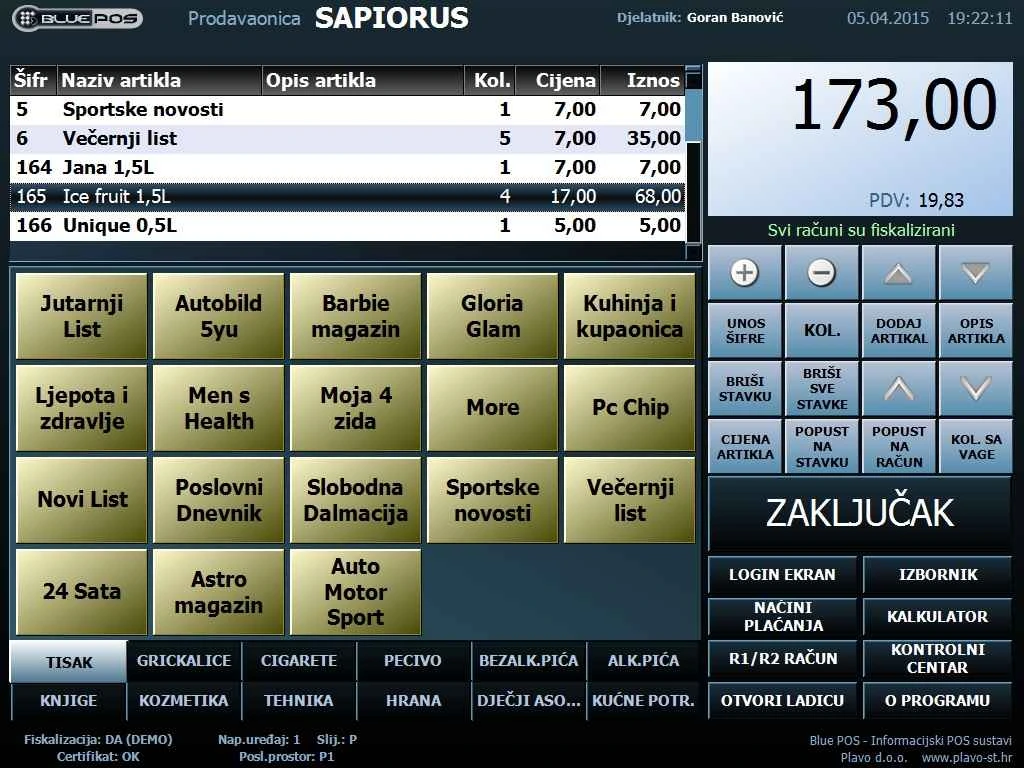
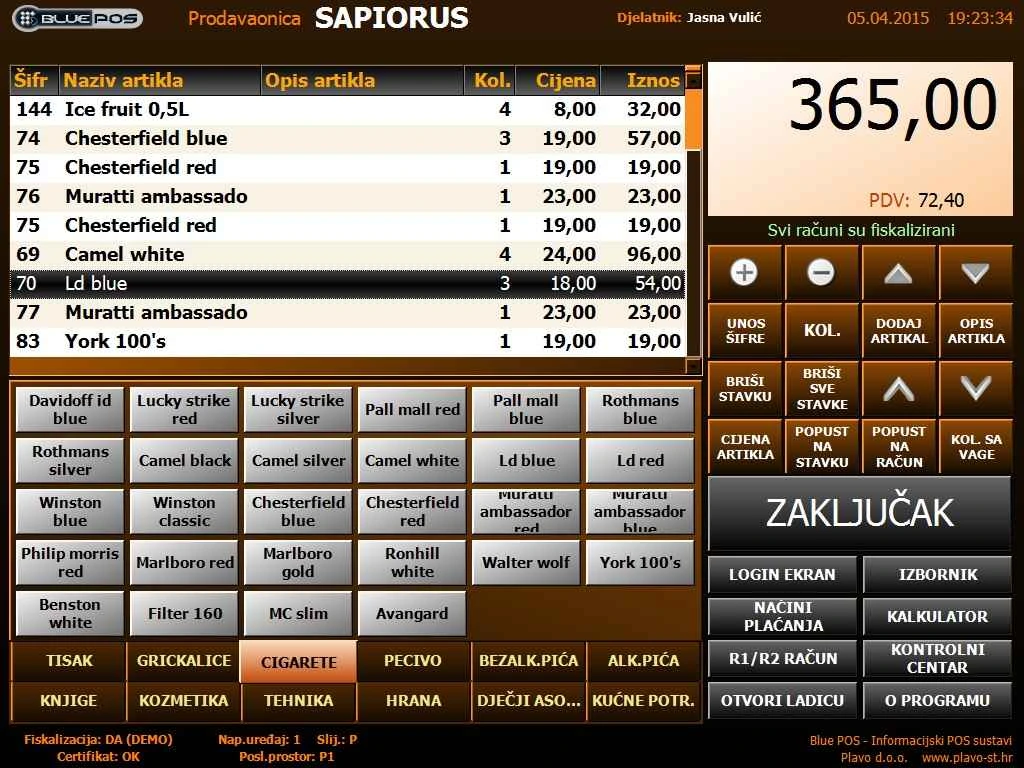
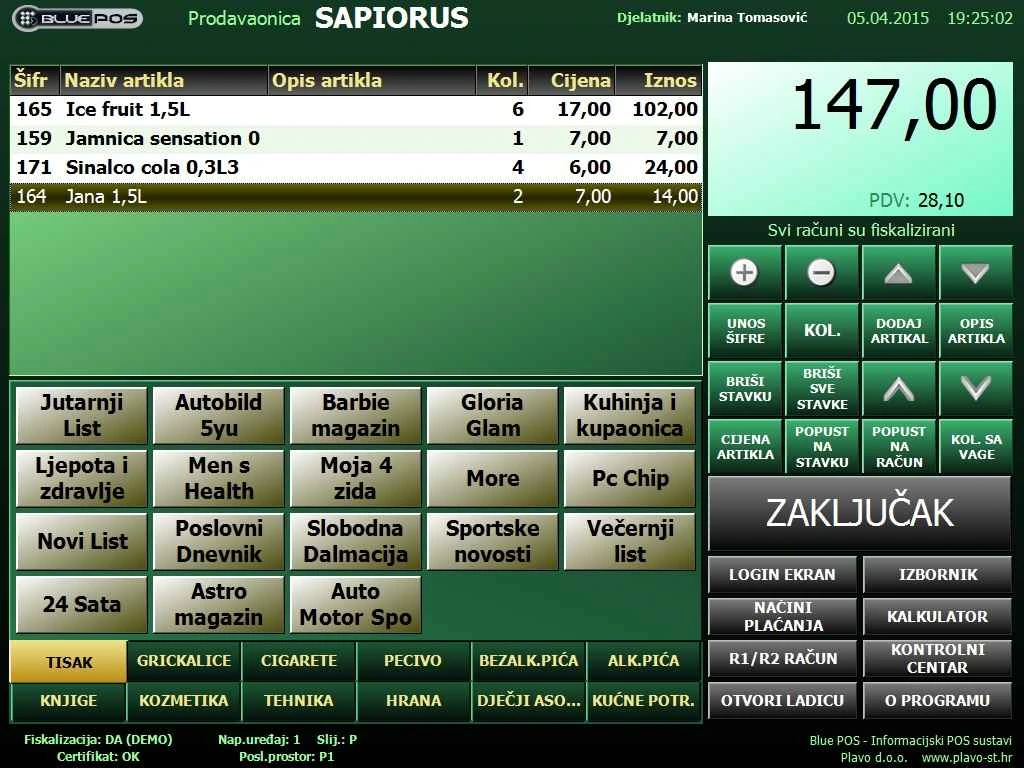
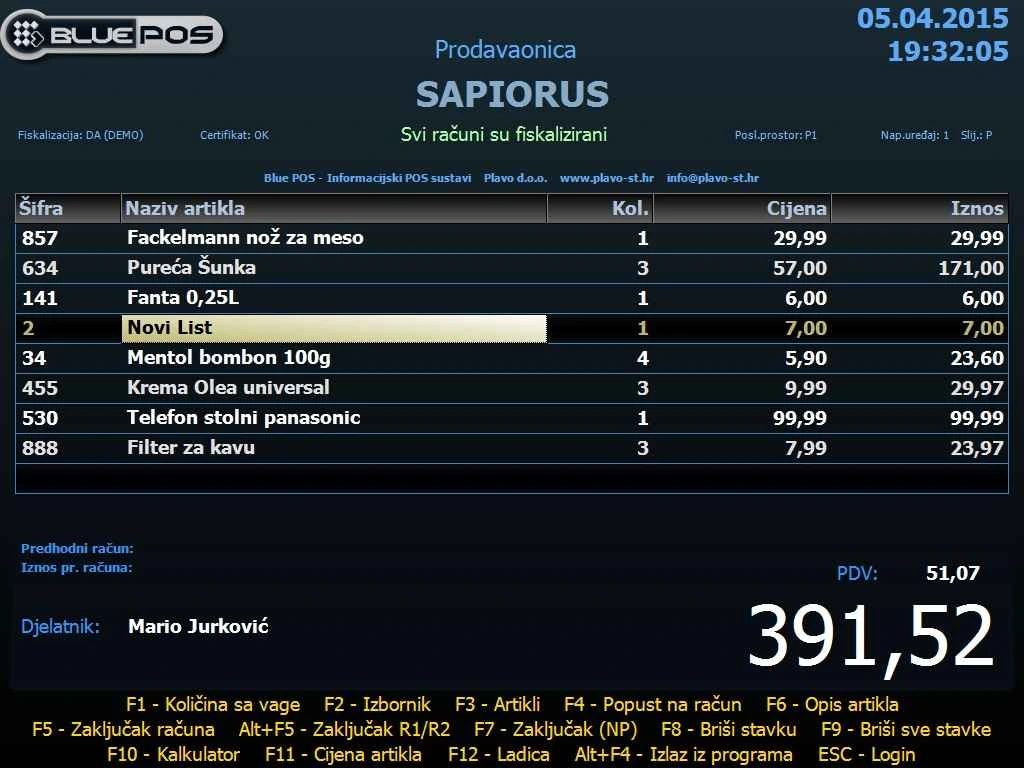
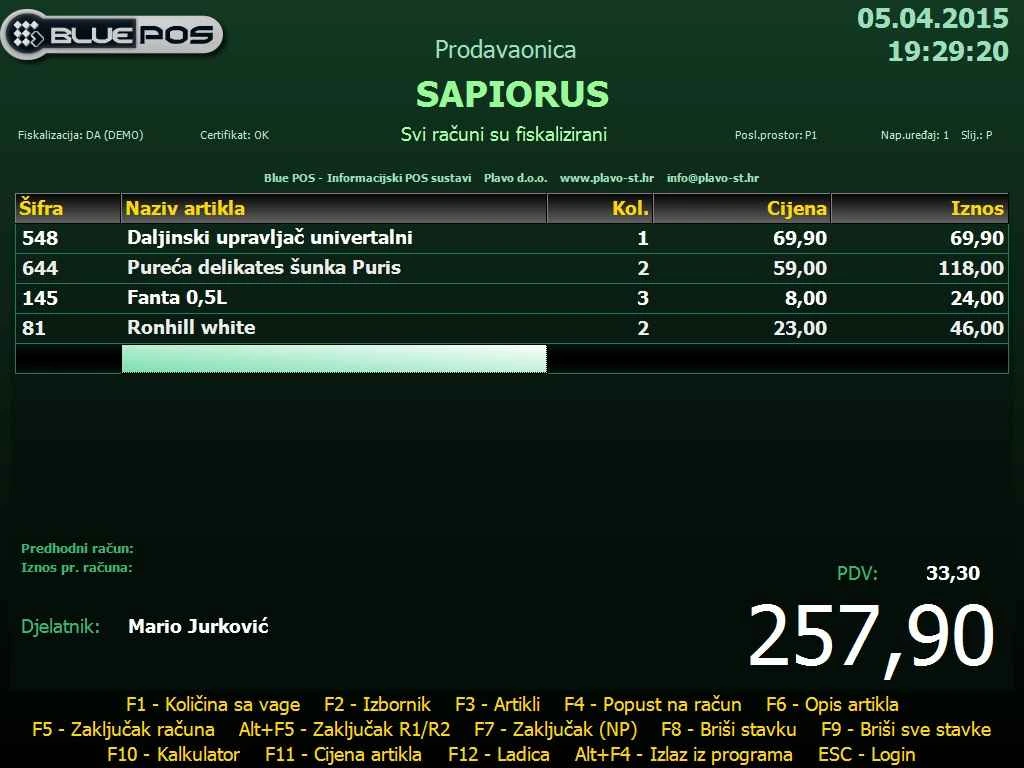
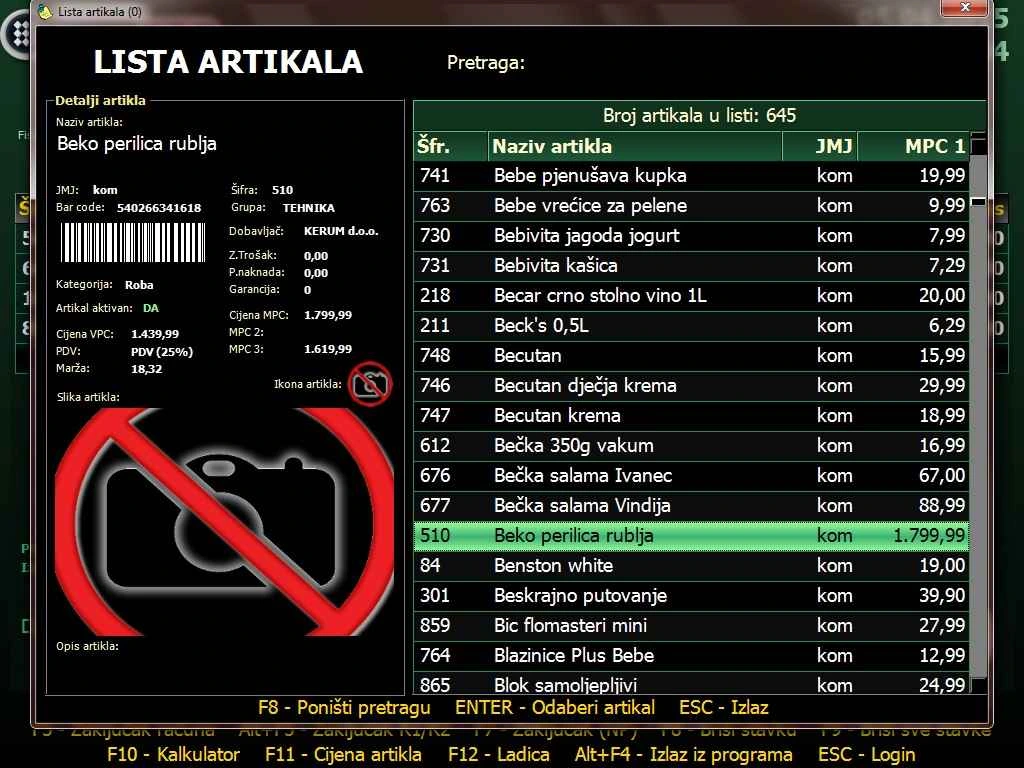
- Scan barcodes, maintain two price lists per item and discount an item or the full bill. Turn a quote into a receipt from within the application.
- Issue receipts in euros and add customer details as needed. Record cash, card and bank transfer payments, and calculate change at checkout.
- Customise receipts with a logo and barcode. Connect a POS printer via COM, LPT or USB and add an optional LED customer display.
Staff and networked tills
- Set separate staff and administrator permissions. Passcode or RFID sign-in provides audible feedback, and automatic sign-in is configurable. Administrators can review staff activity.
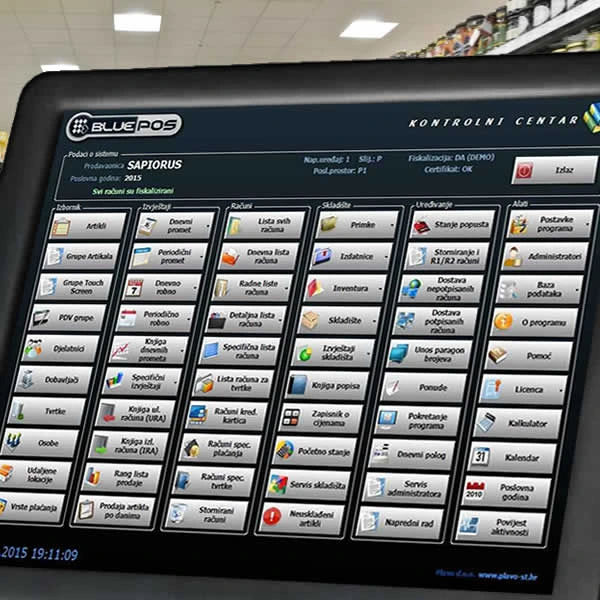
- Standard Windows and touchscreen tills can share a central server running Microsoft SQL Server Express. Managers can review data from the back office or remotely while tills are in use.
- Adjust touchscreen button colours and sizes and customise the interface. The application supports financial year rollover and bulk VAT rate updates. Electronic and printed manuals are available.
Items and inventory
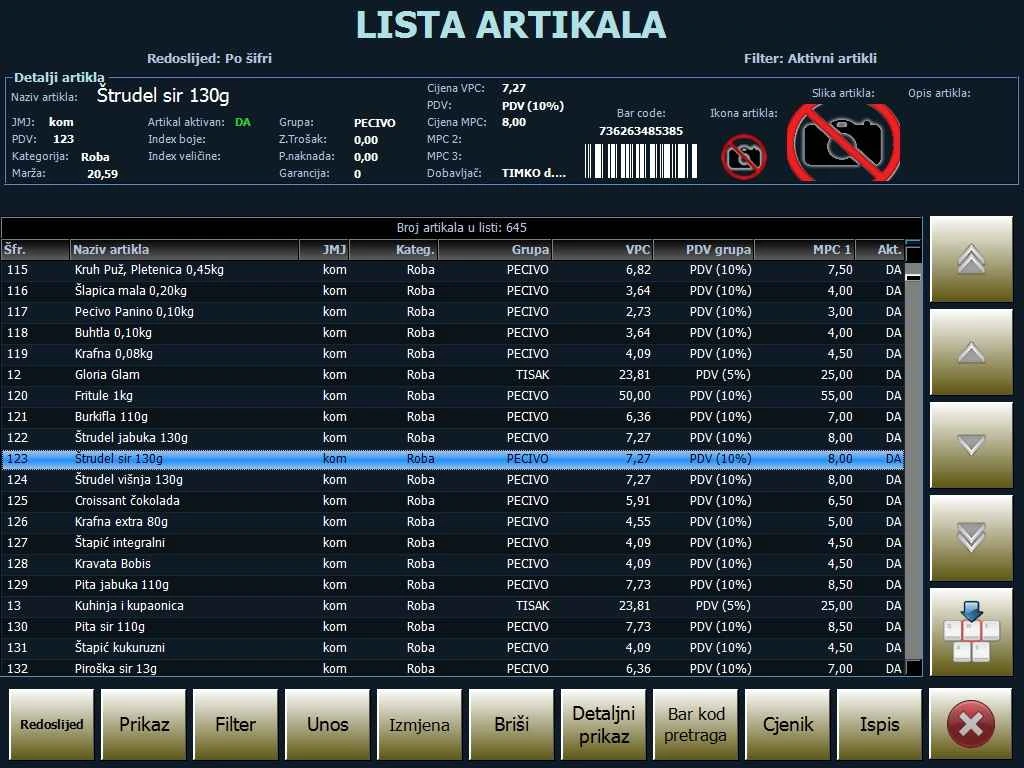
- Maintain item, supplier, company and contact records. Group items to track sales and stock separately.
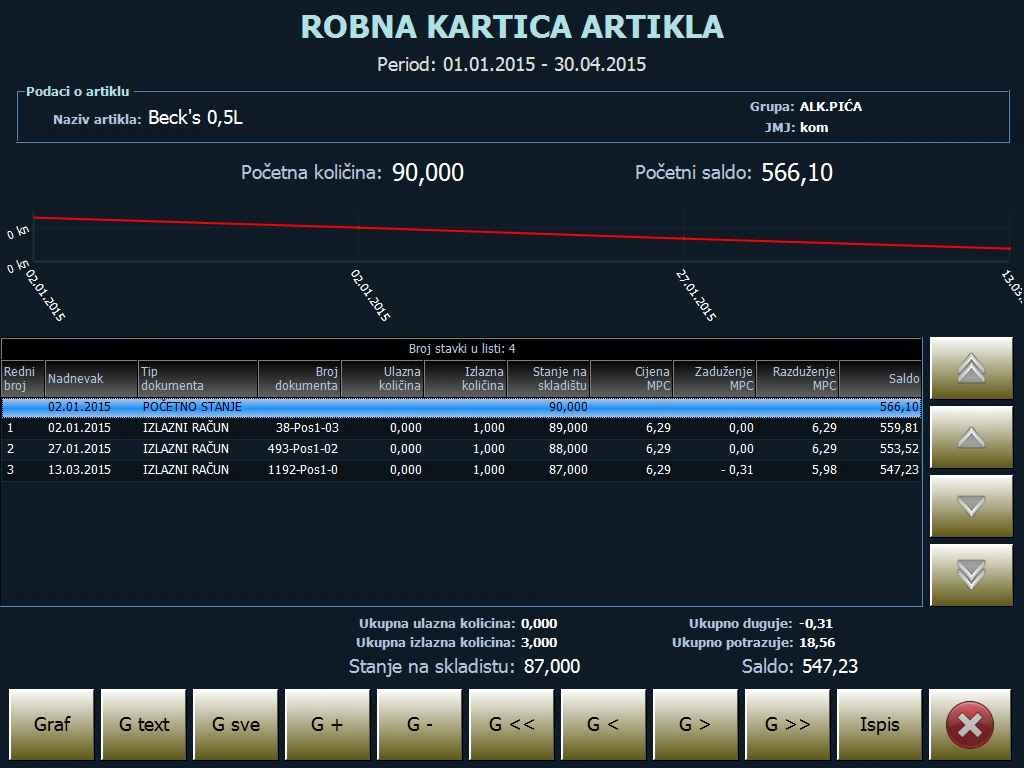
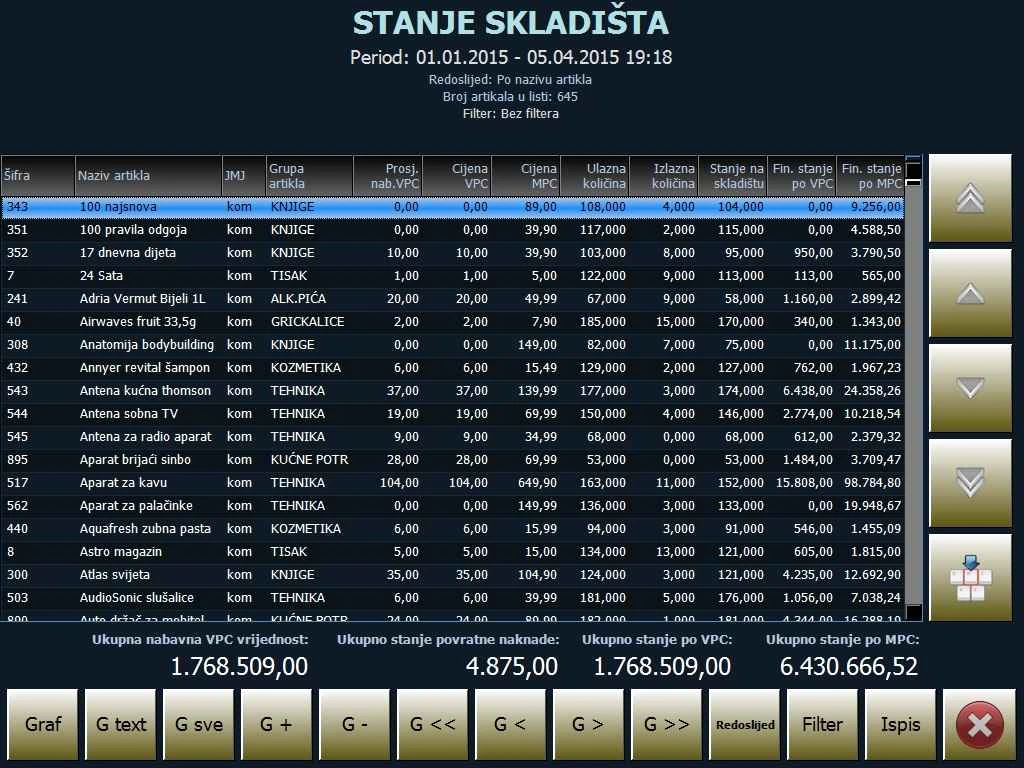
- In the stock-enabled edition, record goods receipts, stock issues, stocktakes and price changes. Review current stock or balances as of a selected date and time.
- Review item costing, the inventory register, stock movement records, summaries of receipts and issues, and item purchases and consumption for a selected period.
Sales and reports
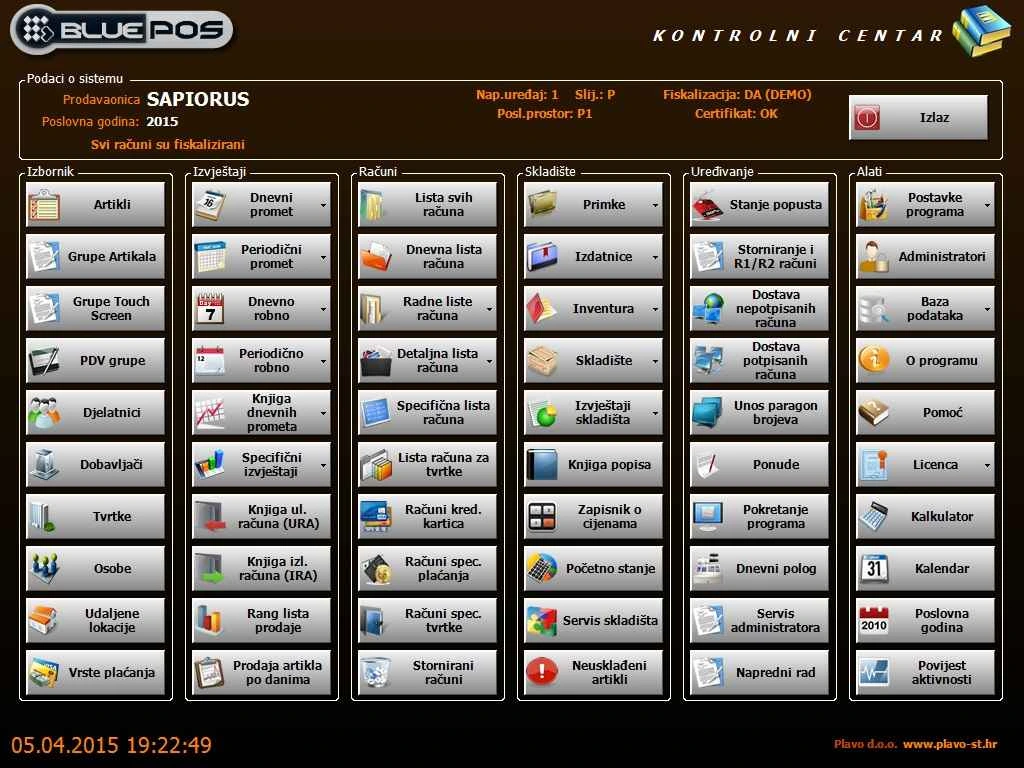
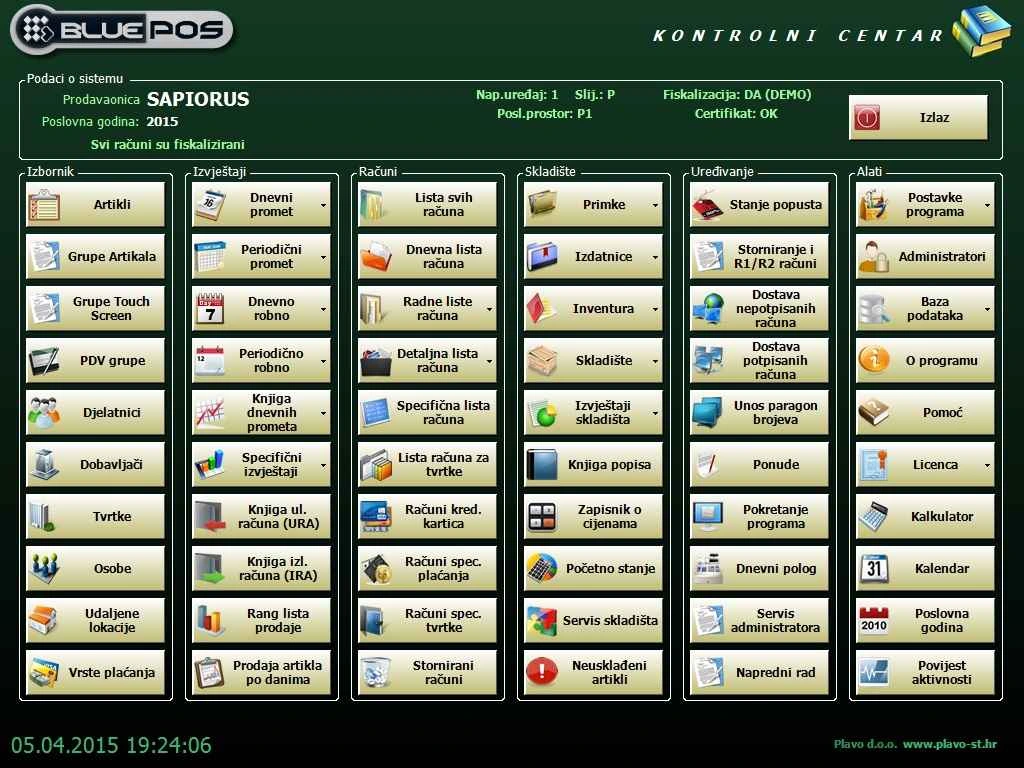
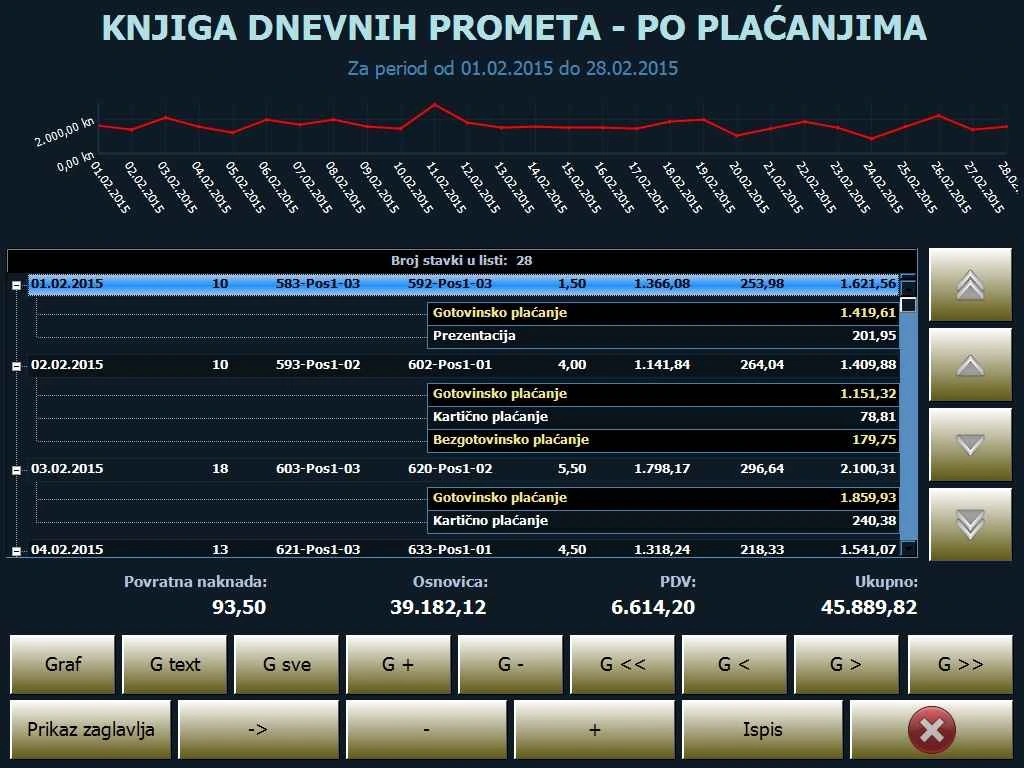
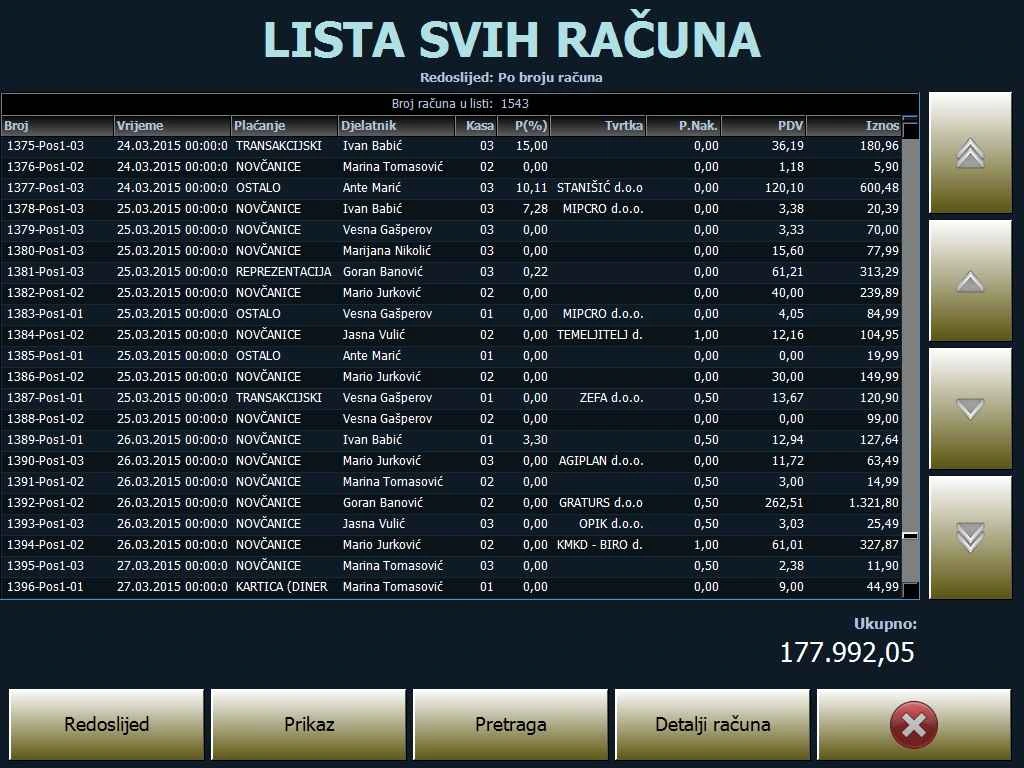
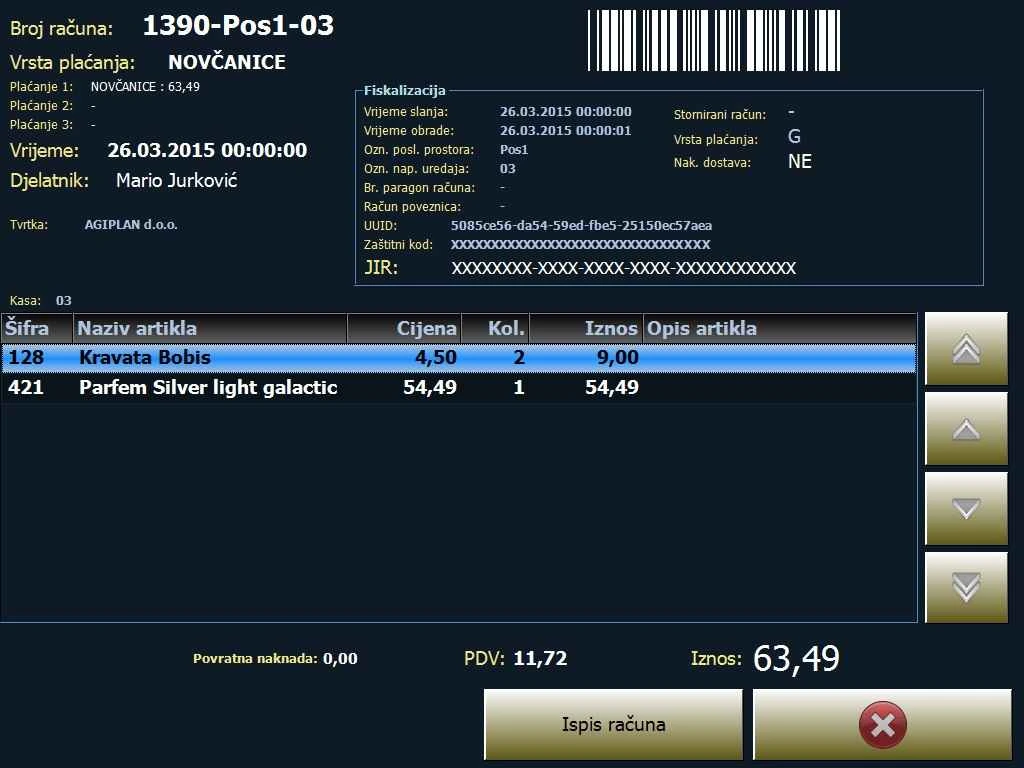
- Review daily and yearly receipts, voided receipts, card receipts and bank transfers, including transfers by company. Filter by employee, customer, till, item, payment method and period.
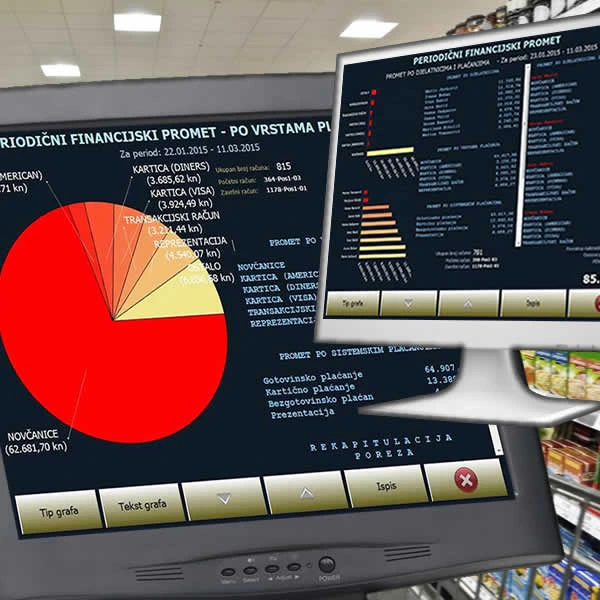
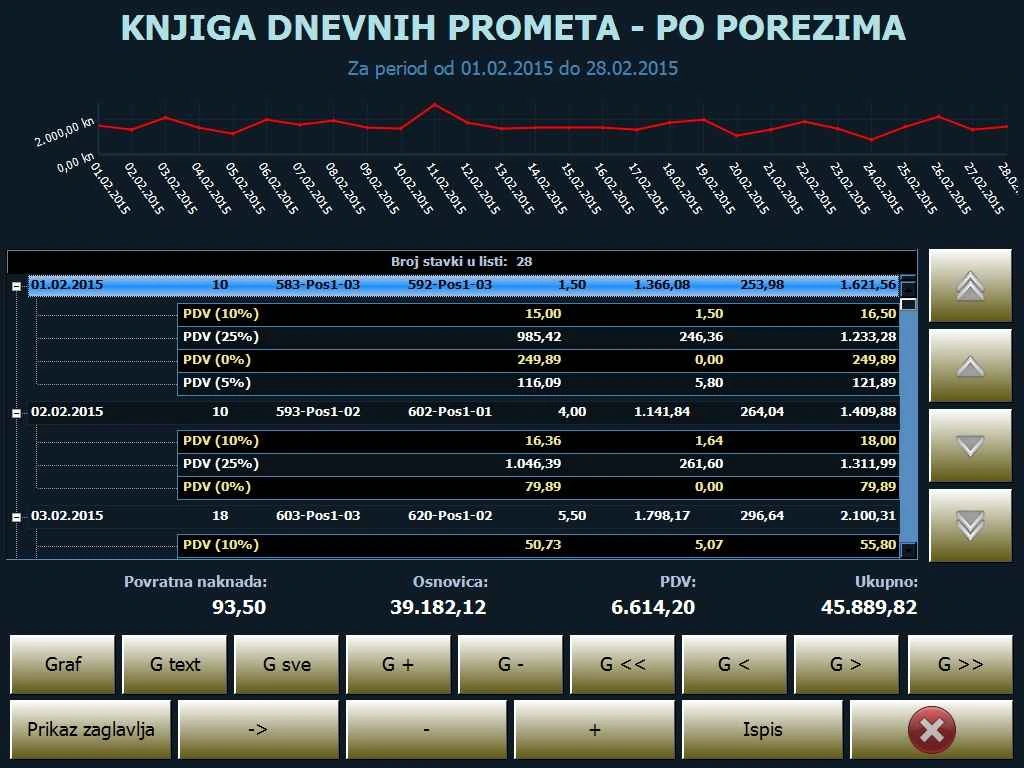
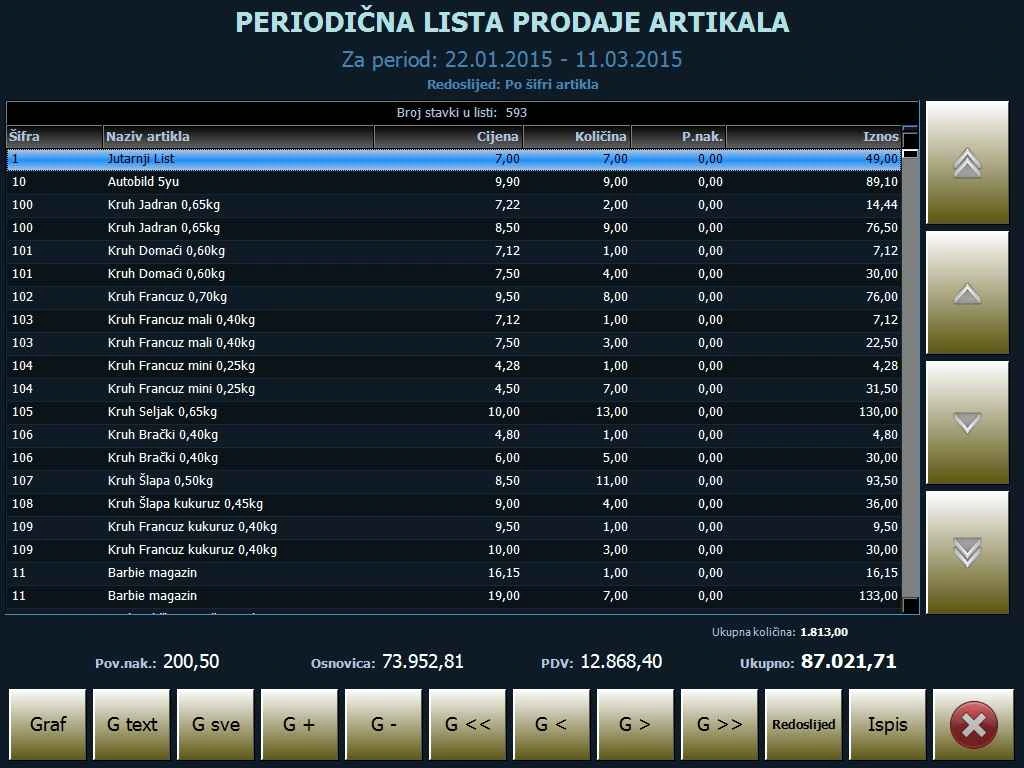
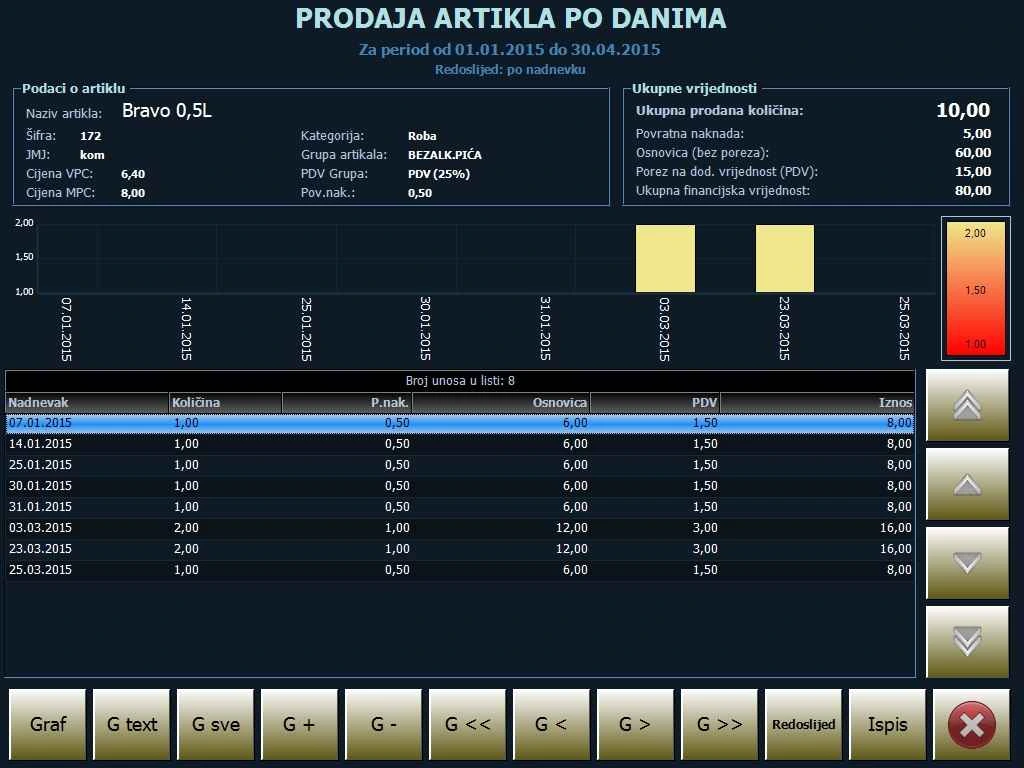
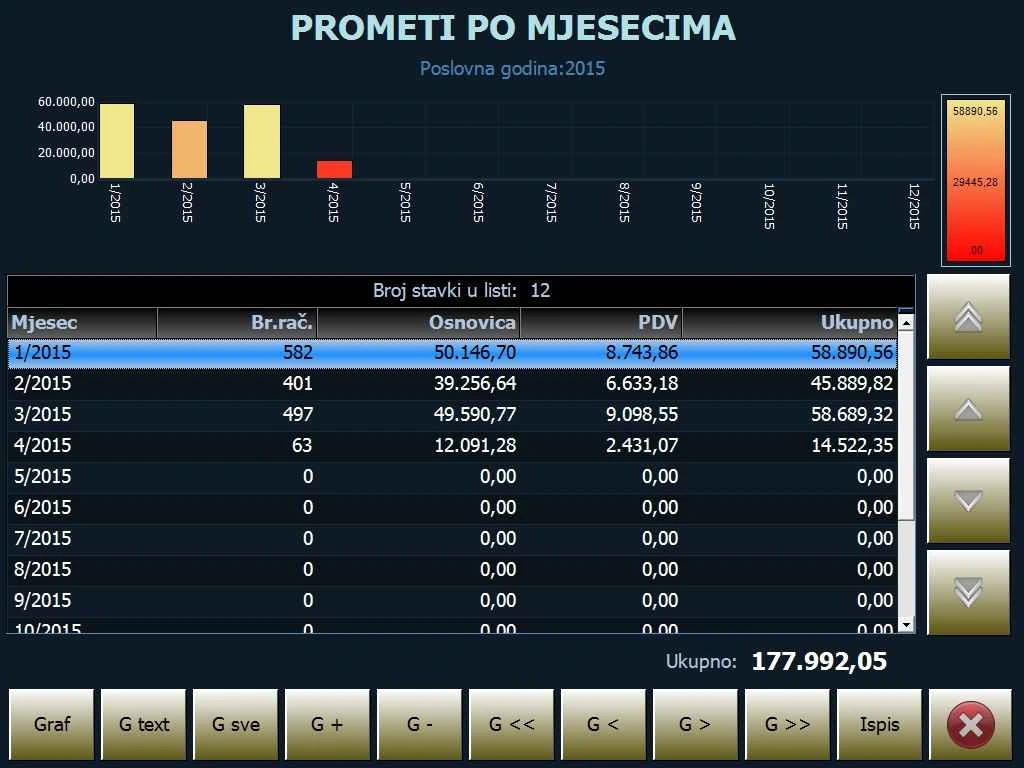
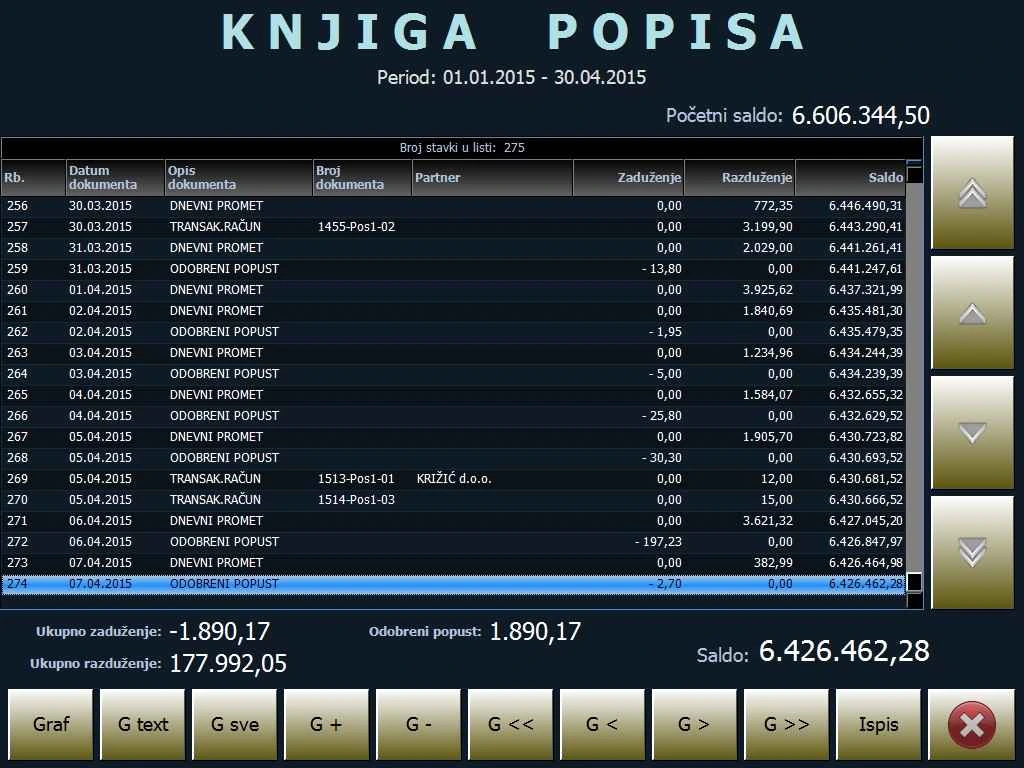
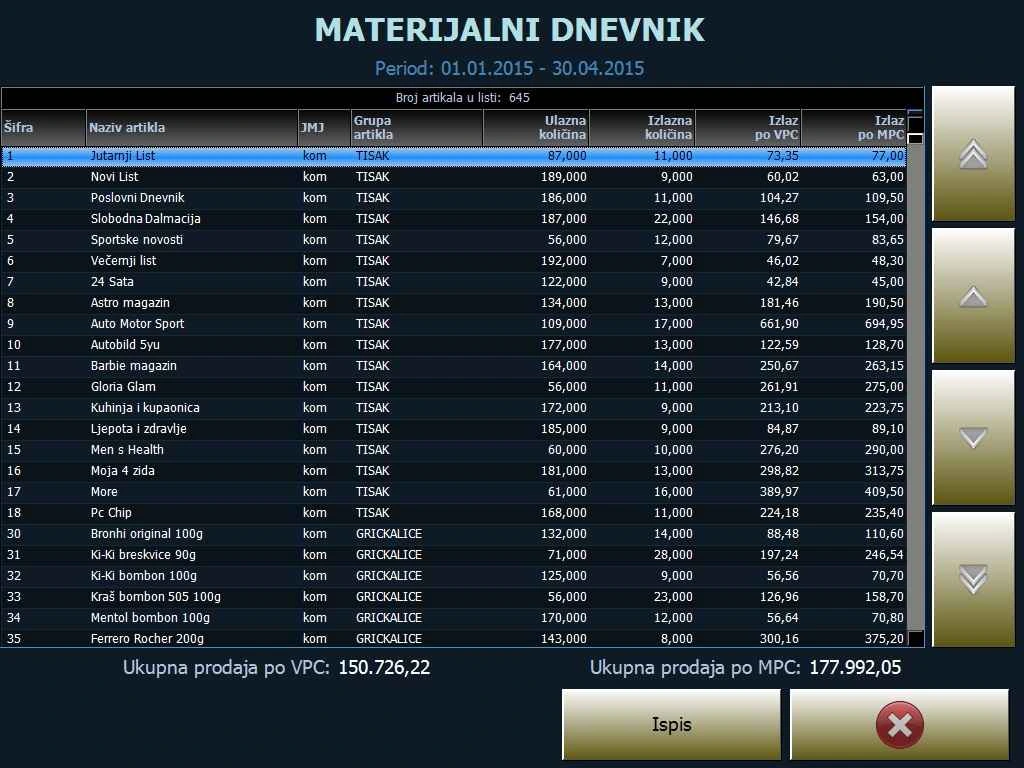
- Track daily and periodic turnover by till, employee, payment method, item group and VAT group. View inventory sales reports, item rankings, hourly sales, daily turnover and profit.
- Review purchase and sales invoice registers (URA and IRA), daily cash deposits, till opening times and staff activity.
- View reports as tables or charts, print to POS or A4, or export to PDF or Excel. Send financial and inventory reports by email and financial summaries by SMS.
Blue POS Retail gallery

Time and attendance
Record staff arrivals and departures and review logged hours.
Features
Clock-in, clock-out and review
- For a quote, tell us how many employees and locations you have, who records attendance and who reviews hours. We can discuss whether records from several locations need to be combined.
BlueQR digital menu
Explore BlueQR and see the screenshotsGuests scan the QR code to open the menu in their browser. They can search the menu, browse categories and filter by allergen. The same QR code always opens the current published menu.
Features
Menu editing and BluePOS integration
- Enter items manually, import them from Excel or use the Windows connector to transfer items and prices from BluePOS. Review changes before publishing.
- Manage categories, photos, allergens, price variants and promotions. In addition to Croatian, you can enable English, Italian and German.
Design and placement
- Customise the menu with your logo and colours. Download a QR code or prepare a print layout for tables or counters, with an optional guest Wi-Fi code.
- Manage several venues in one account and export the menu as a PDF or Excel file.
What equipment should I plan for?
Start with the number of tills and receipt printers you need. If staff take orders at tables or work from several counters, tell us how orders should move between the tables, counter and kitchen.
Request a quote for your venue
Tell us how many tills and locations you have, what equipment you already use and what you need for fiscalisation. We can discuss software, equipment and installation for your venue.
Request a Blue POS quote