
Produx – business software for a wide range of industries
Produx is modular software for small and midsize businesses. Start with the modules you need and add others as your business grows. Teams at multiple locations can work with one shared database.
Ask about ProduxProdux modules
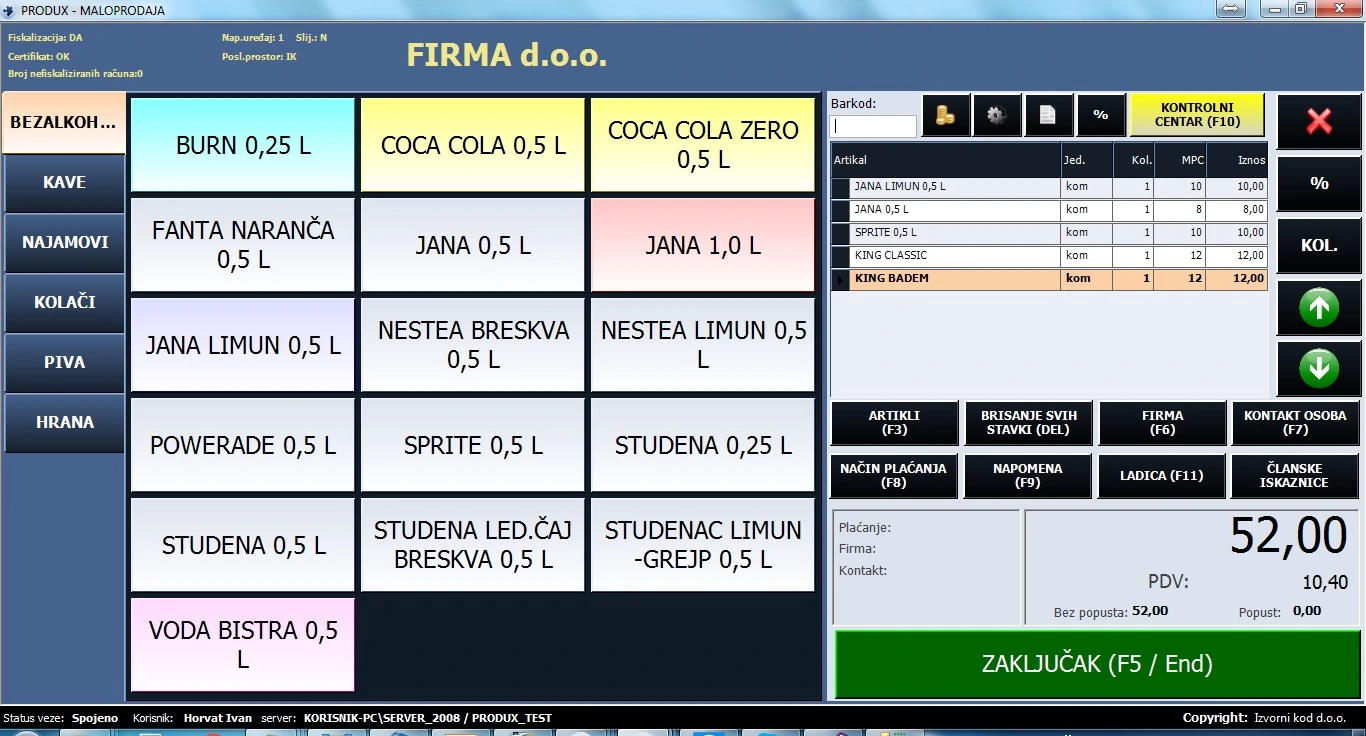
Touchscreen fiscal till
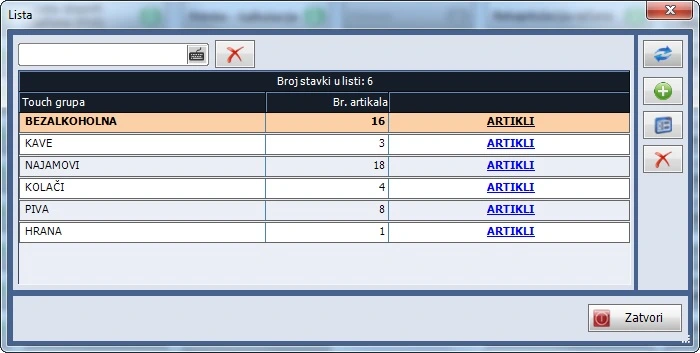
A touchscreen checkout interface. The screenshot shows the product buttons used at the till.
Features
Touchscreen checkout and Control Centre
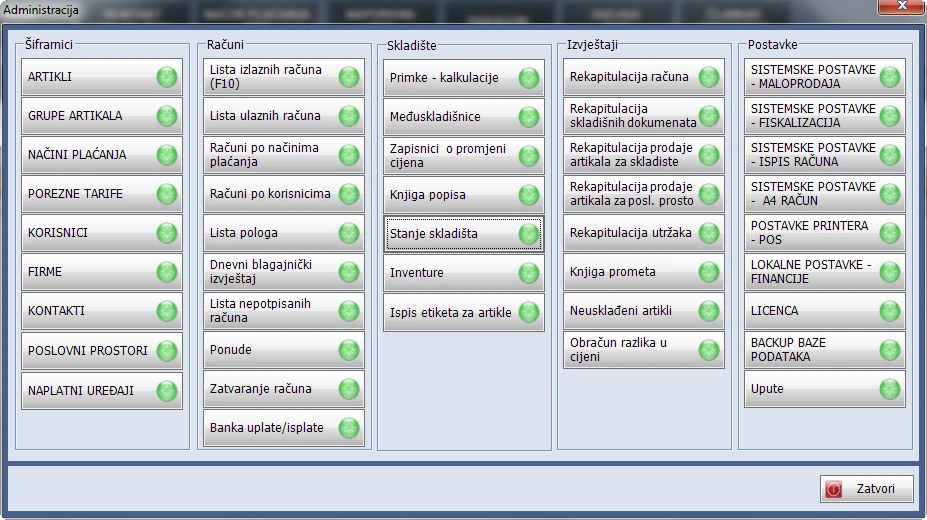
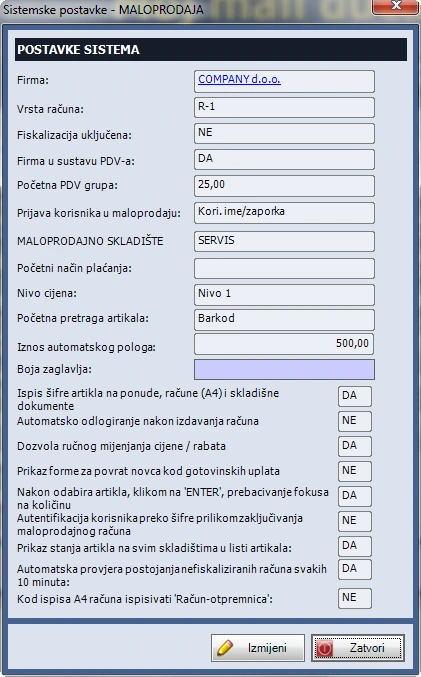
- At the till, staff select product groups and items on a touchscreen. The Control Centre manages items, taxes, payment methods, operators, business locations, fiscalisation settings, printers and reports.
Receipts and payments
- Fiscalisation of cash receipts, alerts for unsigned receipts and manual or automatic signing.
- Combine payment methods on one receipt, calculate change and print customer details.
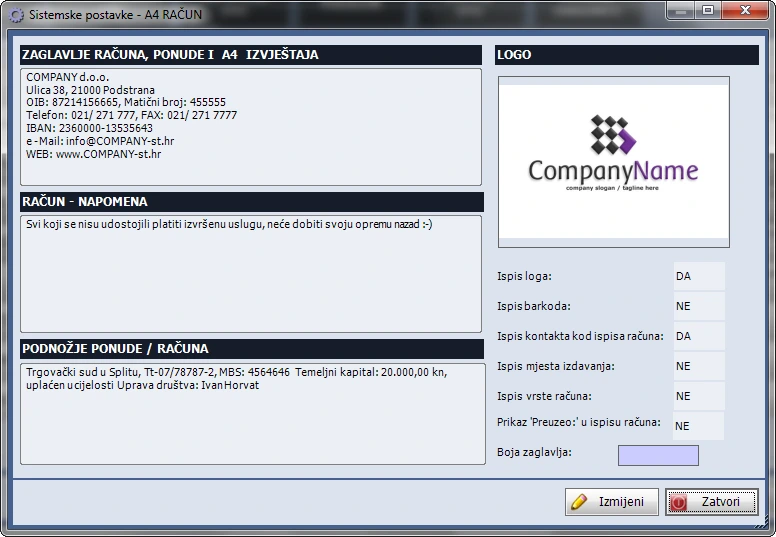
- Custom receipt layouts, POS, A4 or A5 printing, emailing a PDF, and duplicating or reversing receipts with a link to the original.
Items, pricing and discounts
- Enter items by barcode, code or name. Add items while creating a receipt, enter a custom description and adjust service prices.
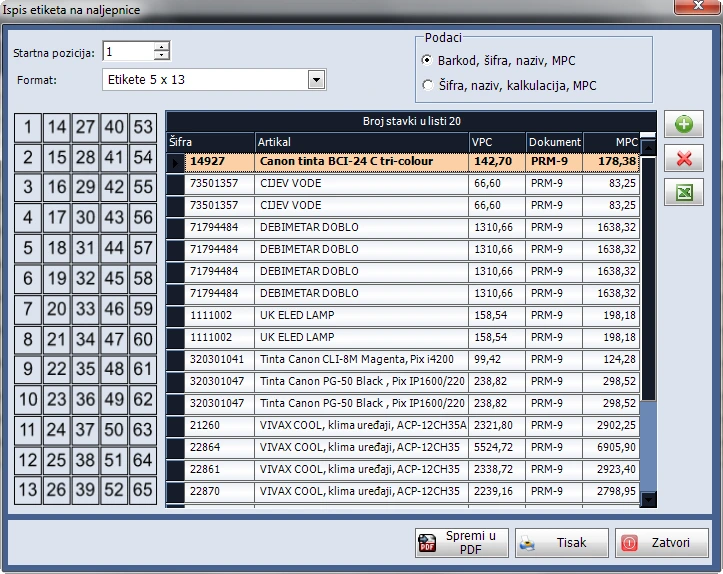
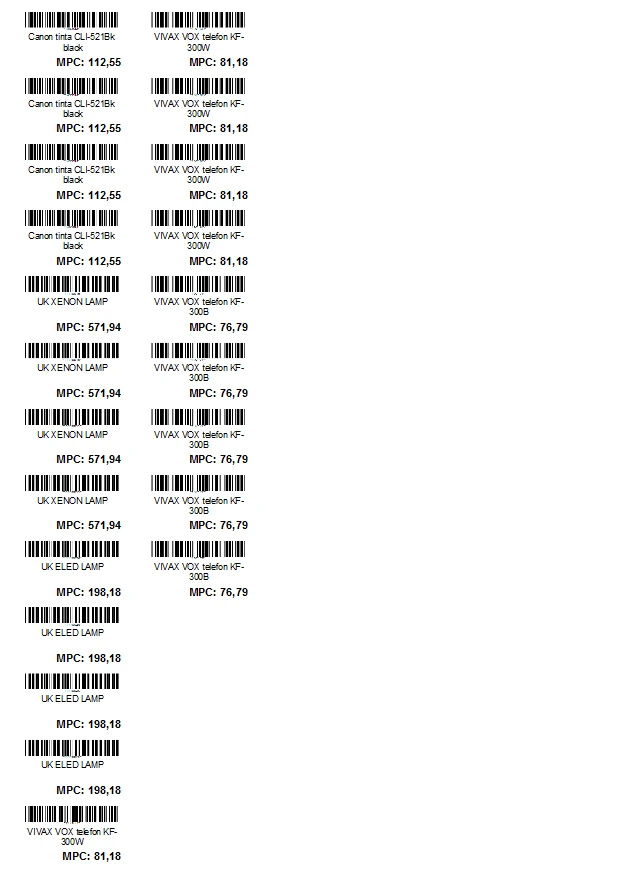
- Apply line discounts as a percentage or a final price. The catalogue supports four price levels, groups and subgroups, Excel import and barcode labels.
Tills, operators and locations
- Use networked tills across locations, identify operators at checkout and configure automatic sign-out.
- Set a default payment method, view the latest receipt and cash balance, and track daily deposits.
Reports and sales review
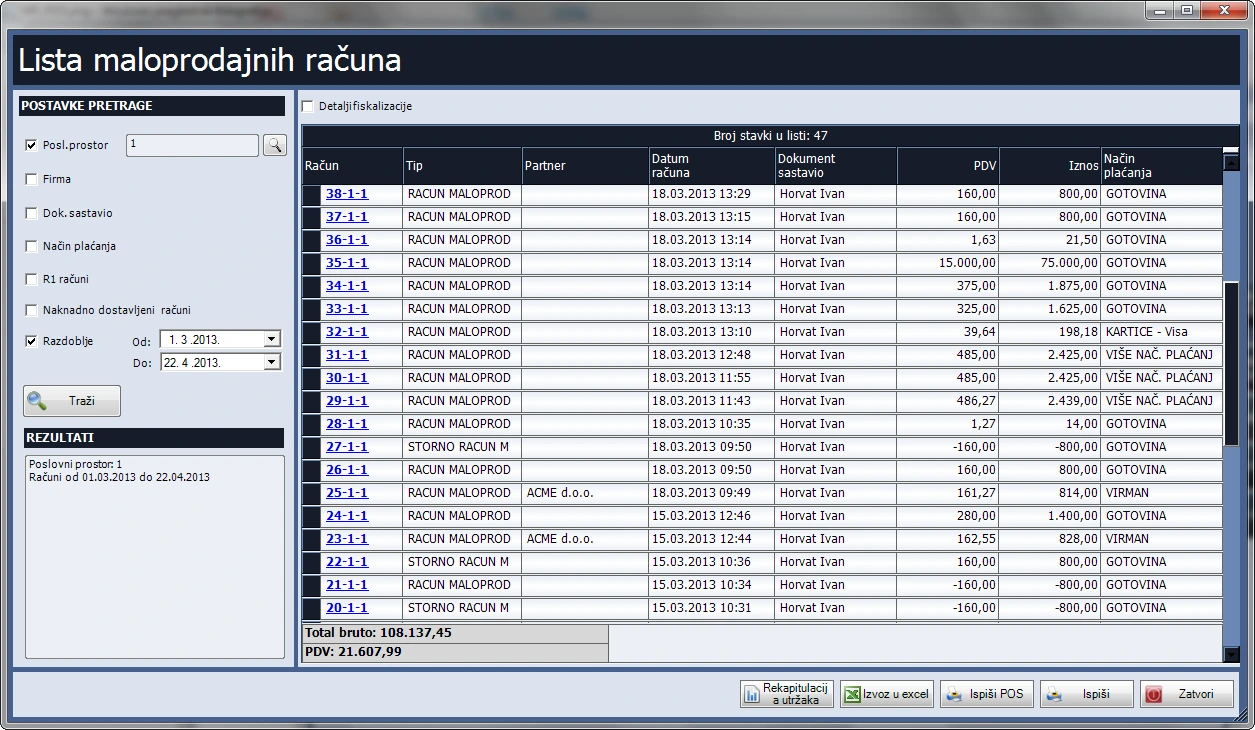
- Filter receipts by location, date range, customer, operator and payment method. Batch print receipts or export the list to Excel.
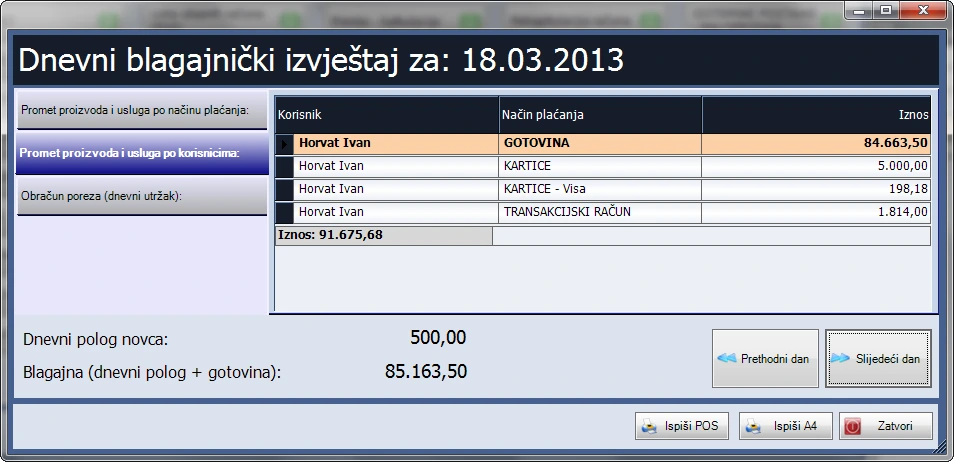
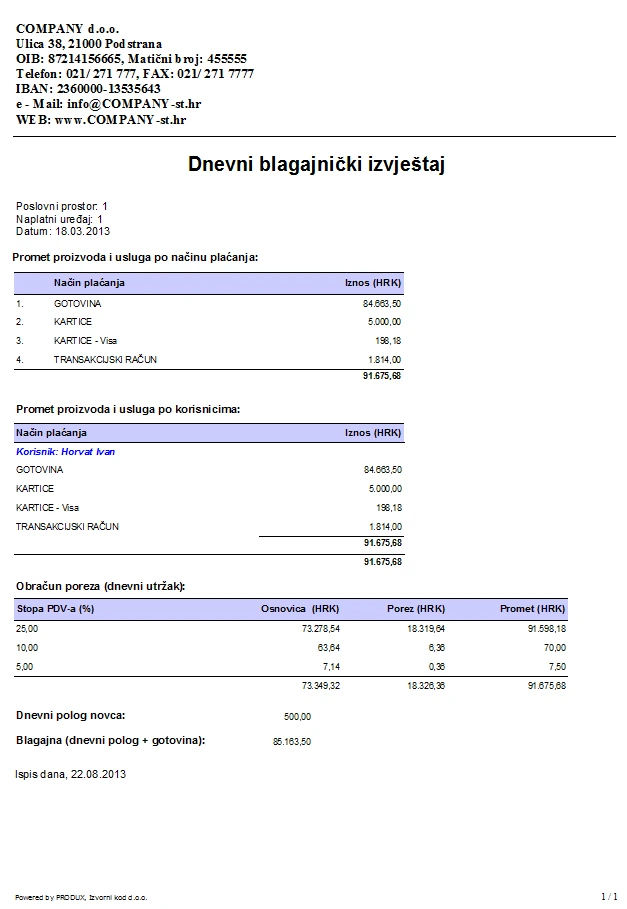
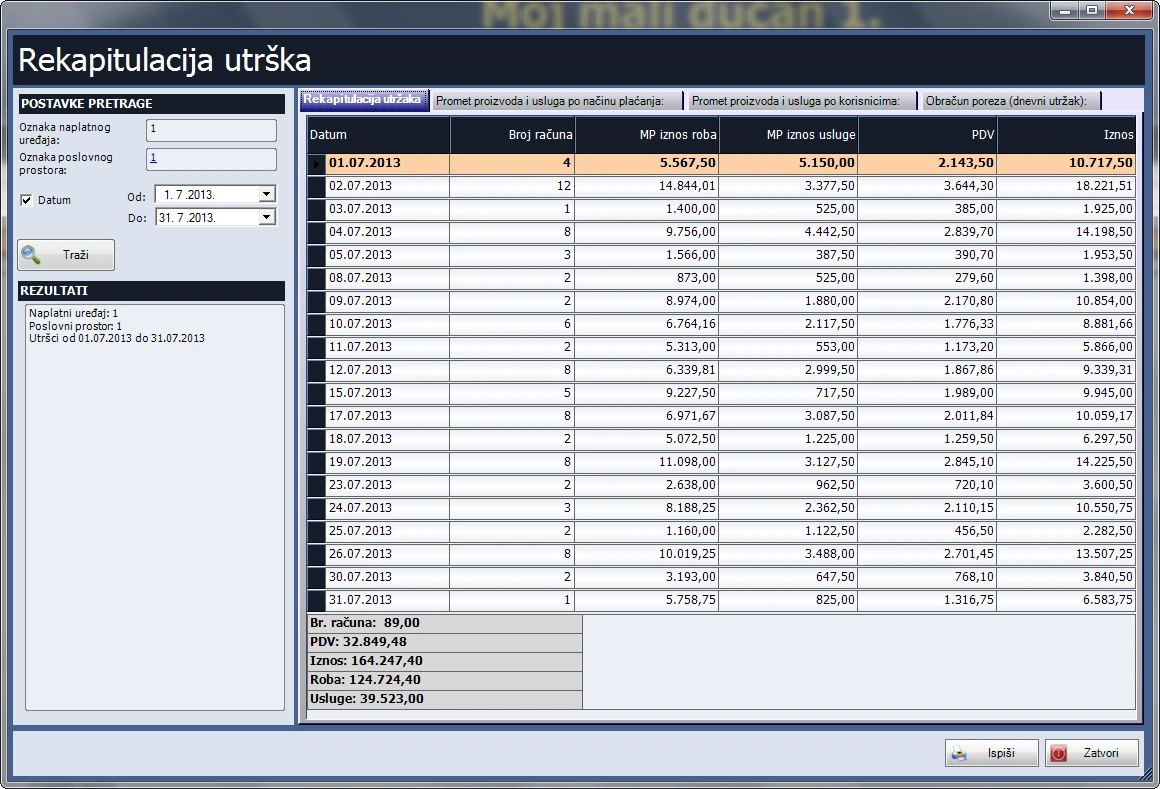
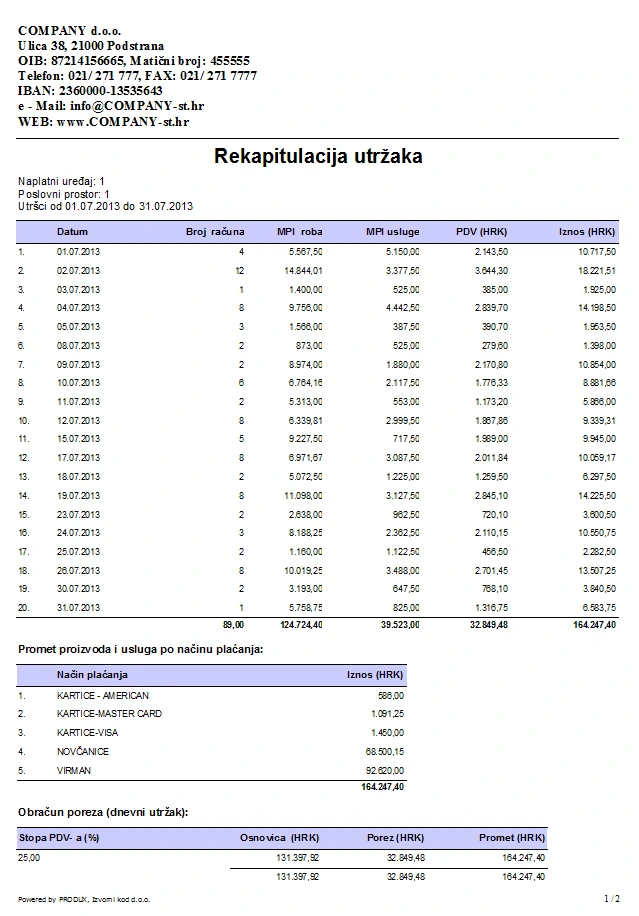
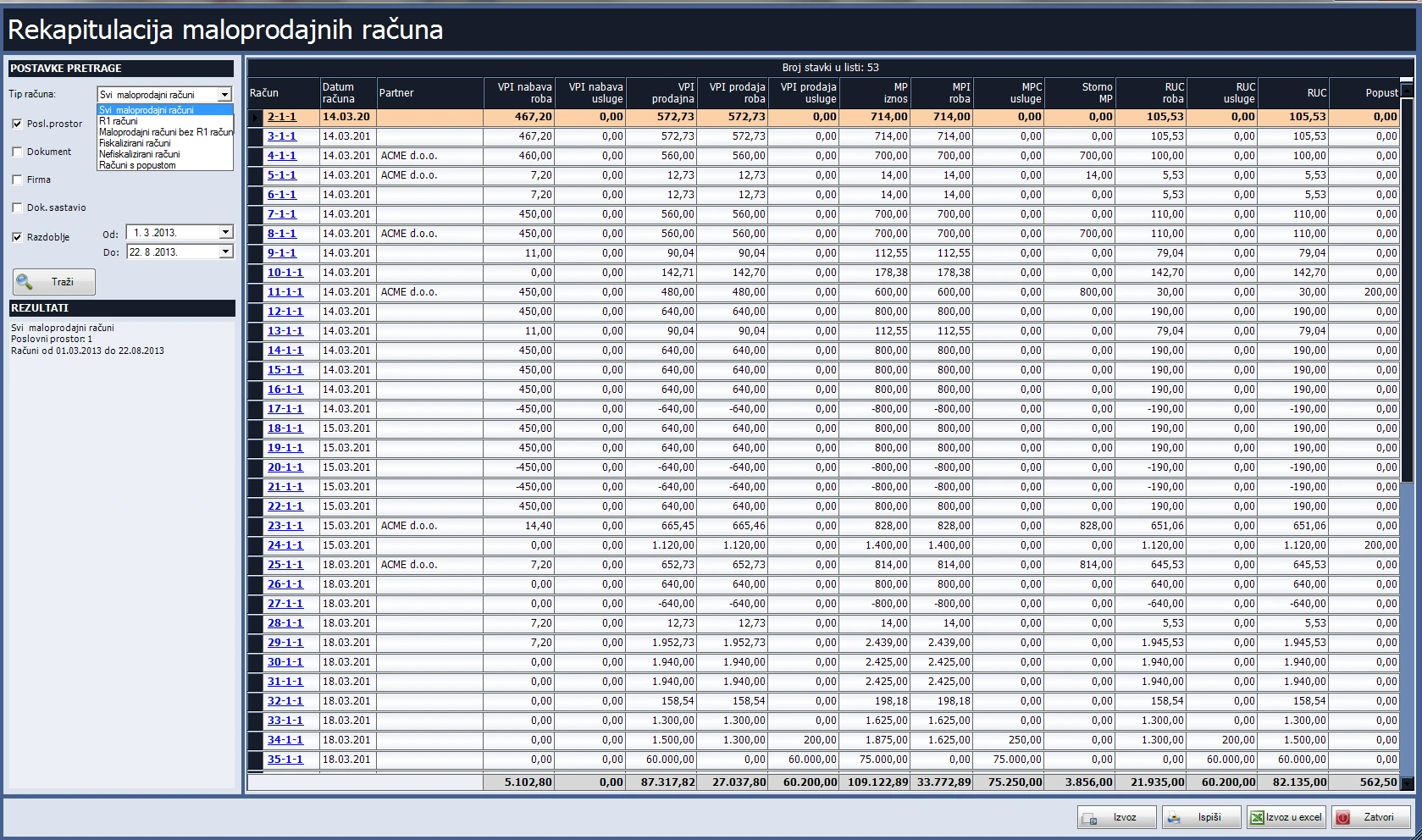
- Review daily cash reports and summaries of sales, taxes, deposits and margins. Print reports or save them as PDFs.
Inventory with the Stock module
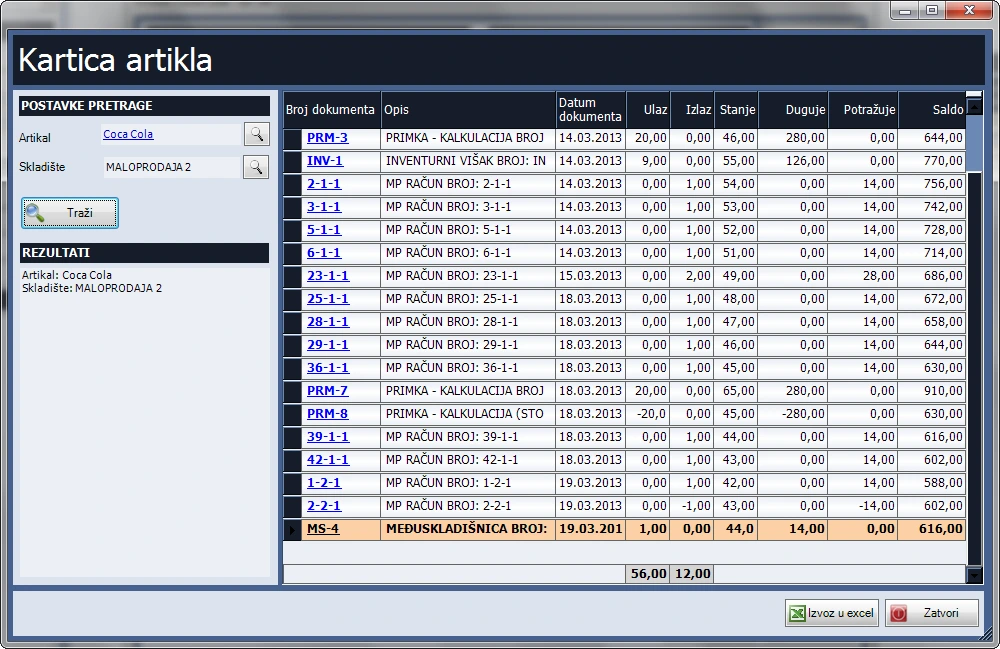
- View availability and item movements by warehouse. Highlight items with zero or negative stock.
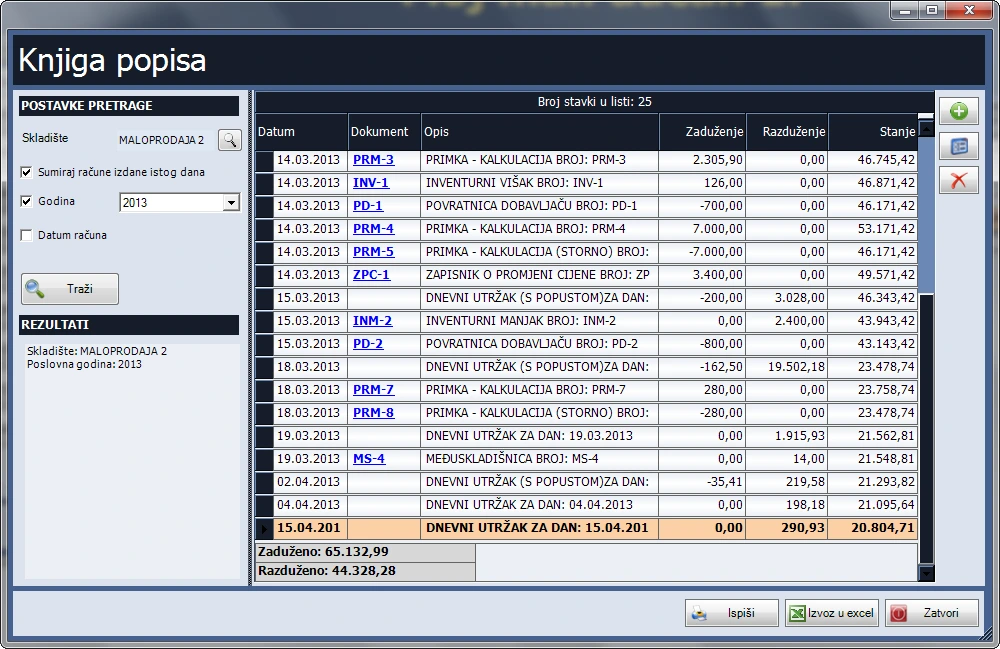
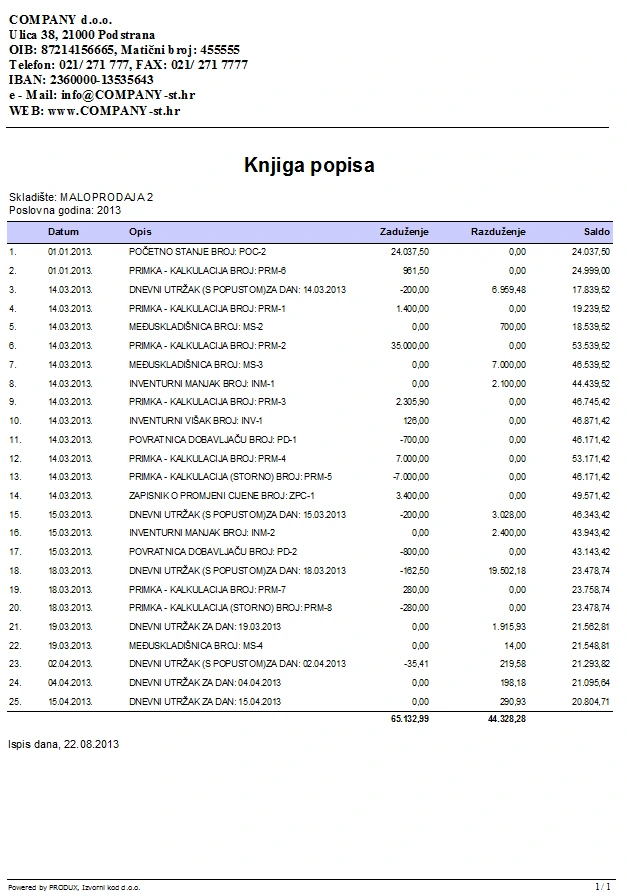
- Import opening balances from Excel and record receipts, issues, dispatch notes, returns and stocktakes. Review stock movements, balances on a date and valuation discrepancies.
- Print labels from receipts, allocate additional costs and record price changes.
Retail fiscal till
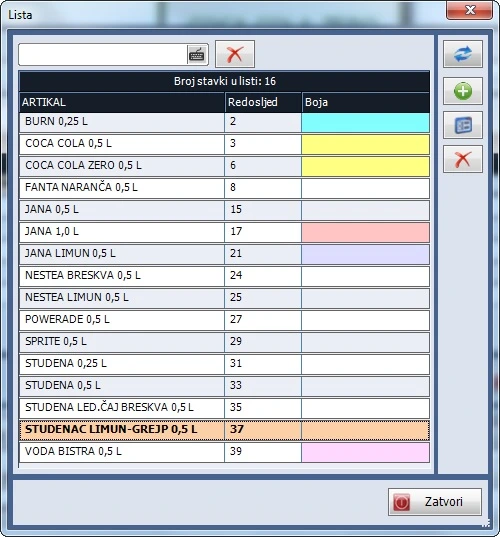
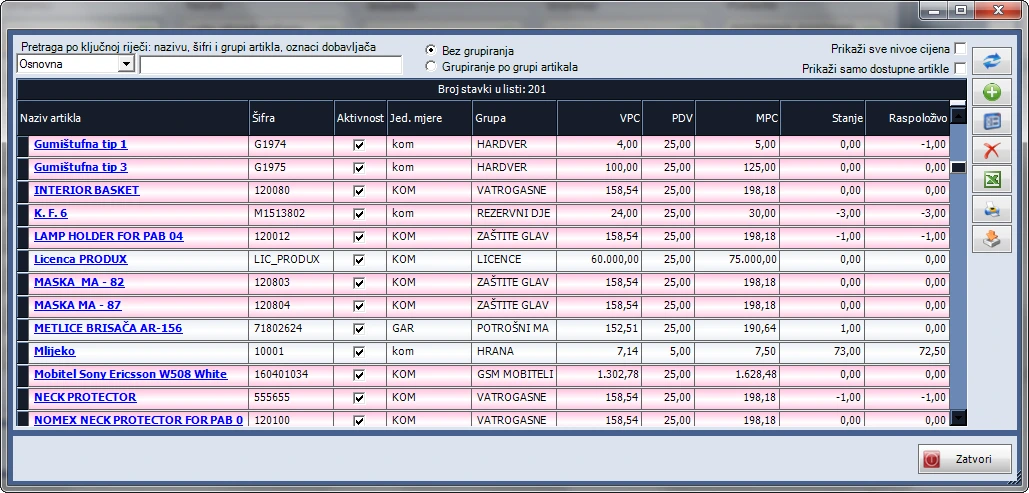
A retail checkout module. The screenshot shows the item list used to select products for a receipt.
Features
Receipts and payments
- Fiscalisation of cash receipts, alerts for unsigned receipts and manual or automatic signing.
- Combine payment methods on one receipt, calculate change and print customer details.
- Custom receipt layouts, POS, A4 or A5 printing, emailing a PDF, and duplicating or reversing receipts with a link to the original.
Items, pricing and discounts
- Enter items by barcode, code or name. Add items while creating a receipt, enter a custom description and adjust service prices.
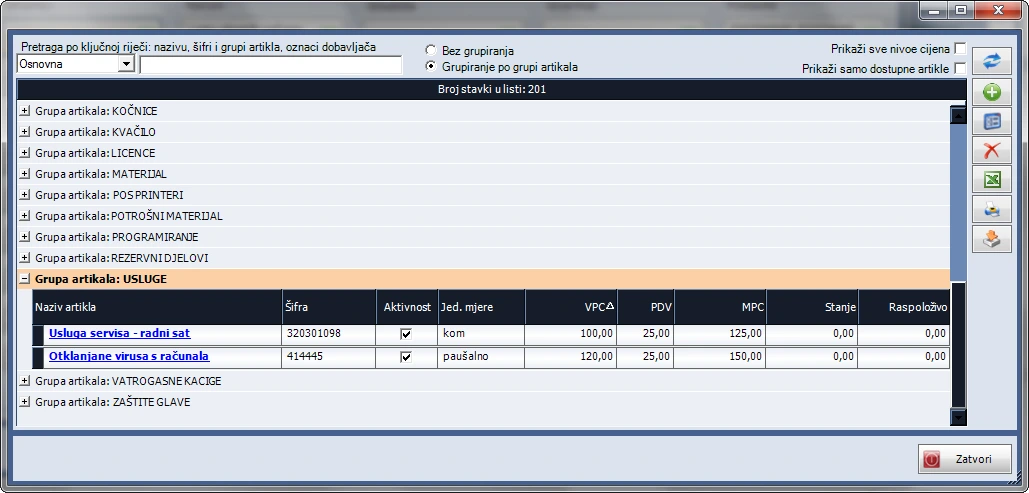
- Apply line discounts as a percentage or a final price. The catalogue supports four price levels, groups and subgroups, Excel import and barcode labels.
Tills, operators and locations
- Use networked tills across locations, identify operators at checkout and configure automatic sign-out.
- Set a default payment method, view the latest receipt and cash balance, and track daily deposits.
Reports and sales review
- Filter receipts by location, date range, customer, operator and payment method. Batch print receipts or export the list to Excel.
- Review daily cash reports and summaries of sales, taxes, deposits and margins. Print reports or save them as PDFs.
Inventory with the Stock module
- View availability and item movements by warehouse. Highlight items with zero or negative stock.
- Import opening balances from Excel and record receipts, issues, dispatch notes, returns and stocktakes. Review stock movements, balances on a date and valuation discrepancies.
- Print labels from receipts, allocate additional costs and record price changes.
Sales
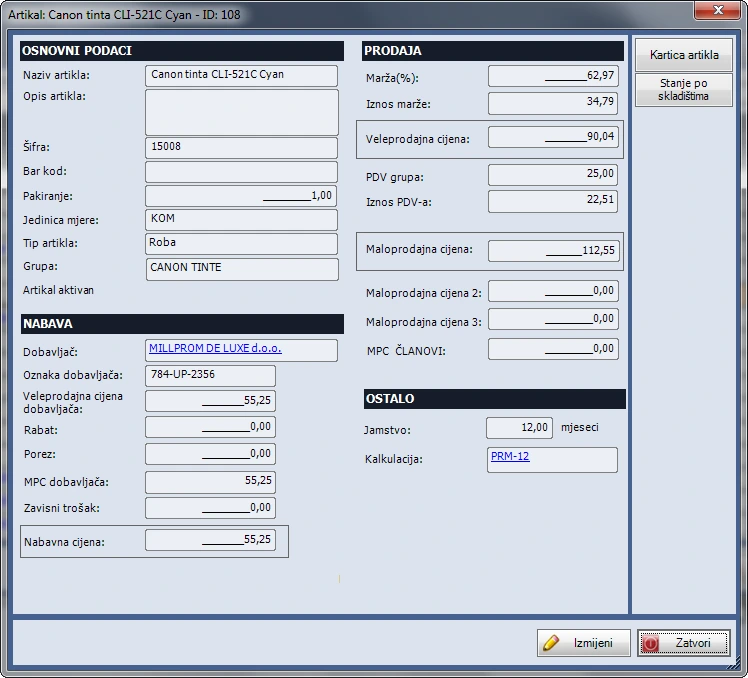
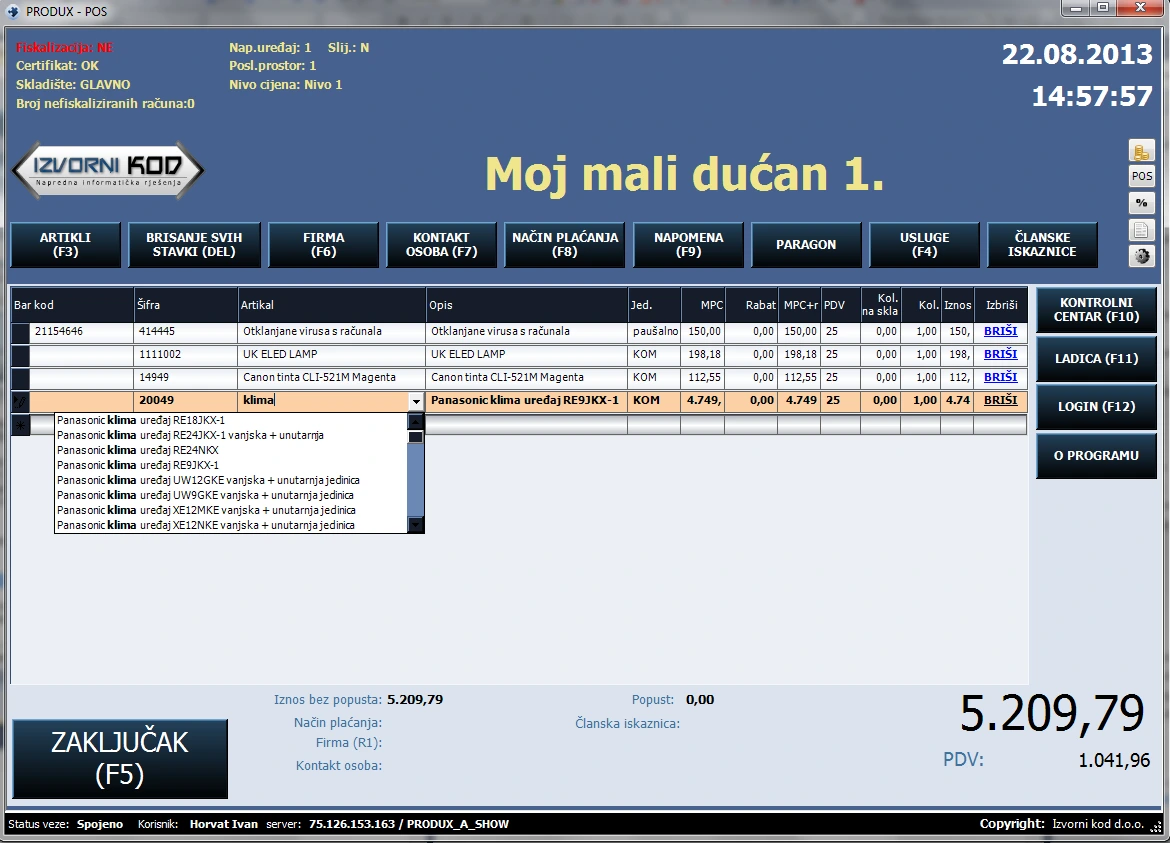
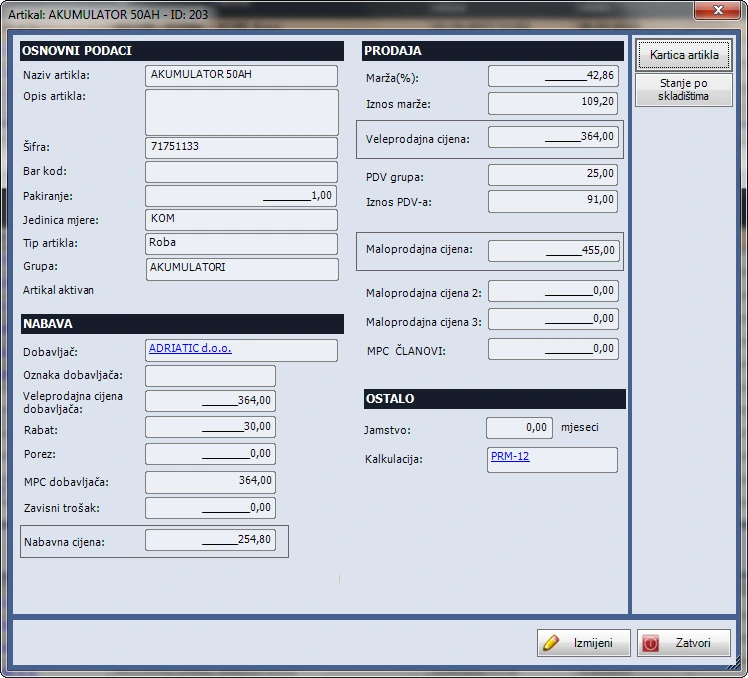
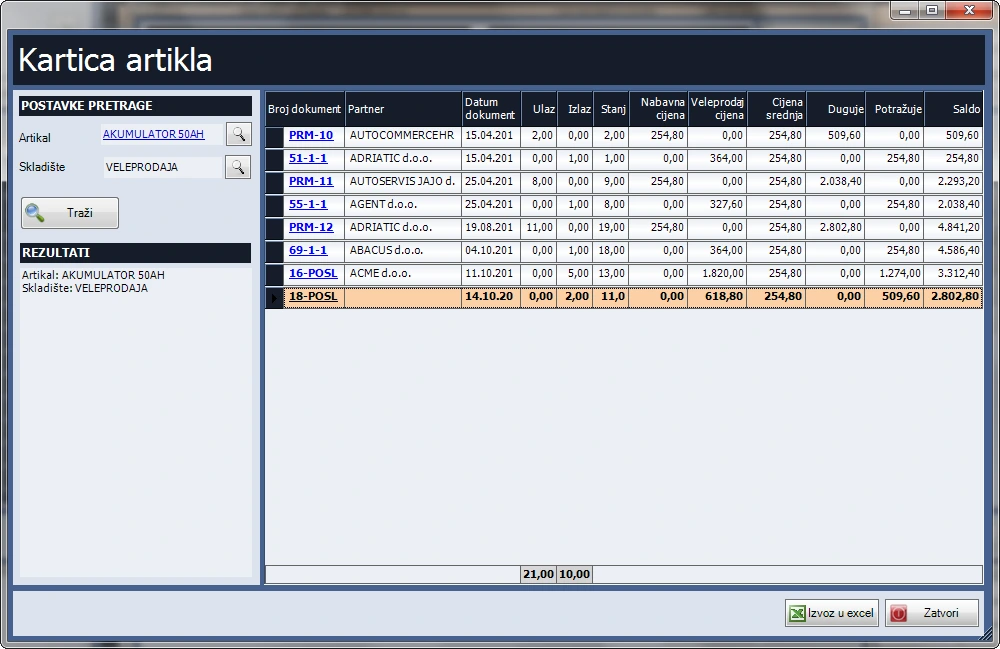
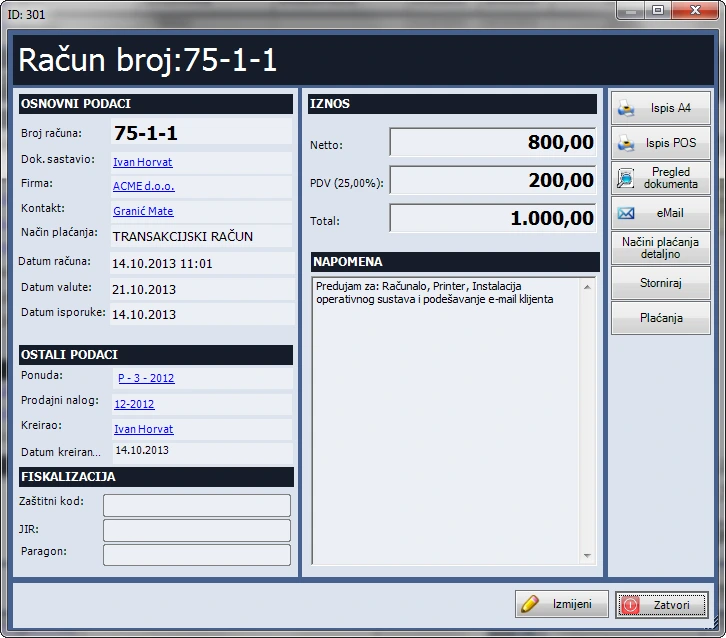
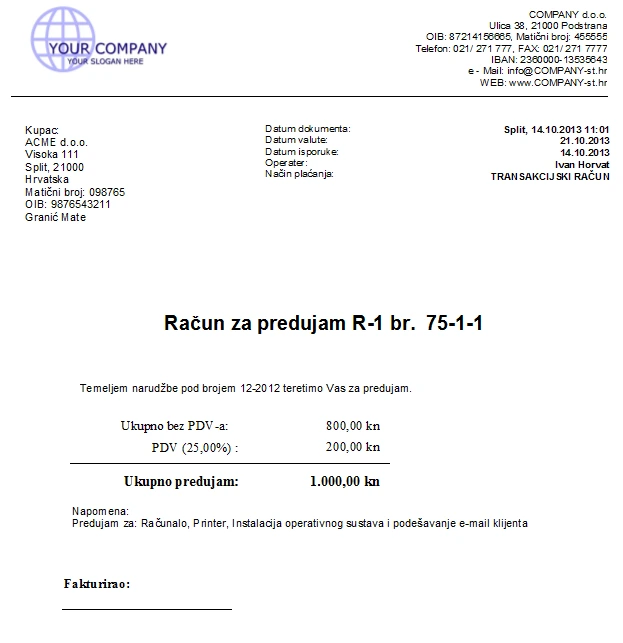
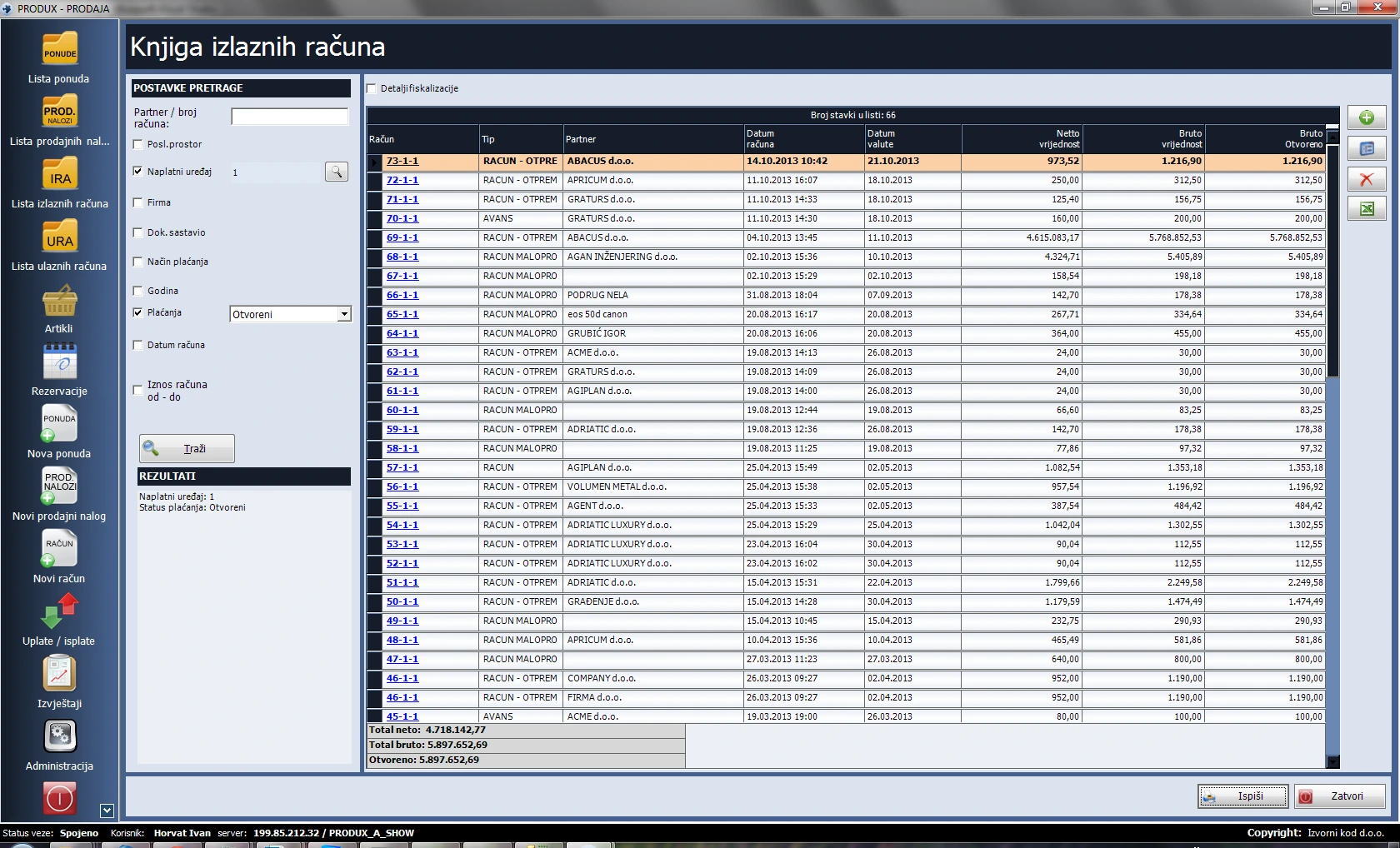
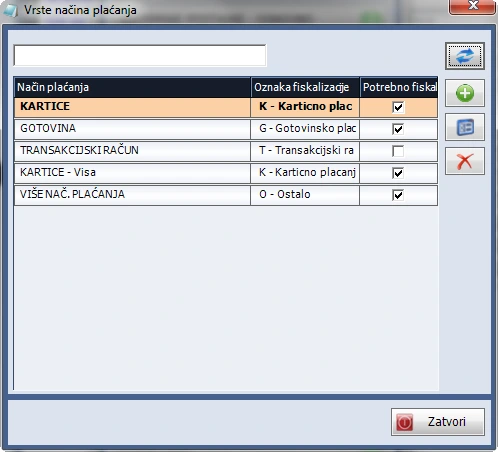
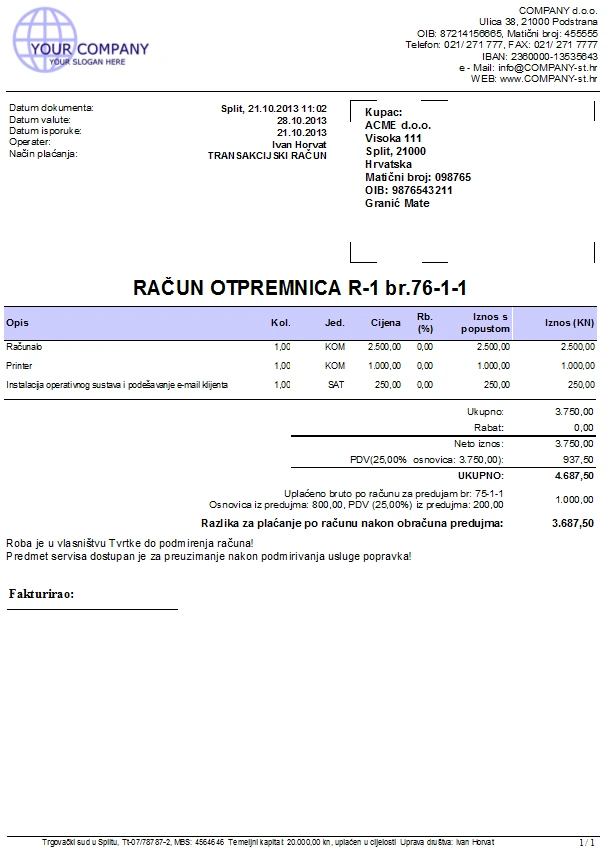
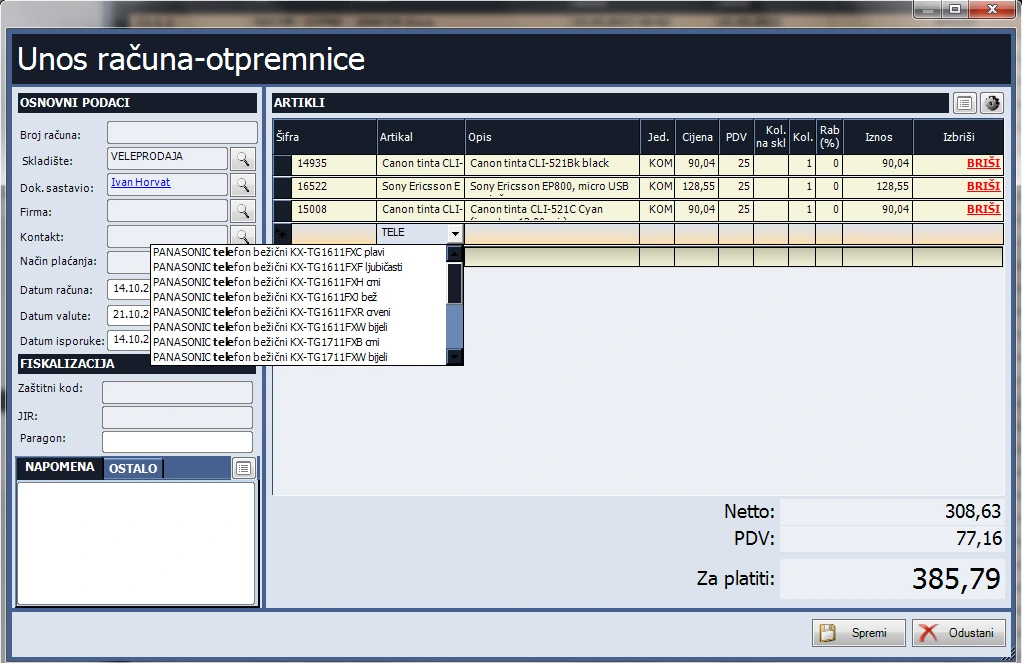
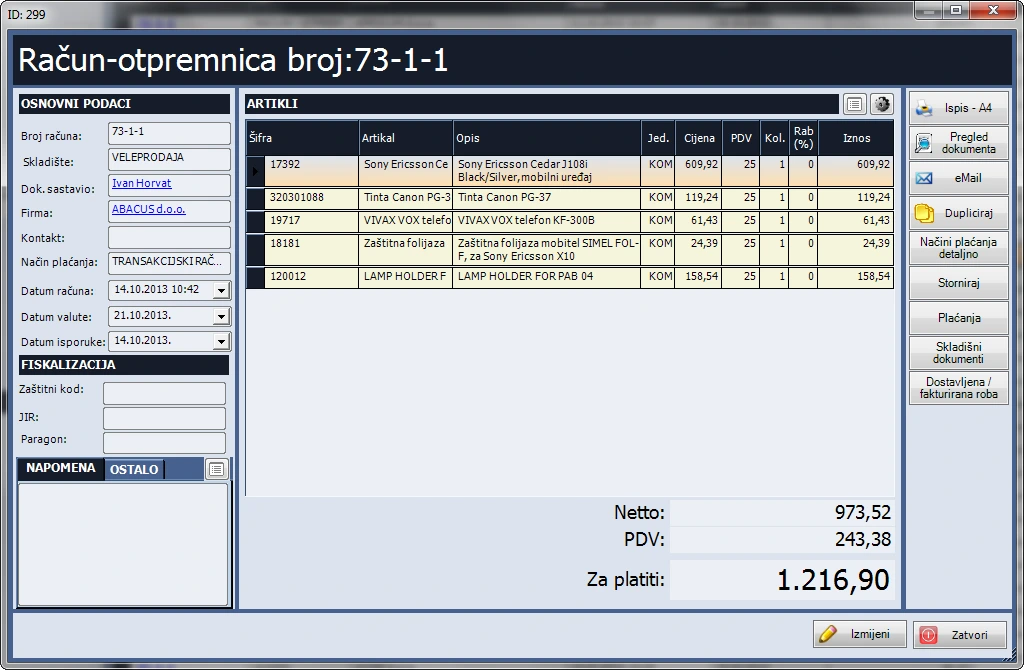
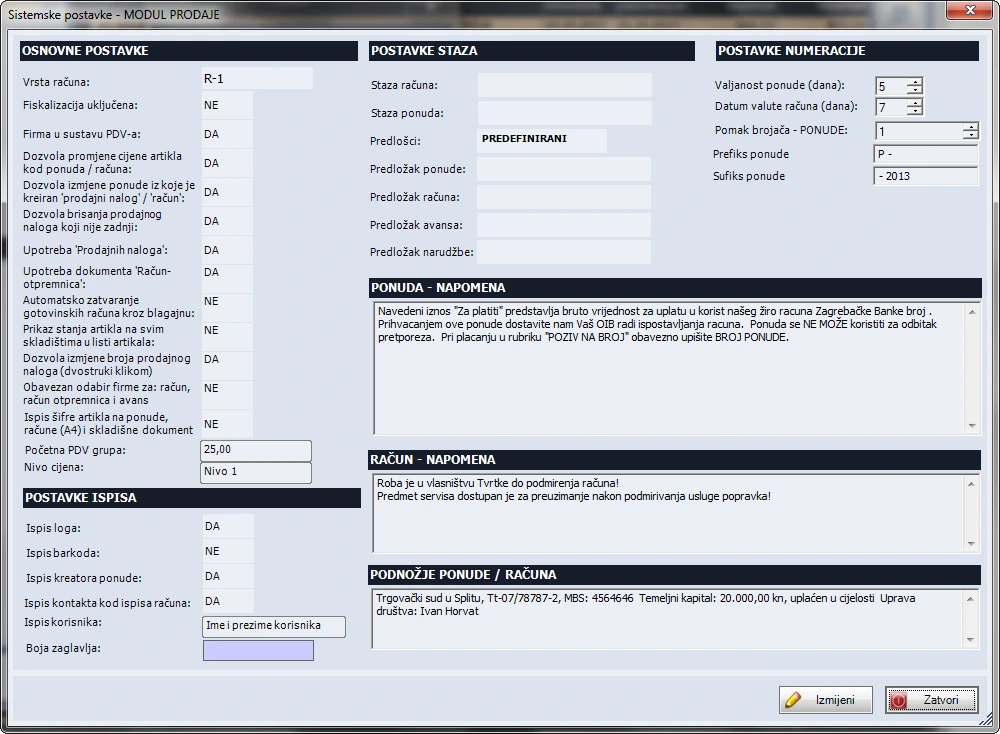
Manage sales items and documents. The screenshot shows an item record, and the gallery below shows invoice and dispatch note entry.
Features
Quotes
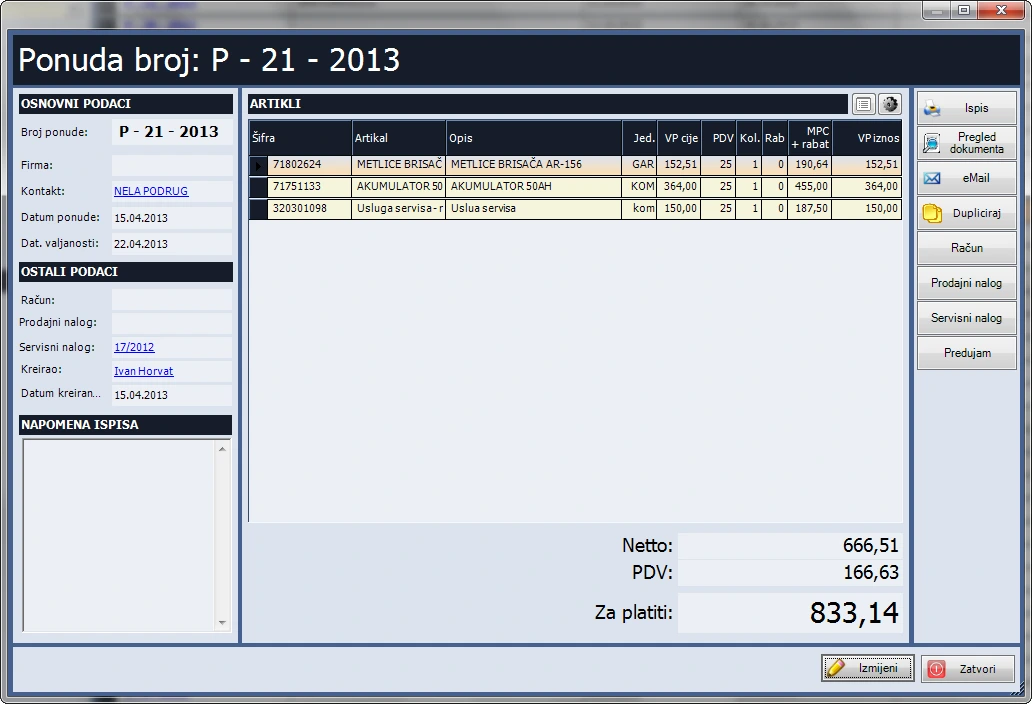
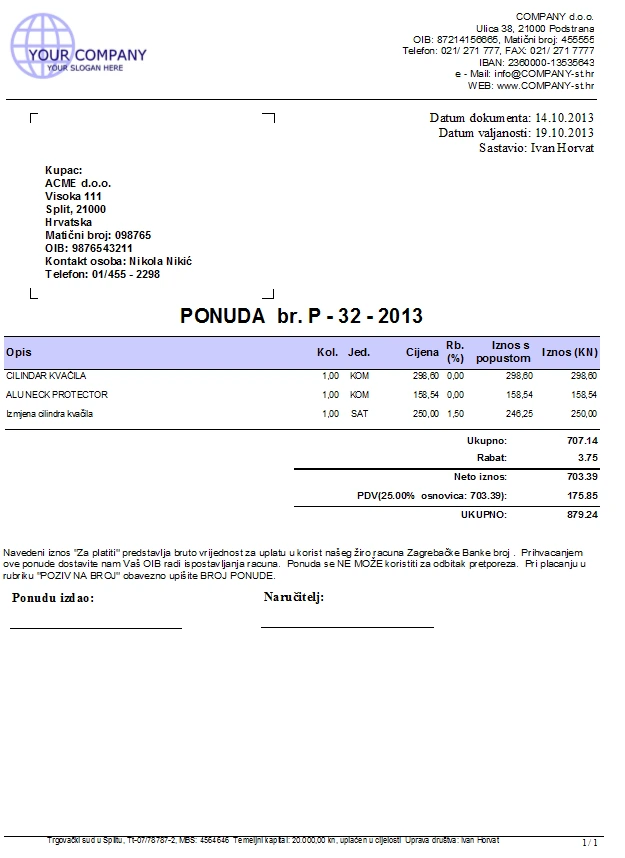
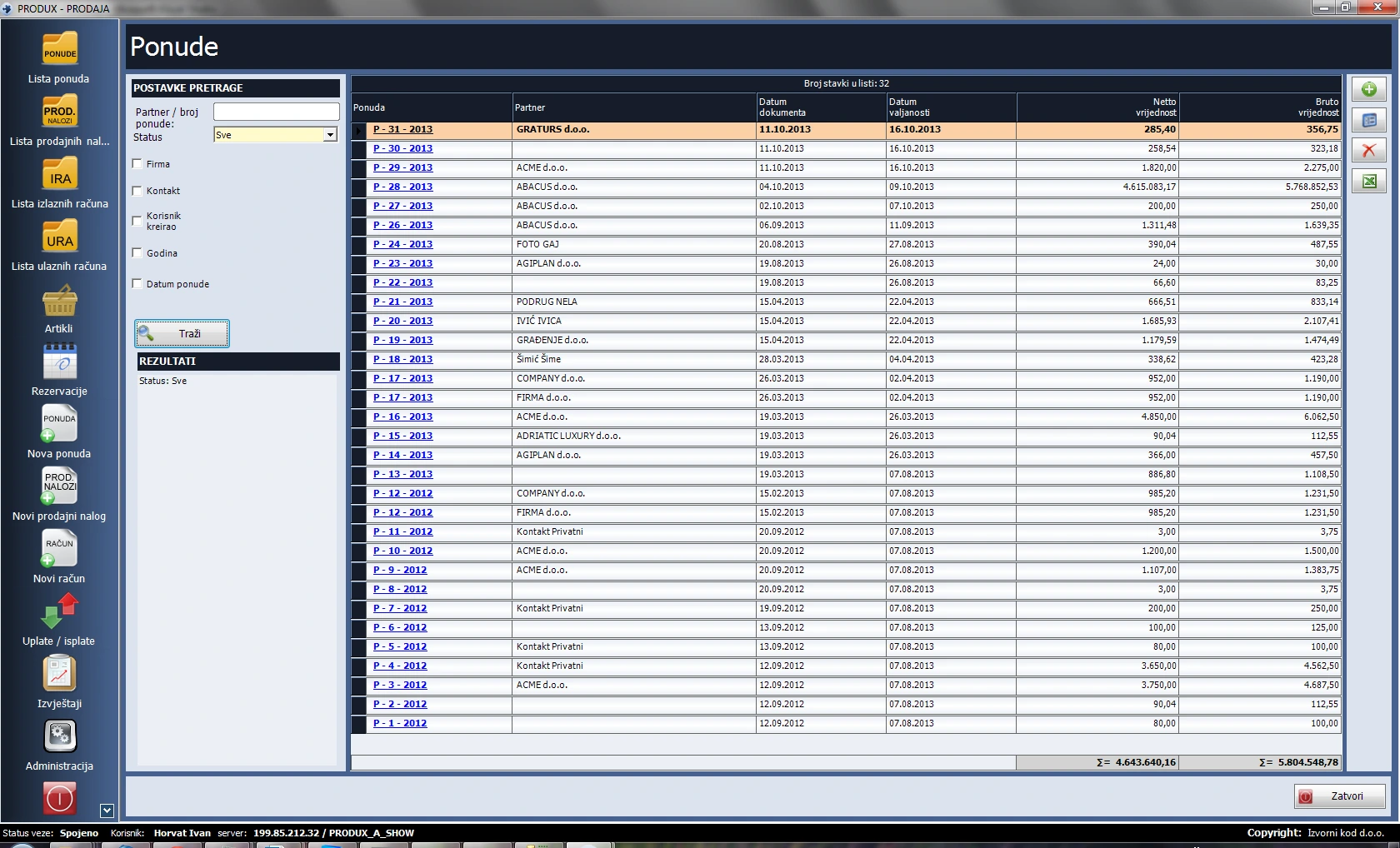
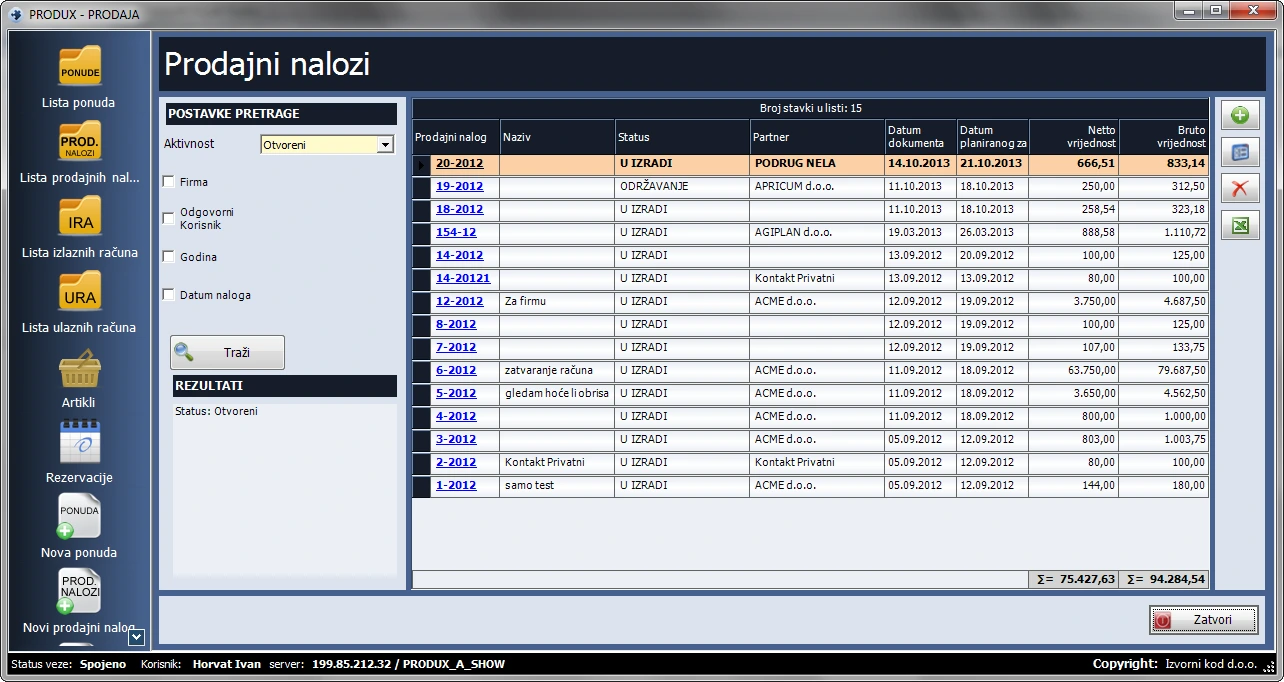
- Filter active quotes by status, company, contact or period. Search by number or partner, duplicate line items, save a PDF to a chosen folder or email it. Configure validity, prefixes, suffixes and numbering.
Sales orders and advance payments
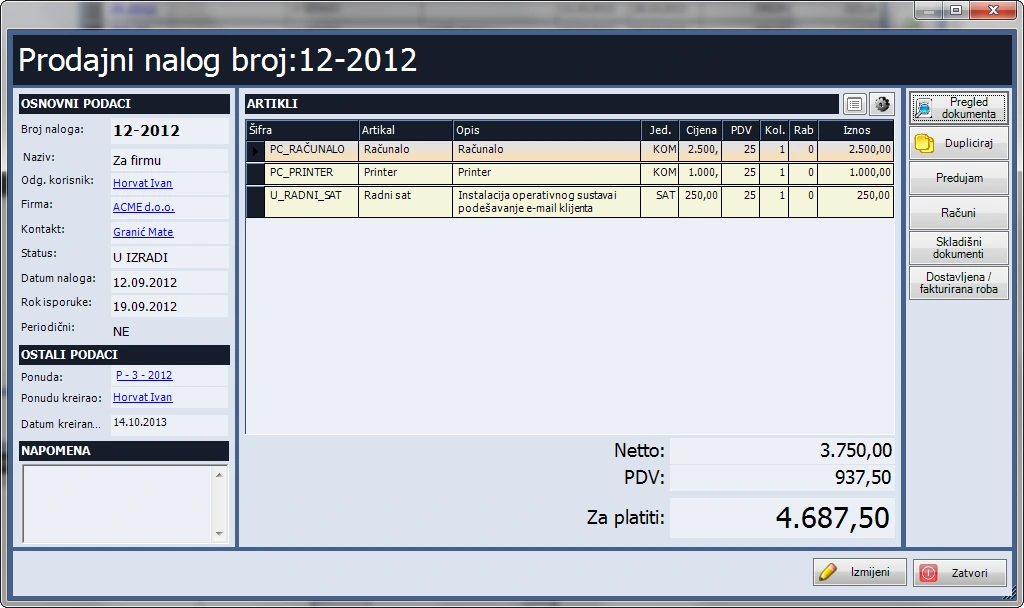
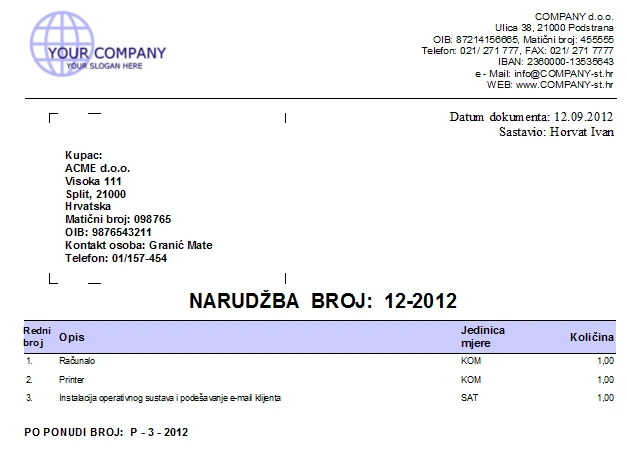
- Turn a quote into a linked sales order, advance payment or invoice. Orders support custom statuses and duplication. One order can generate multiple advance payments or invoices, for example for monthly maintenance. Date placeholders in descriptions can be filled when invoicing. Linked advances reduce the amount due.
Invoices, payments and printing
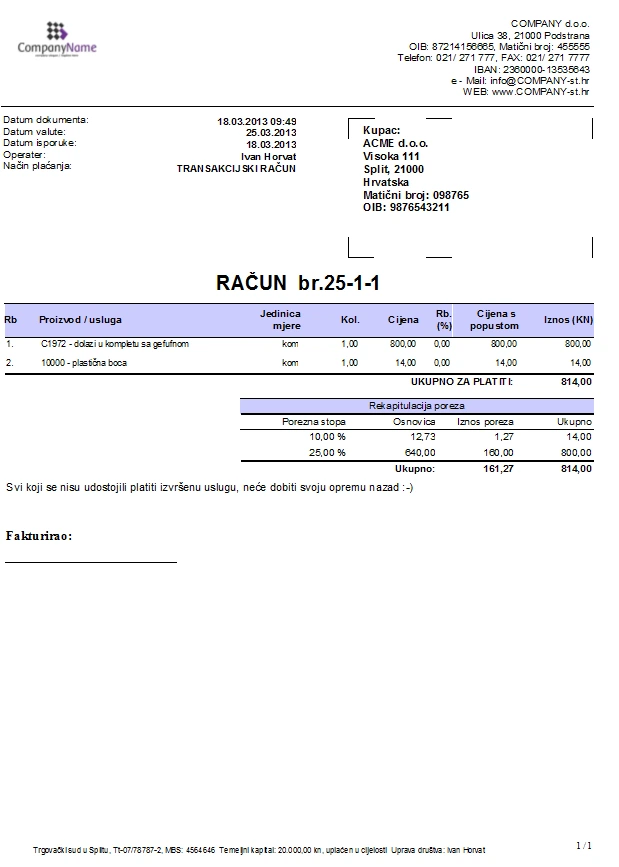
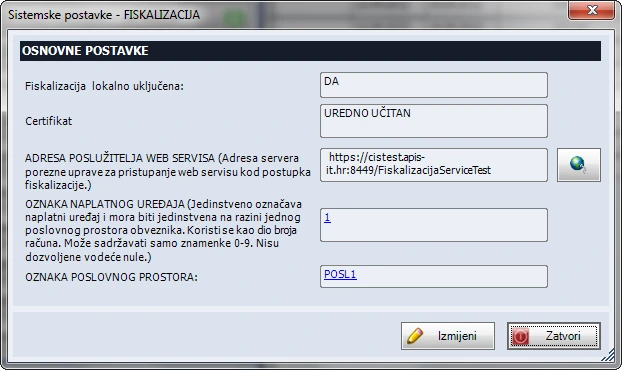
- Create invoices from quotes, sales orders or service orders. Combine payment methods, work across multiple locations, fiscalise cash receipts and get alerts for unsigned receipts. Duplicate or reverse invoices with a link to the original, email PDFs and print individually or in batches on A4, A5 or POS printers.
Items, pricing and inventory
- Enter items by barcode, code or name. The catalogue supports four price levels, groups, item types, Excel import and label printing. Depending on settings, change wholesale prices, descriptions, due dates, notes and line-level VAT rates. With Inventory, view stock and issue stock through an invoice and dispatch note.
Reports, payments and master records
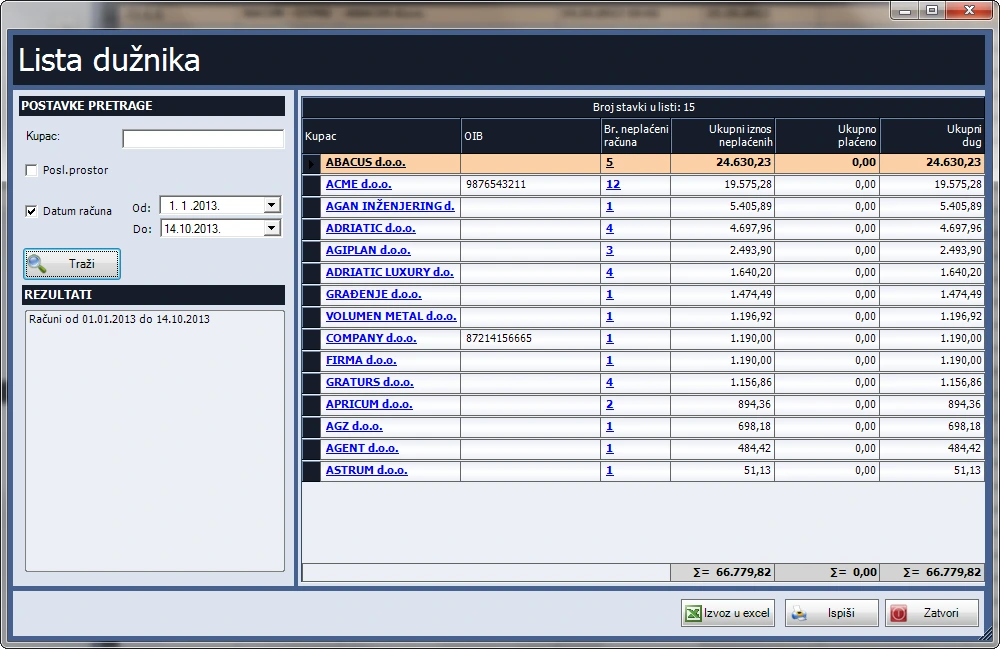
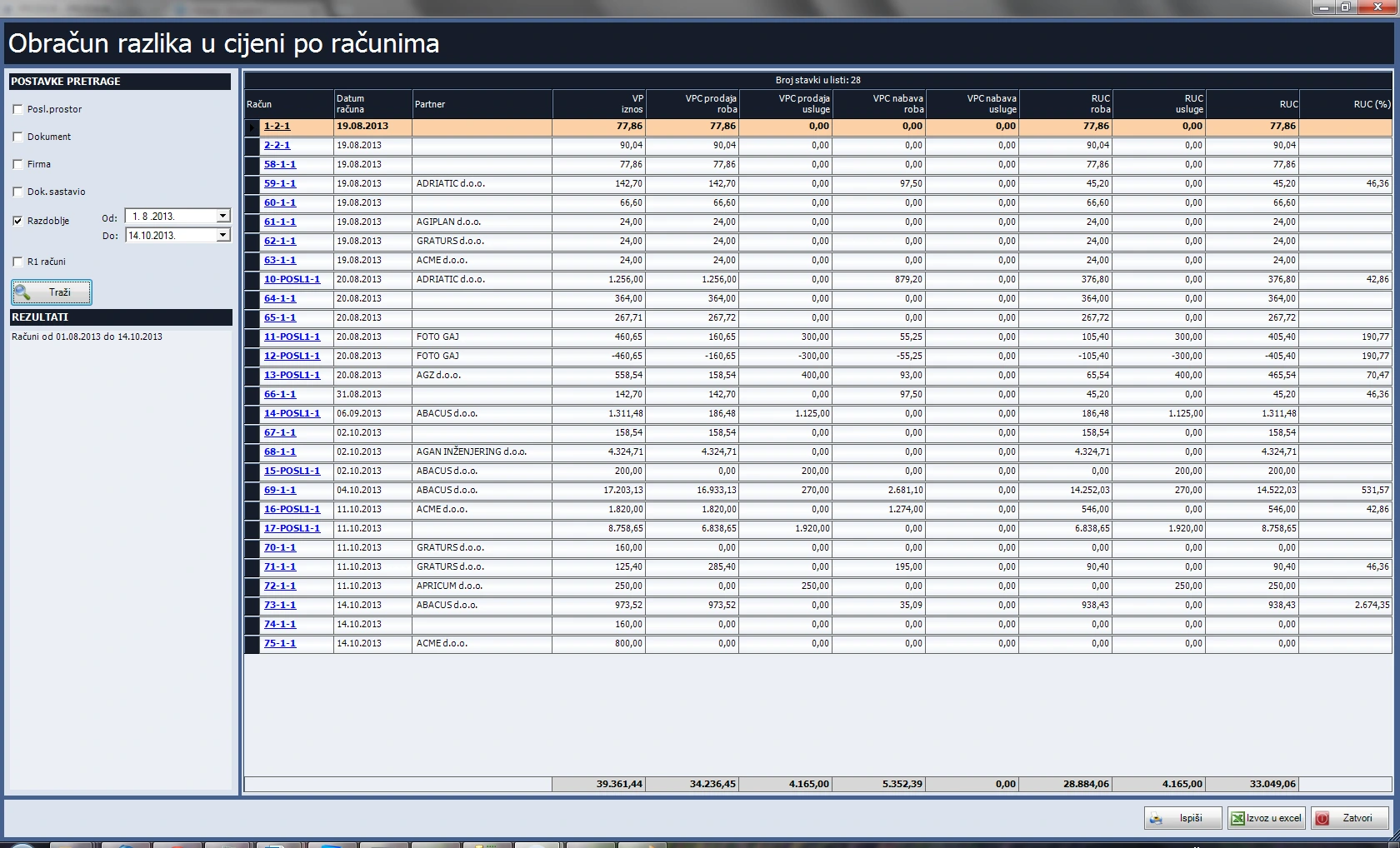
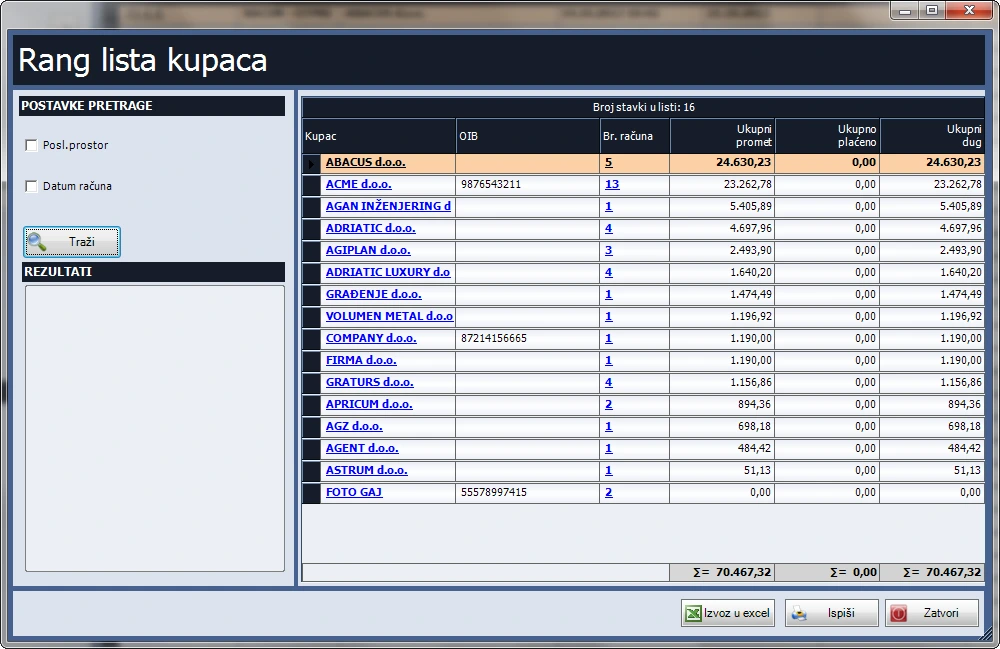
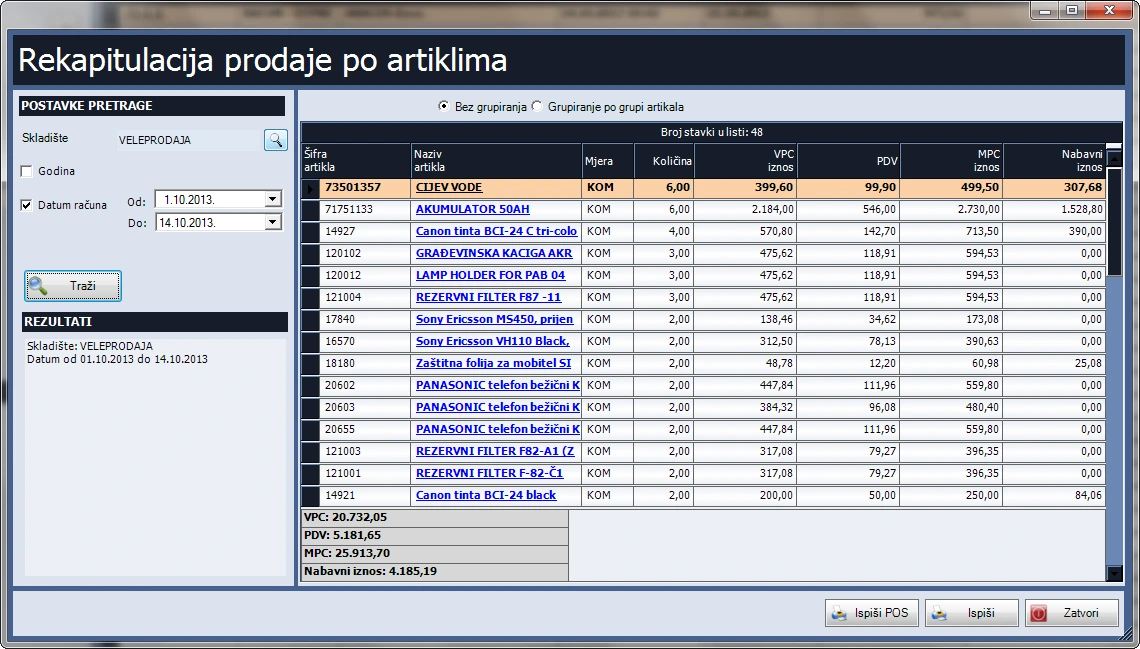
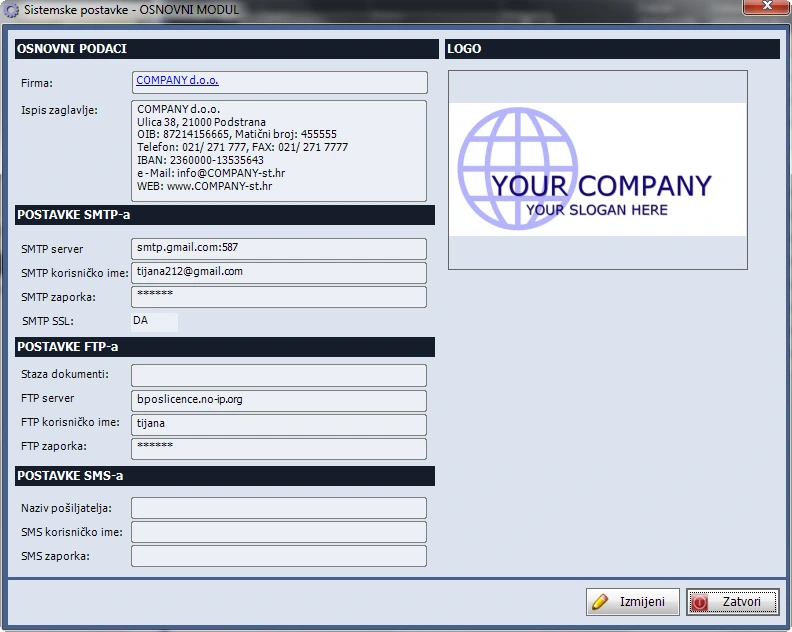
- Filter invoices by customer, date, payment method, operator and payment status, and export the list to Excel. Reports cover debtors, customer rankings, item sales, margins and financial summaries. Record receipts and payments, import FINA-format statements and match payments to invoices. Manage company, contact and user records.
Repairs and service orders
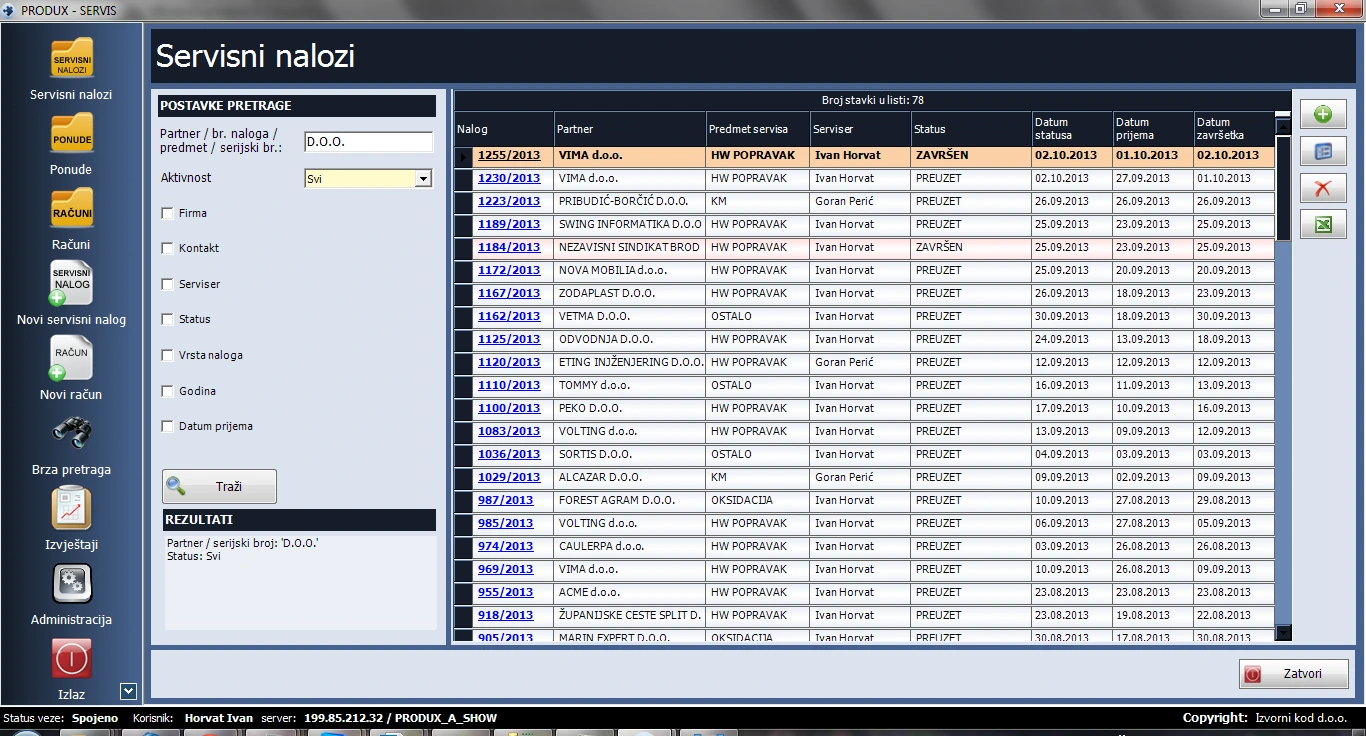
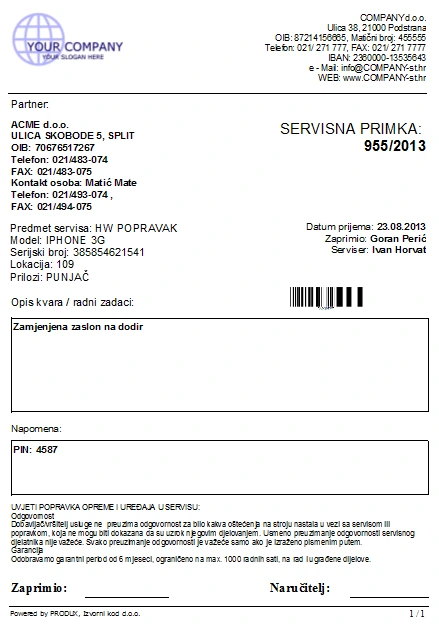
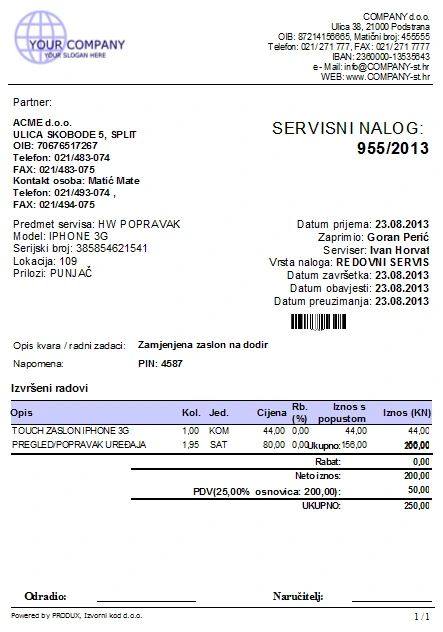
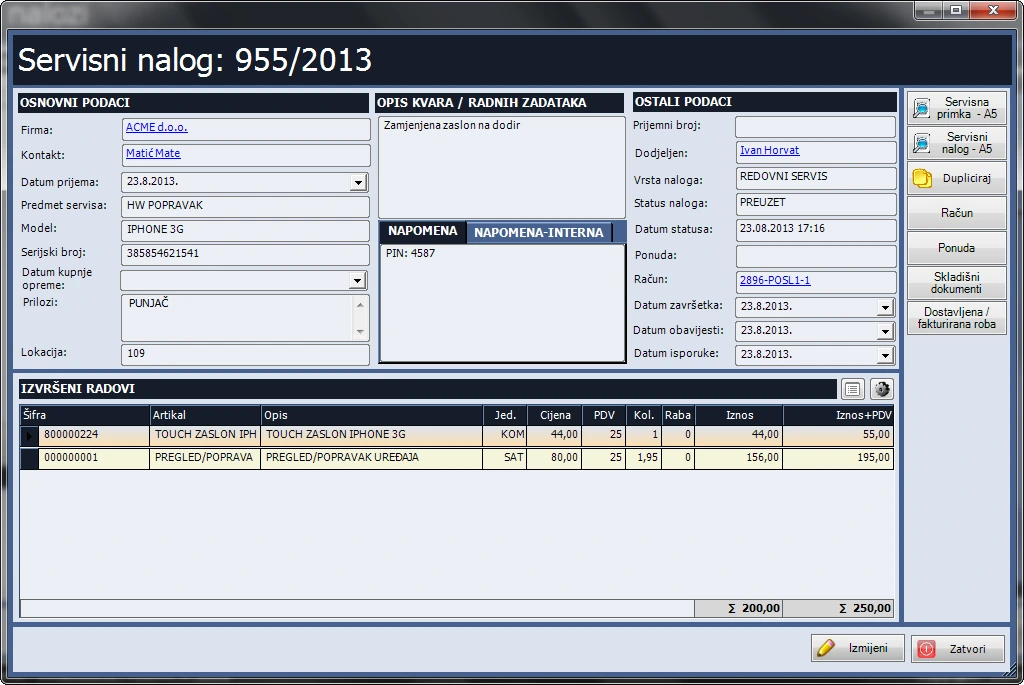
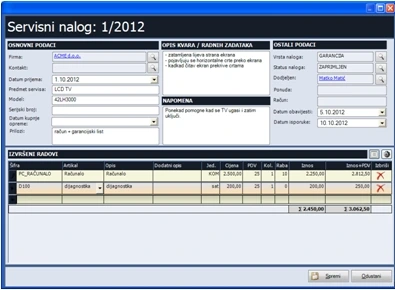
Log incoming devices, assign work and track status. Use the recorded labour and parts to prepare a quote or invoice from the service order.
Features
Intake and order search
- Record the customer, contact, intake date, device type, model, serial number and fault. Filter by status, order type, customer, technician or date. Search by partner, order number, device or serial number.
Workshop workflow and statuses
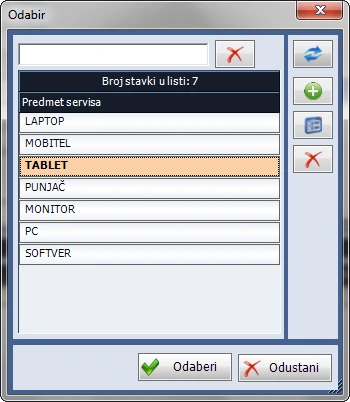
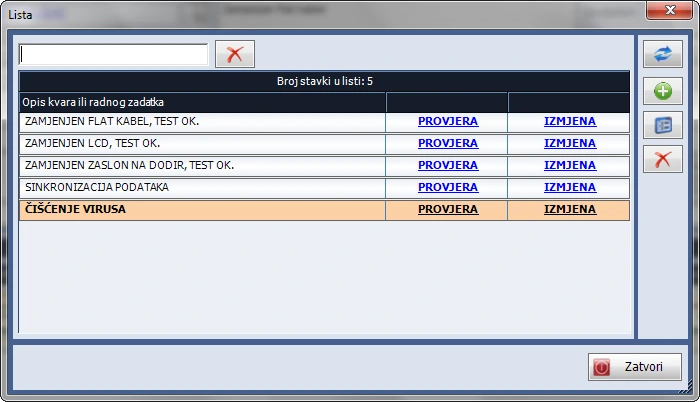
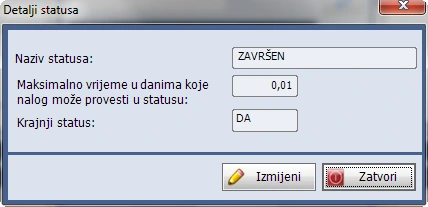
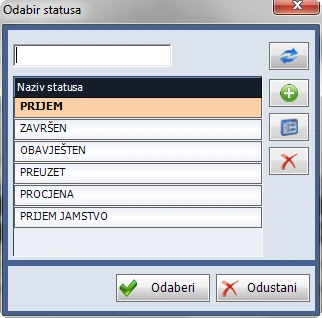
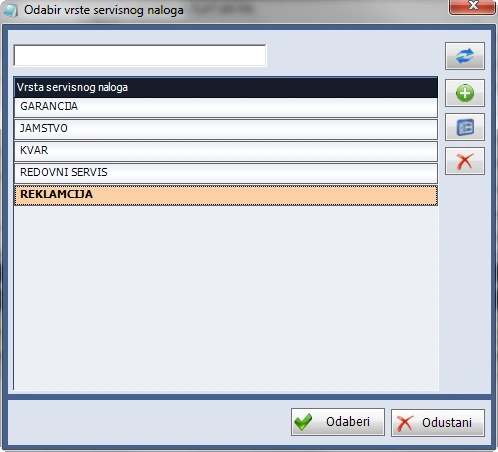
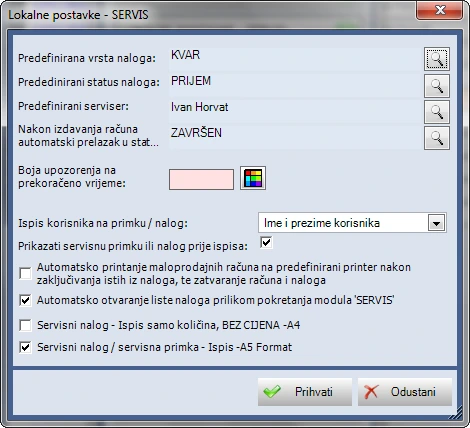
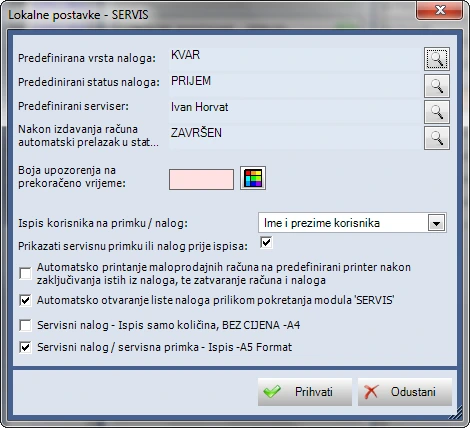
- Customise device, fault and task lists and order types such as warranty or diagnostics. Assign a technician and configure defaults, final statuses and time limits, with colour alerts for overdue orders. Create a new order from an existing one.
Intake forms, quotes and invoices
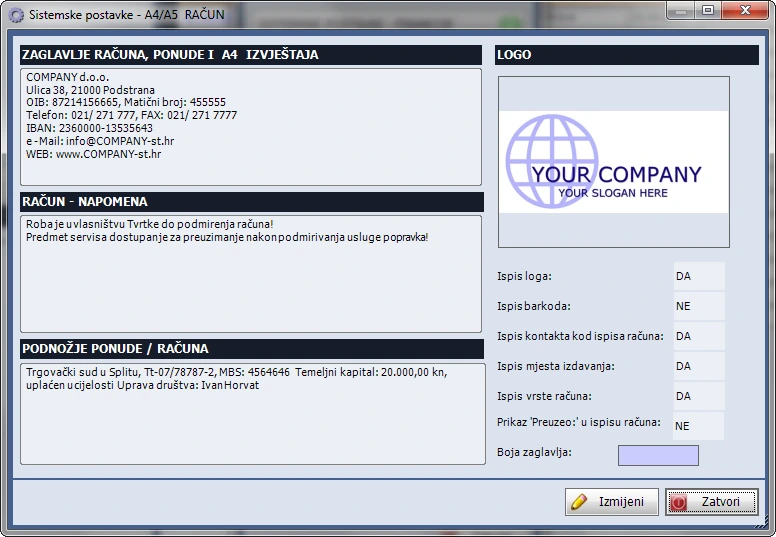
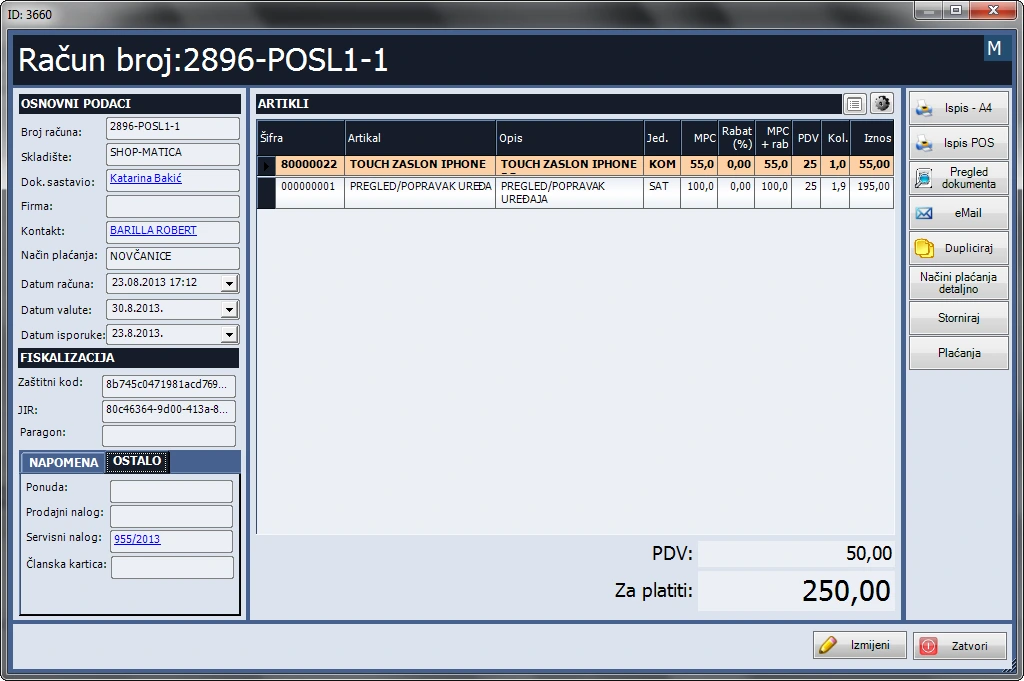
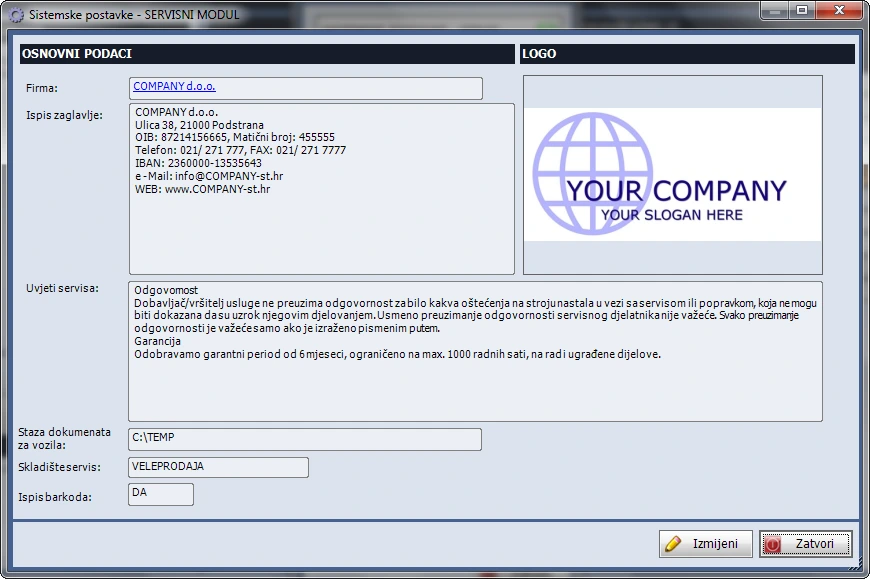
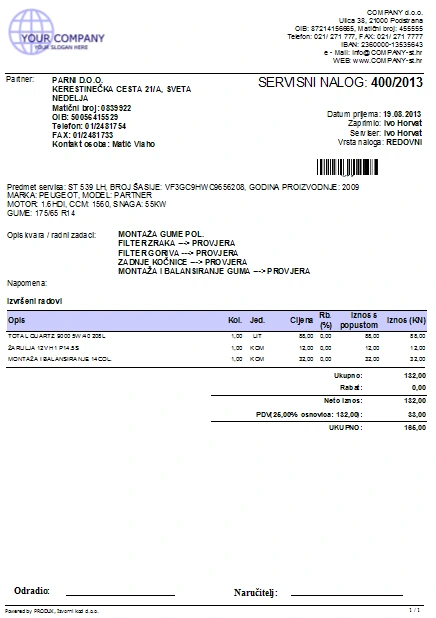
- Keep a private note in the work order. Print a branded intake form or order with service terms on A4 or A5, or save it as a PDF. Create a quote from an order, or an order, advance or invoice from a quote, retaining links to source documents. Filter, duplicate, file or email quotes as PDFs. Advances are applied to the invoice.
Items and related modules
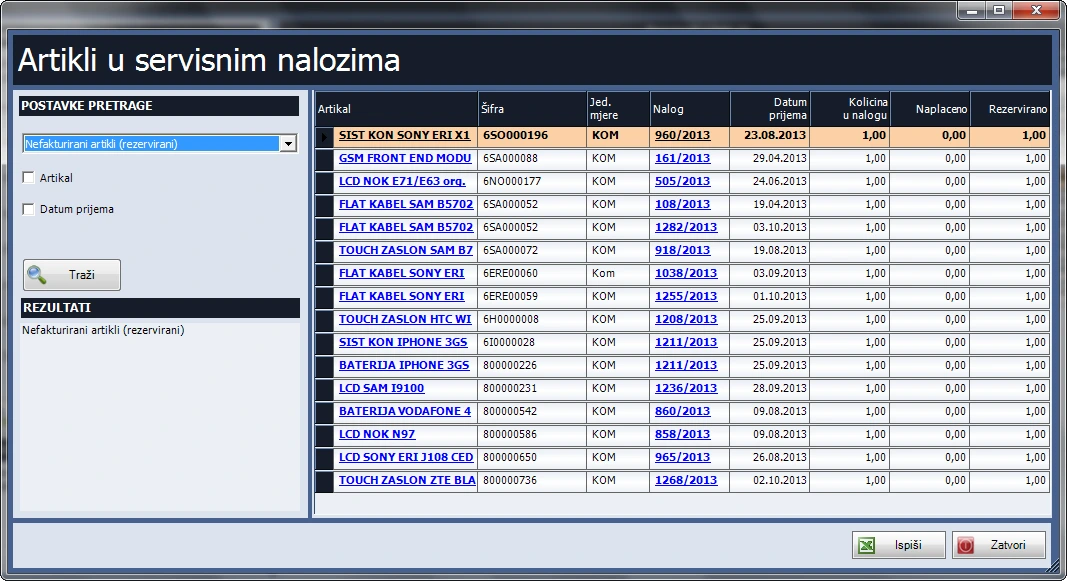
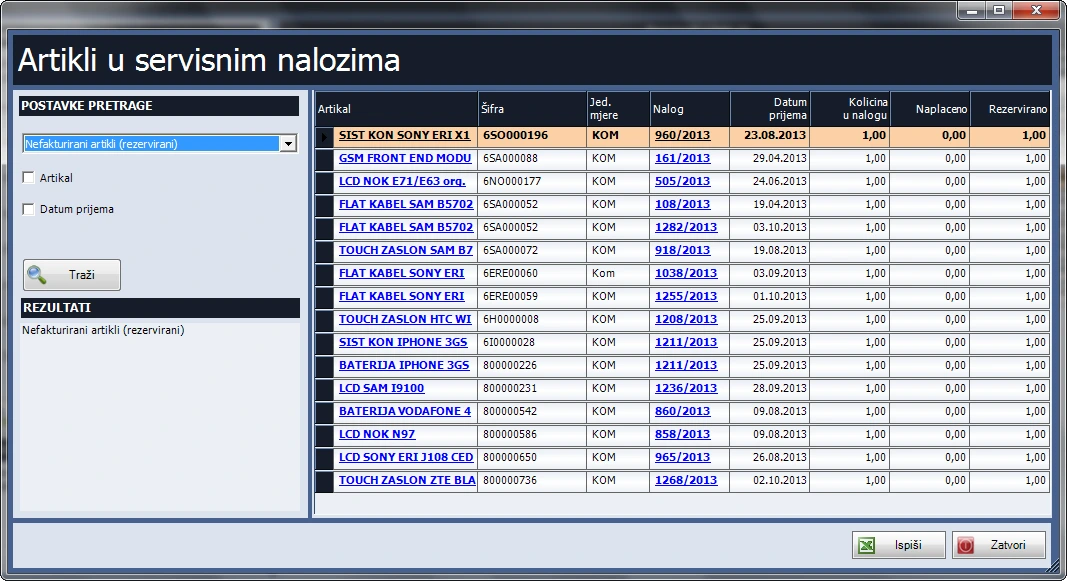
- Review billed and unbilled parts. Unbilled items are reserved in stock. The catalogue supports four price levels, groups, item types, Excel import, barcode labels and price change records. Review stock by warehouse and filter available, zero or negative quantities. Invoicing uses Retail or Sales, while warehouse documents use Inventory. Company, contact and user records are available.
Vehicle and boat servicing
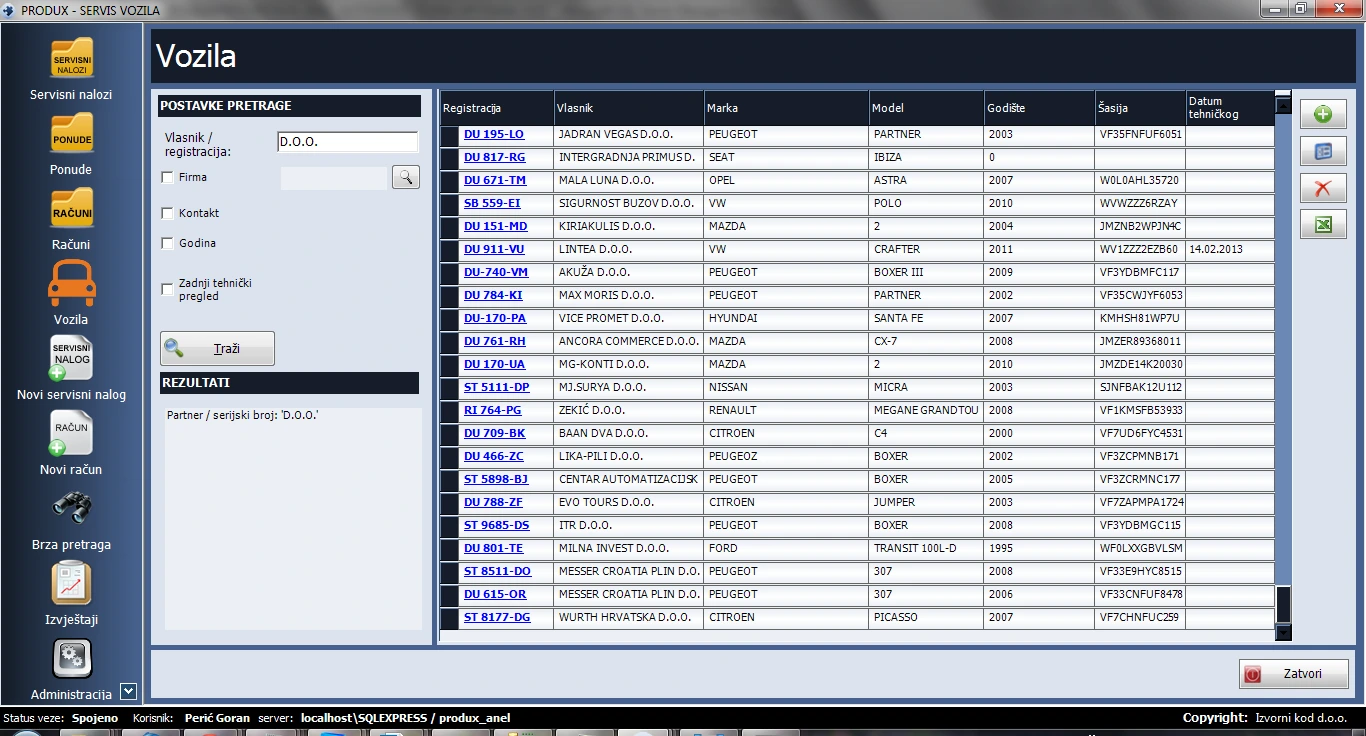
Produx helps workshops manage vehicle and boat servicing, from intake and service history to quotes and invoicing.
Features
Vehicle records and service history
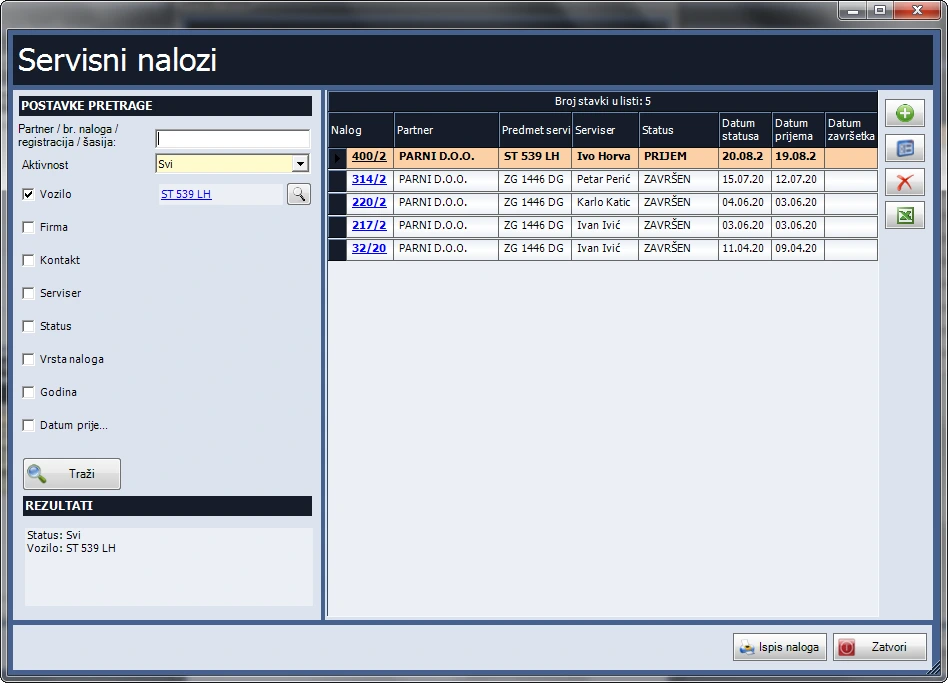
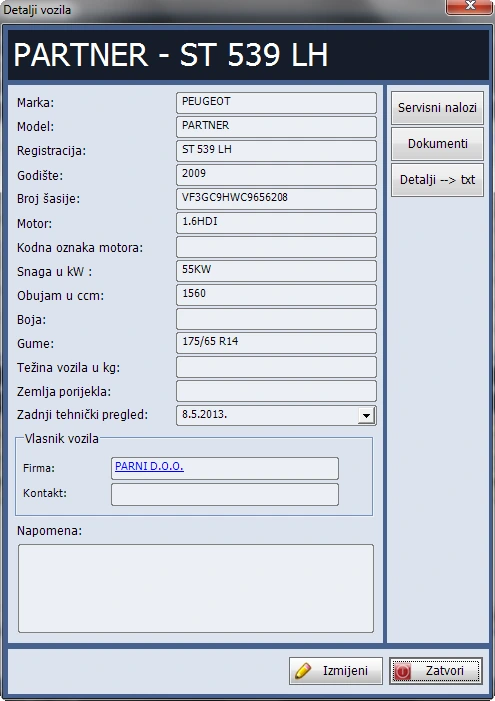
- Search vehicle records and track make, model, year of manufacture, registration, VIN and mileage.
- Set a location for digital vehicle folders. Store damage photos, parts instructions and diagrams in each vehicle’s folder. Save orders directly from the application and check the saved indicator.
- Open the history of completed service orders from the vehicle record.
Service orders
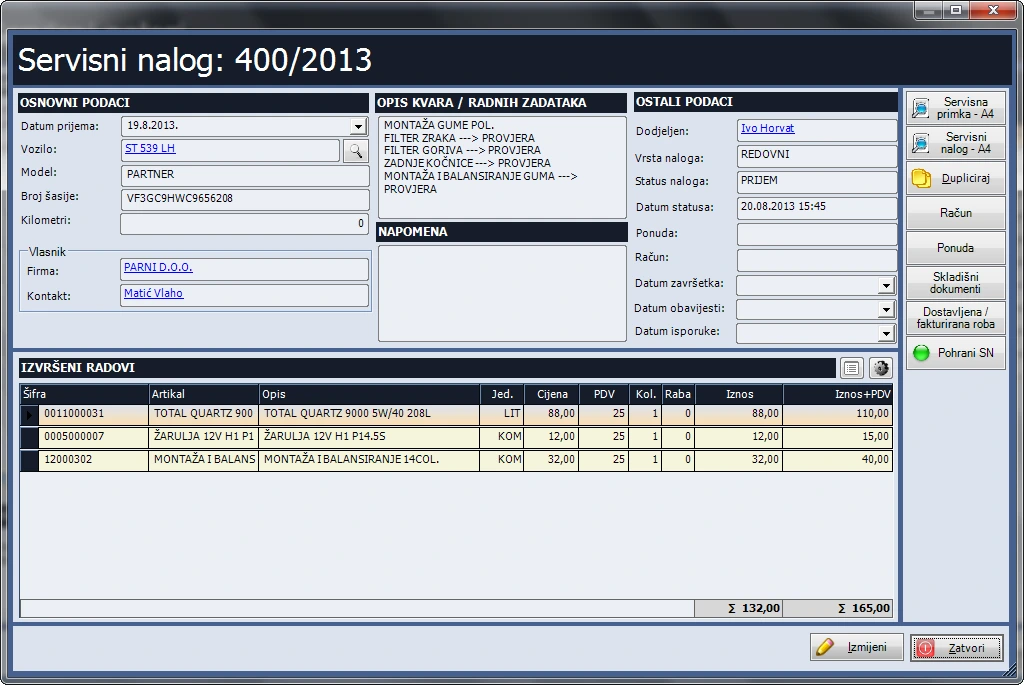
- Filter orders by open or closed status, order type, vehicle, customer, technician and intake date. Search by business partner, order number, registration or VIN.
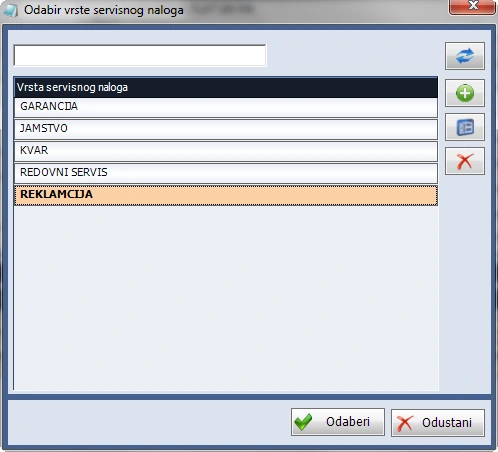
- Record the company and contact, intake date, item being serviced, model, serial number and fault description. Create a new order from an existing one for repeat work.
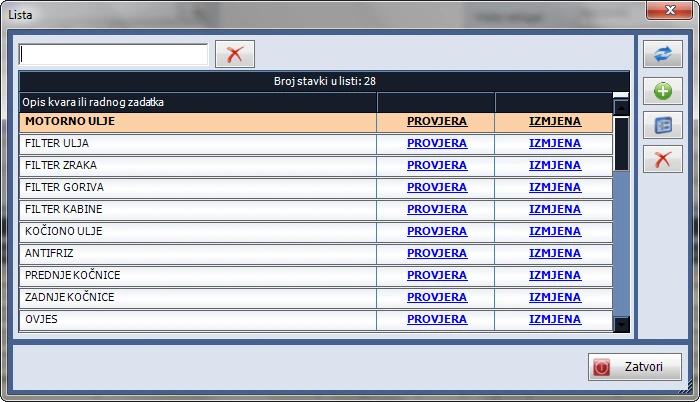
- Maintain a list of common faults and tasks and define order types such as warranty, diagnostics or on-site work. Assign a technician and set the default type, technician and status to speed up data entry.
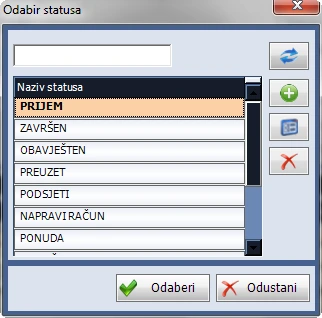
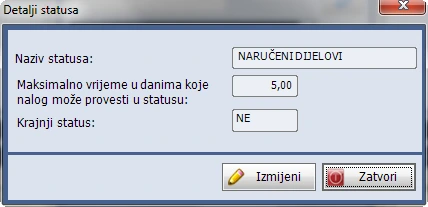
- Adapt statuses to your workflow from intake to delivery. Set which status closes an order and how many days an order can stay at each stage. Choose a colour to highlight overdue orders.
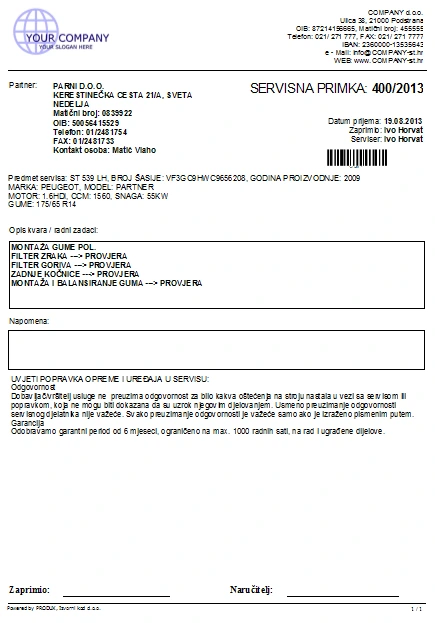
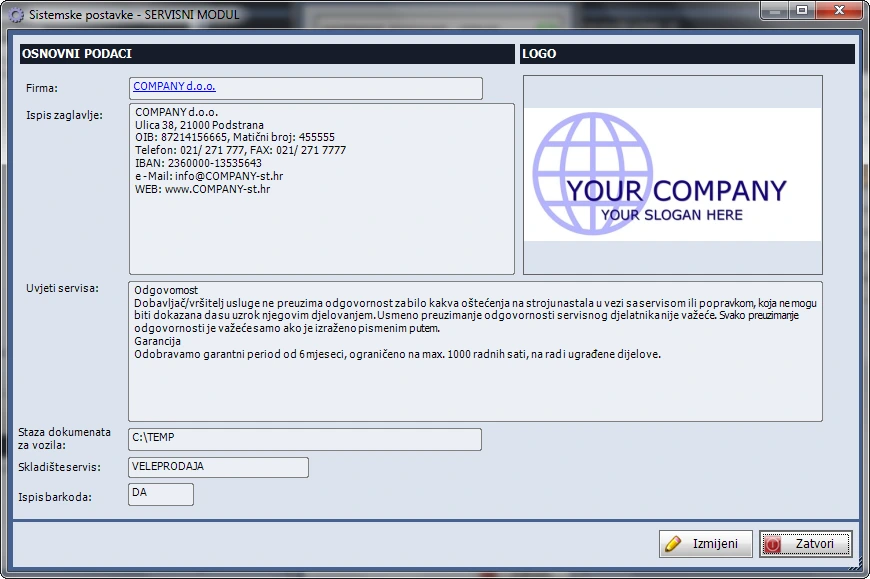
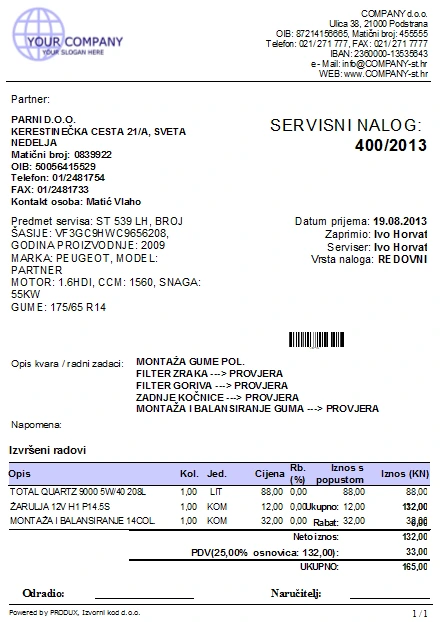
- Customise intake slips and orders with your logo, letterhead and service terms. Print them in A4 or A5 or save them as PDFs.
- Review all, invoiced or uninvoiced items on service orders. Stock reports show uninvoiced quantities as reserved for those orders.
Quotes and invoicing
- The list shows active or unfulfilled quotes by default. Filter by status, company, contact and date range or search by quote number and business partner.
- Create a quote or invoice from a service order, or start a service order from a quote. The quote and order link to each other.
- Duplicate an existing quote with its line items, company and contact. Set a folder for direct saving or open a message with the PDF attached in the configured email client. The sender address comes from the user or company on the quote.
- Quote details carry over to the invoice and you select the payment method. An advance recorded from the quote reduces the invoice balance. Invoices, advances and sales orders retain a link to the source quote.
- Invoicing uses the Retail or Sales module, while warehouse management uses the Inventory Management module.
Items, stock and administration
- Maintain a catalogue with unlimited items and four price levels. Add new items directly from the list or import items from Excel.
- Classify items as services, goods or materials and organise them by group and parent group. Search by name, code, group or supplier reference.
- Review stock by warehouse and see movements by invoice and stock document on the item record. Highlight zero and negative stock by colour or display available items only.
- Print barcodes on 4 × 10 or 3 × 13 label sheets. Item price changes automatically generate a record for all retail warehouses.
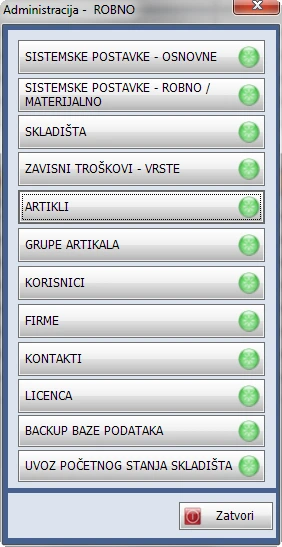
- Manage company, contact and user records.
Inventory management
Manage items, warehouses and stock documents. With Manufacturing, it supports issuing materials and receiving finished goods.
Features
Warehouses and documents
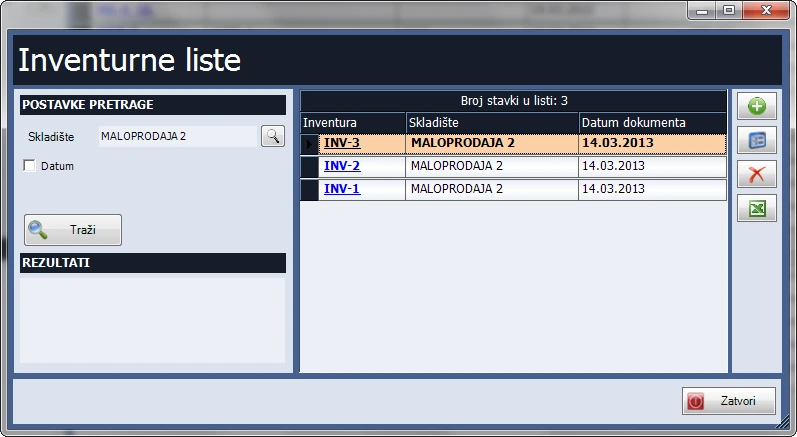
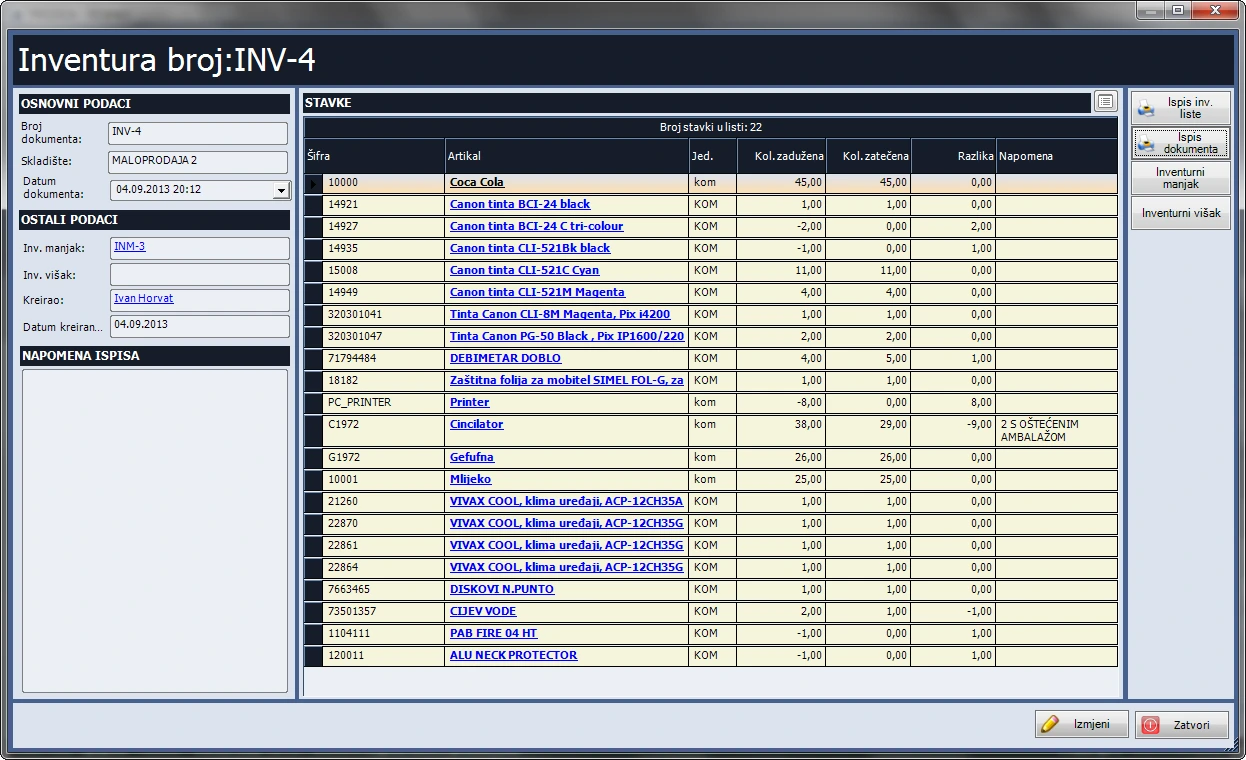
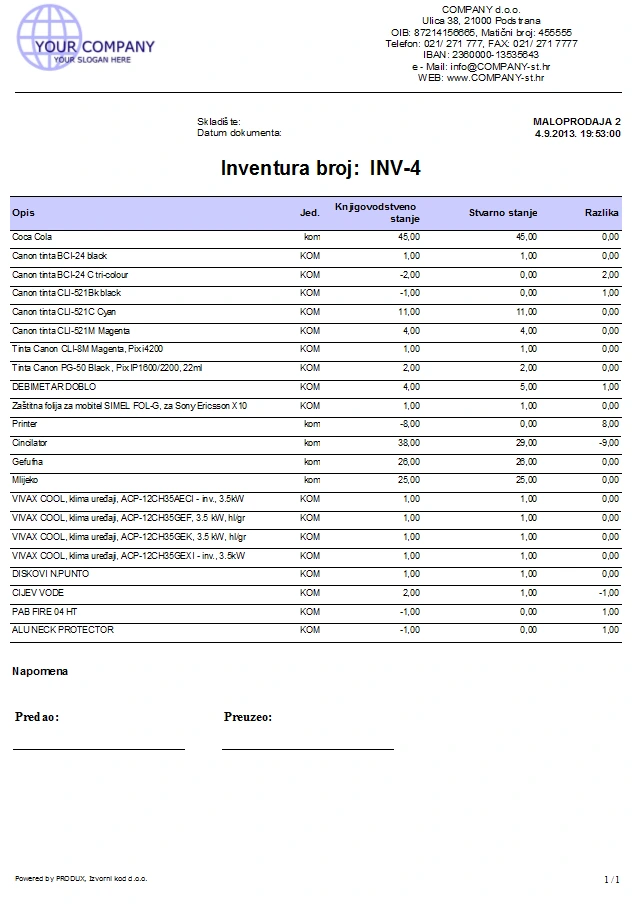
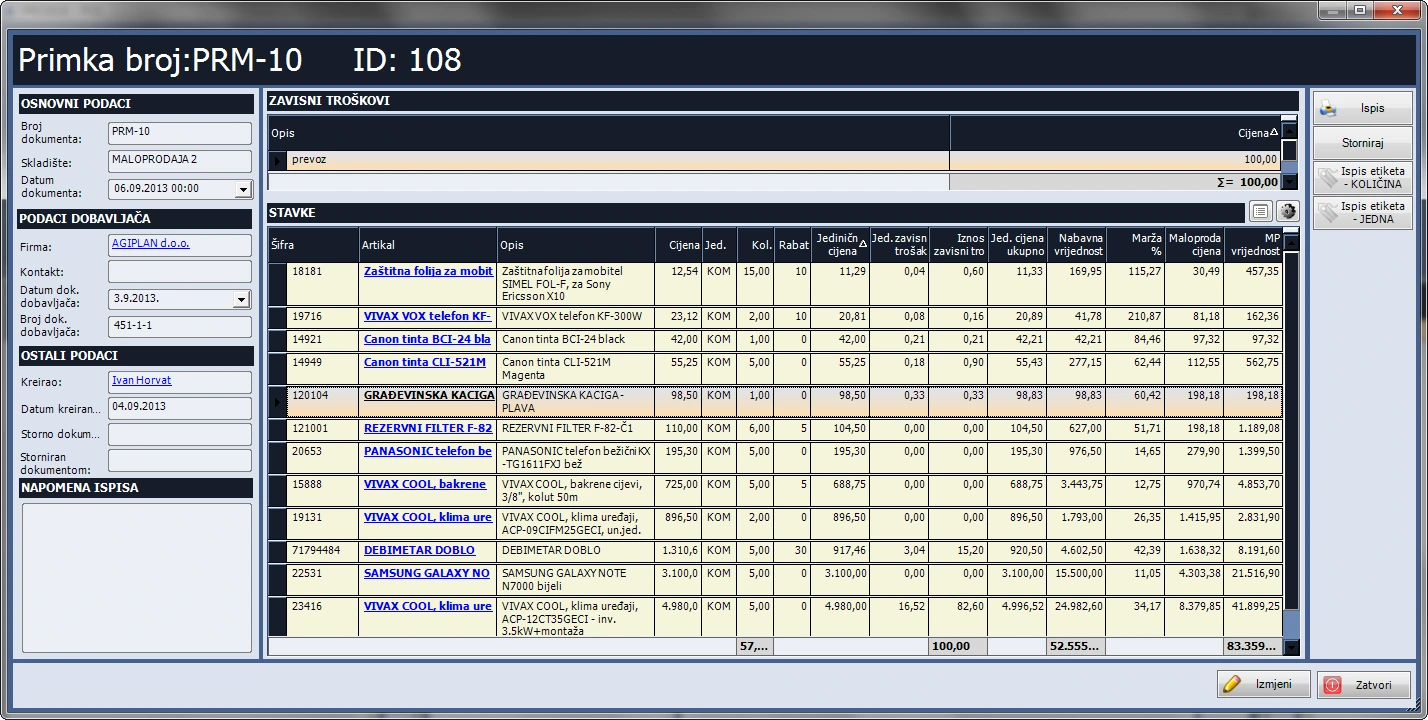
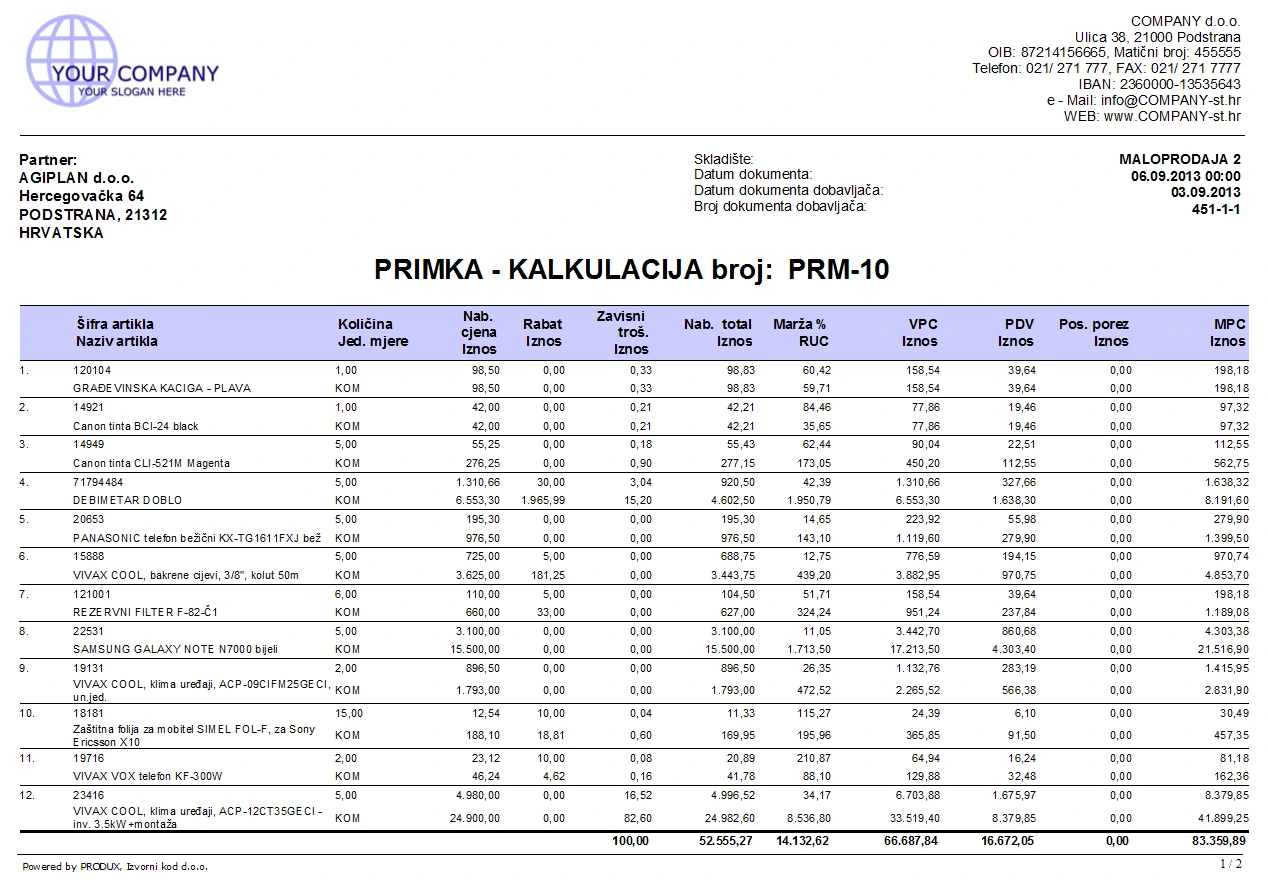
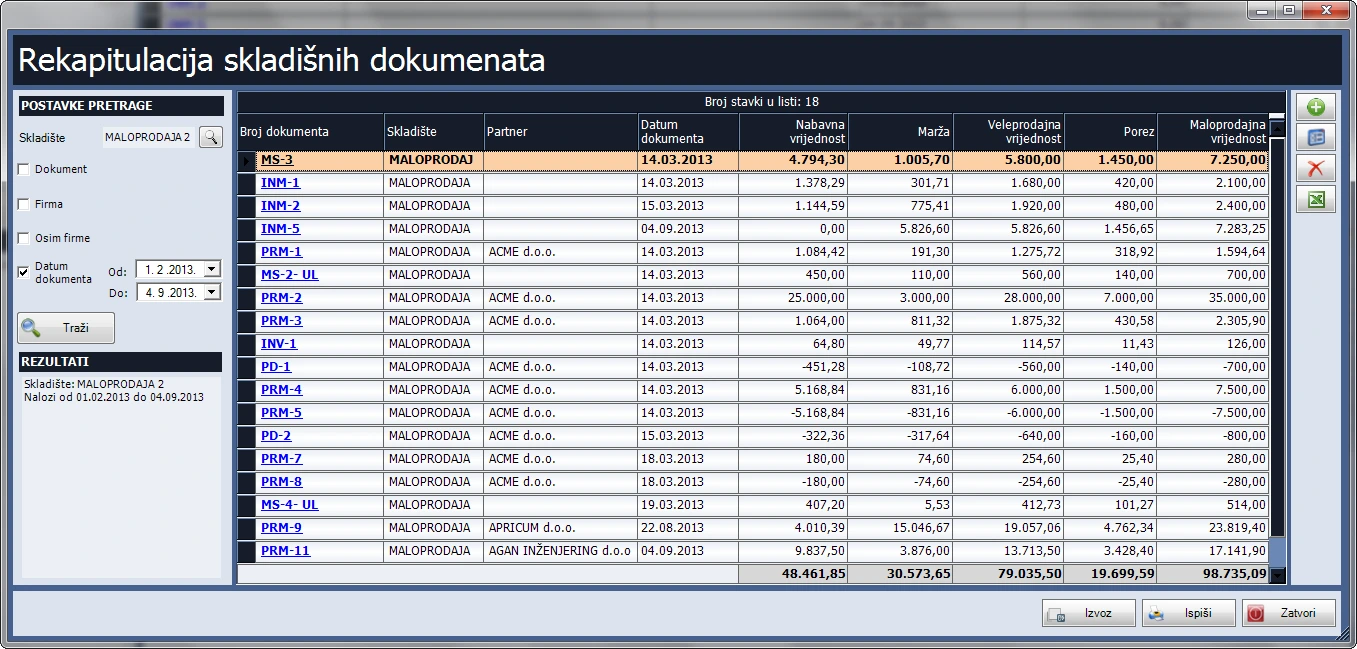
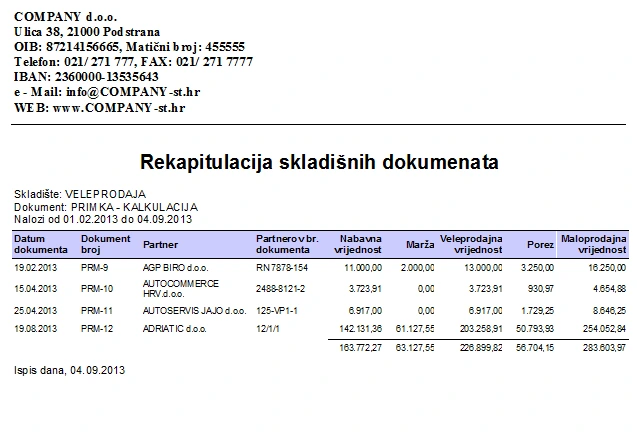
- Create retail and wholesale warehouses with separate document sequences. Manage opening balances, costed receipts, stock issues, dispatch notes and supplier returns. Import opening balances from Excel and print or save documents as PDFs.
Receipts, labels and prices
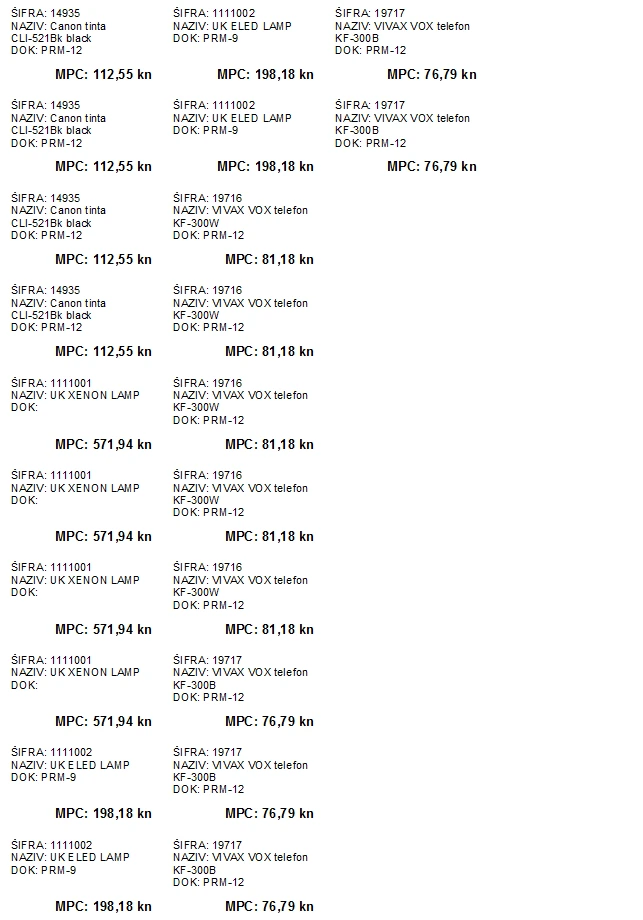
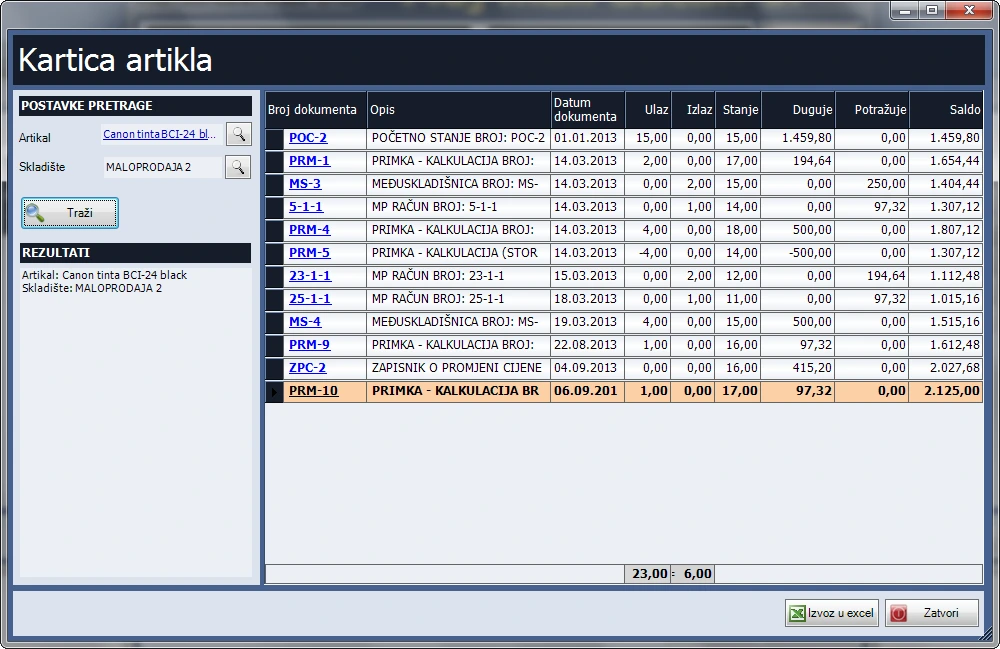
- Print one label per line or labels by received quantity. Allocate additional costs and generate price change records for retail warehouses when receipt prices change.
Stocktakes, balances and reports
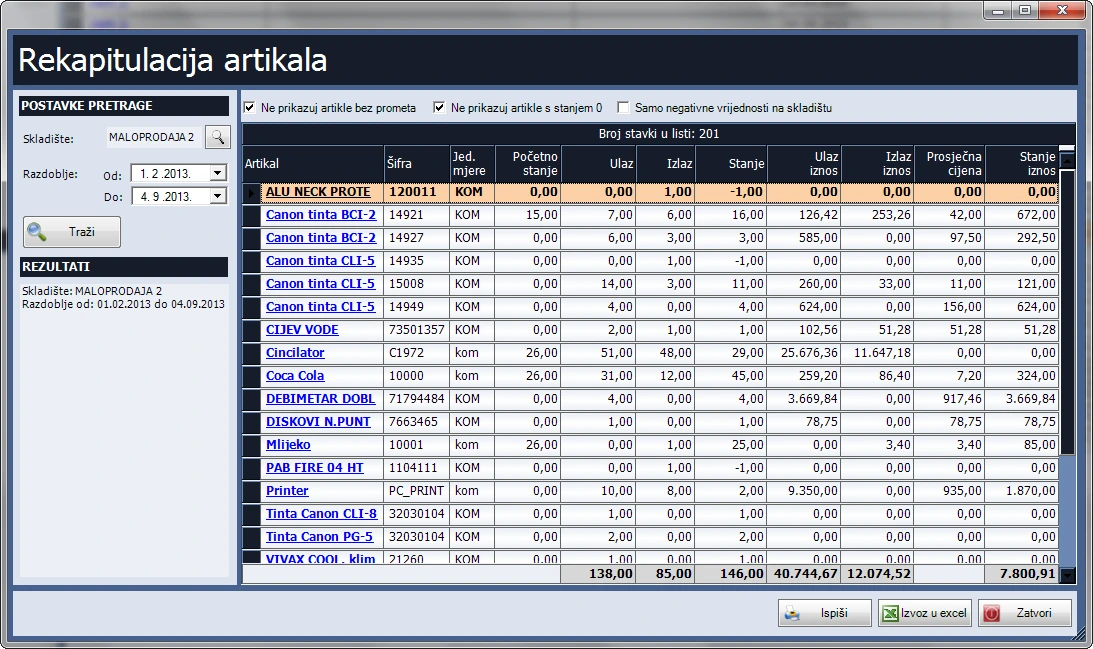
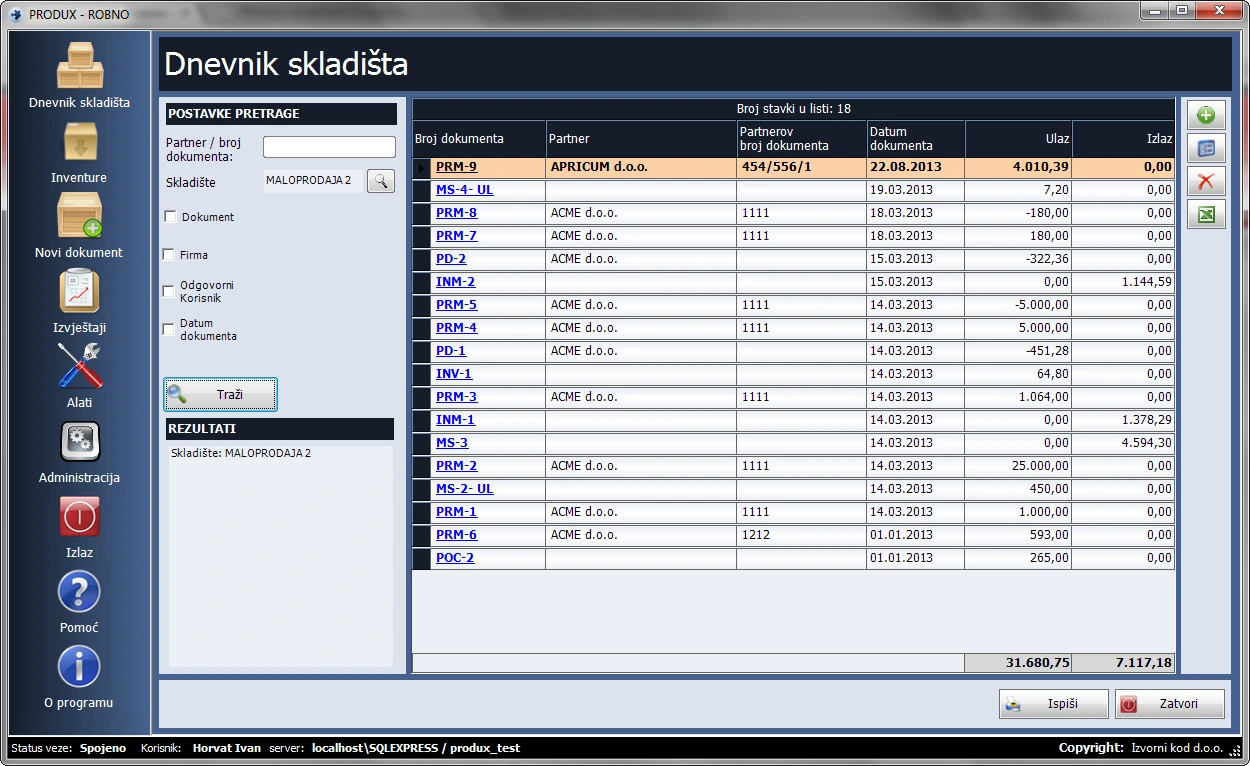
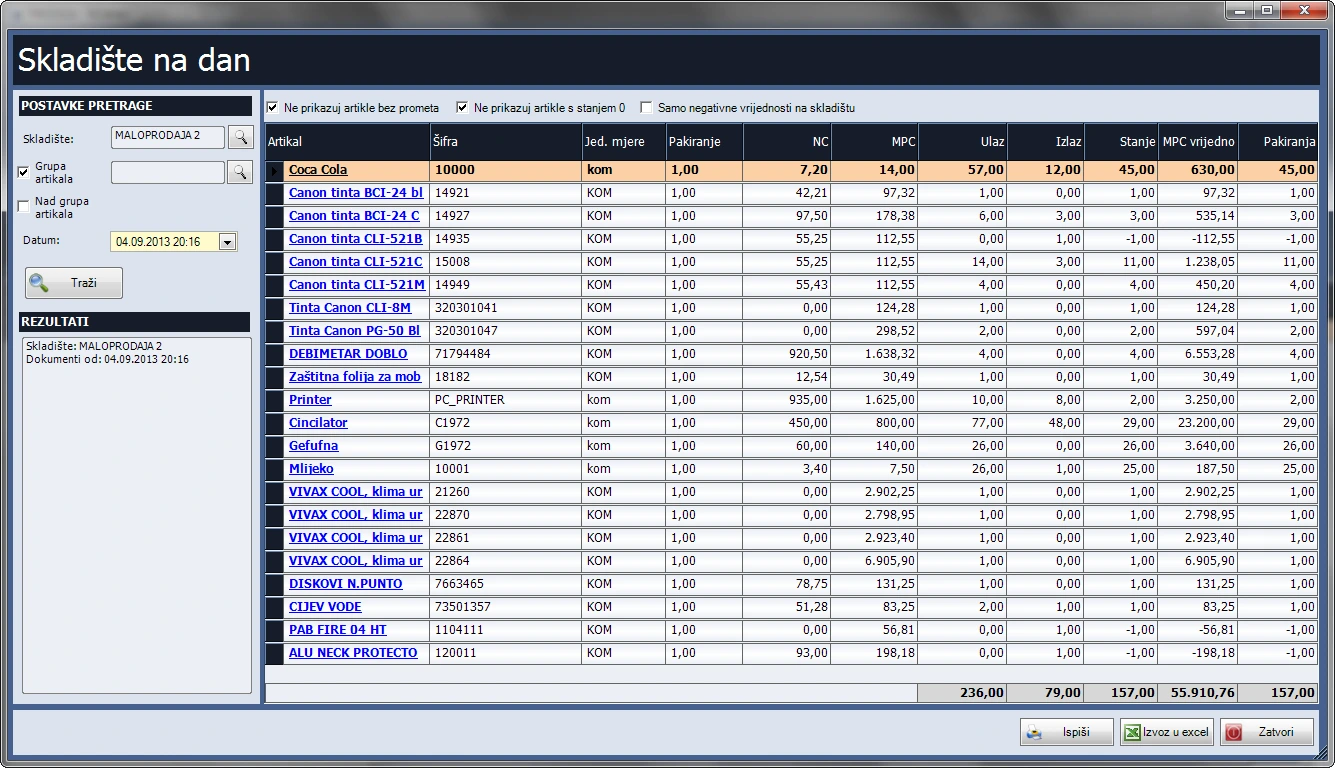
- Track warehouse movements and post stocktake shortages and surpluses. Item records show retail or purchase prices according to warehouse type. Filter stock on a given date by item group, movement and zero or negative balances, and export to Excel. Compare stock and accounting values, review margins and warehouse sales, and print to POS or A4. Manage items, companies, contacts and users.
Manufacturing
Track production in Produx, from defining the bill of materials and opening a work order to issuing materials and receiving finished goods with the Inventory Management module.
Features
Bills of materials
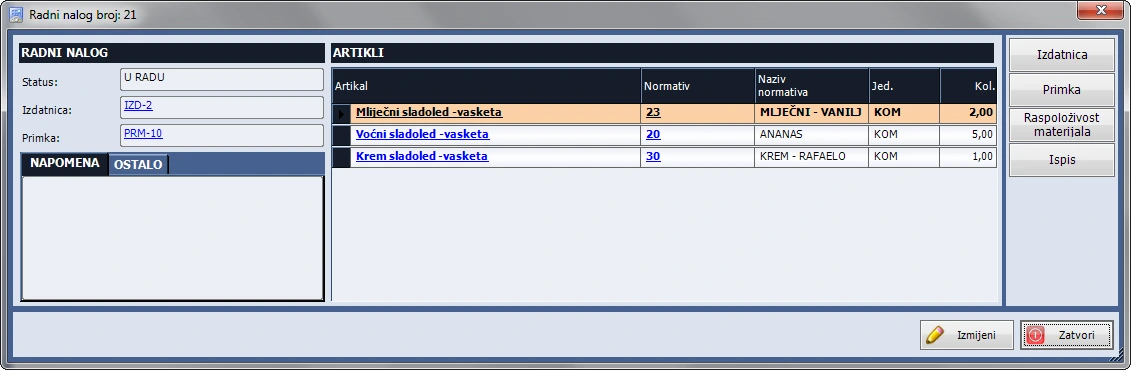
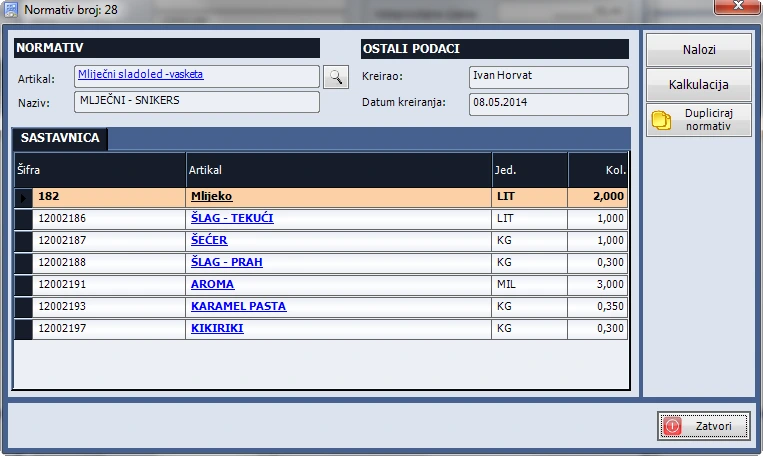
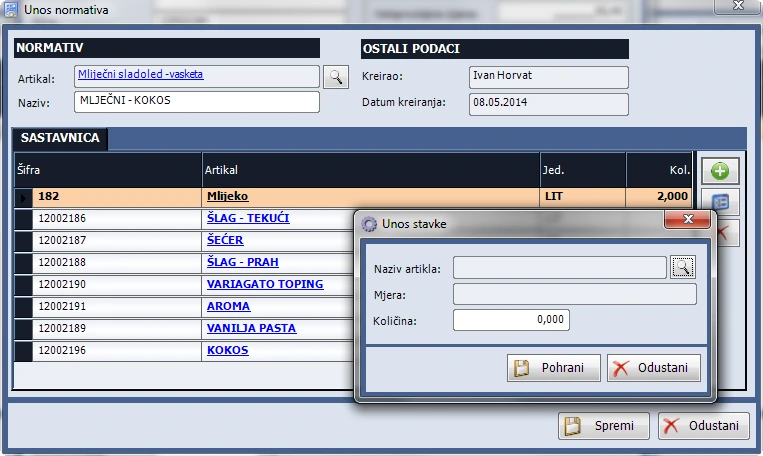
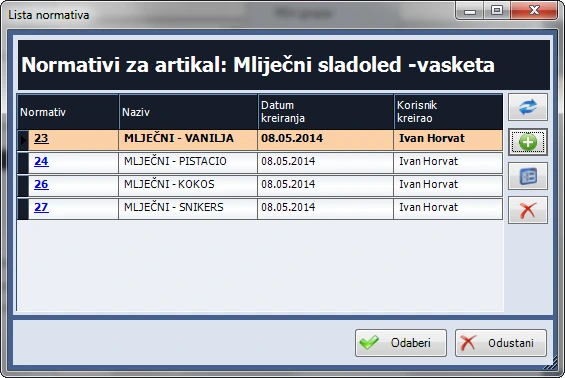
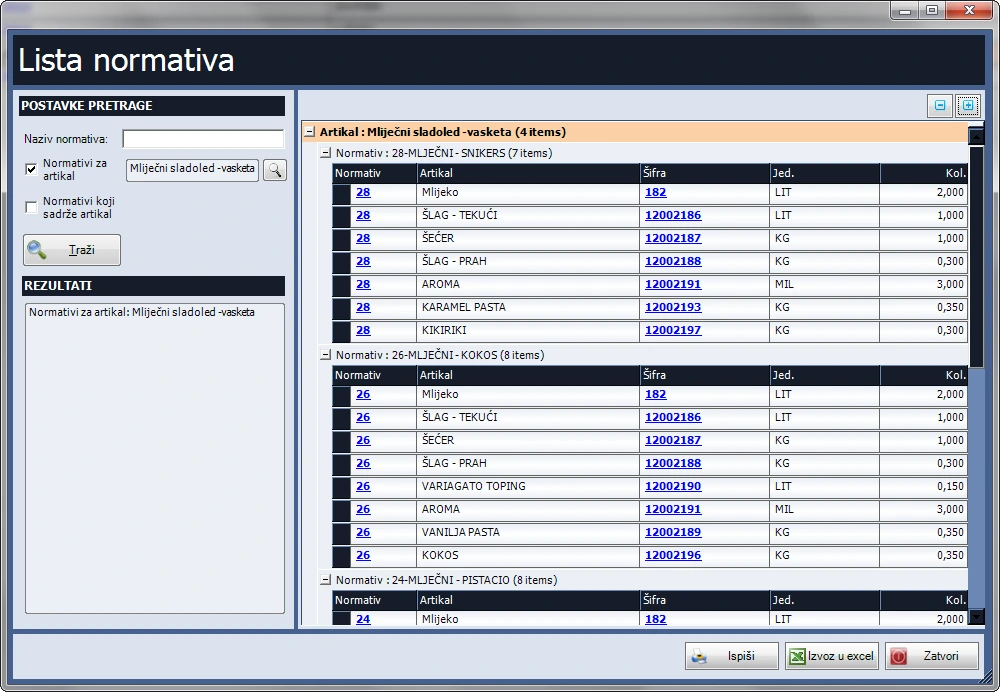
- Maintain several bills of materials for the same product to support different recipes. Copy an existing bill to create and edit a new variant.
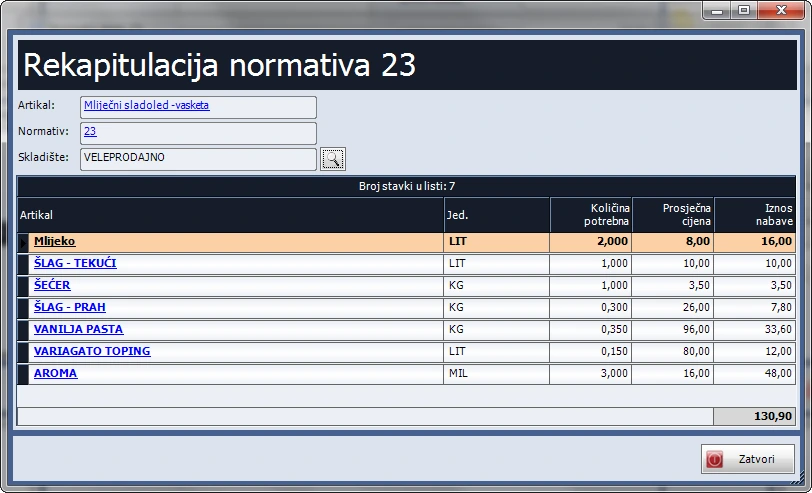
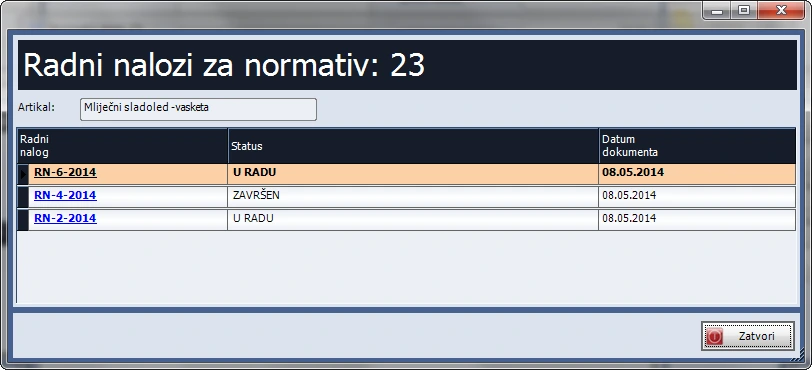
- Calculate the cost of a bill of materials and see which work orders use it.
- Filter bills of materials by name, finished product or a component used in the bill.
Production work orders
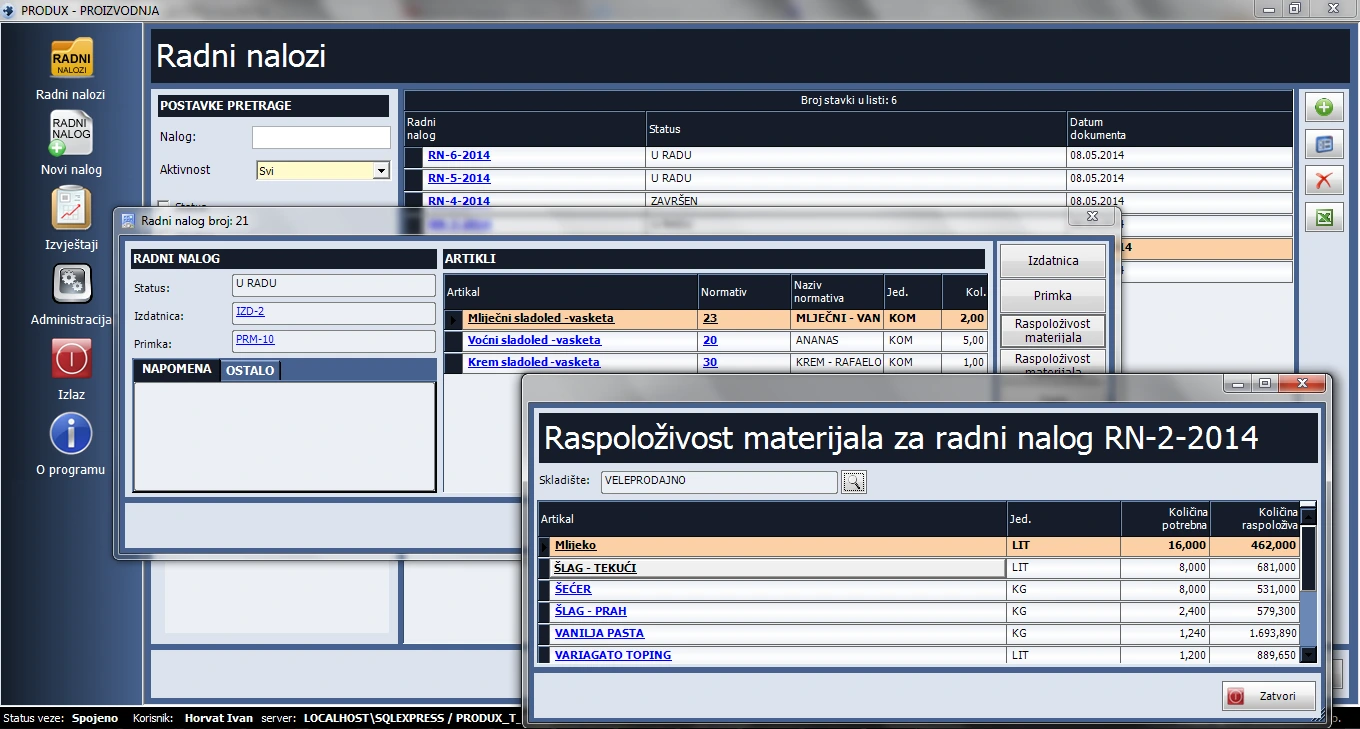
- Add multiple products to one work order and choose the bill of materials to use for each product.
- Define your own order statuses and mark which ones close the order, for example Production complete.
- Filter orders by active status, workflow status, year created or date range. Print individual work orders.
Material issues and goods receipts with Inventory Management
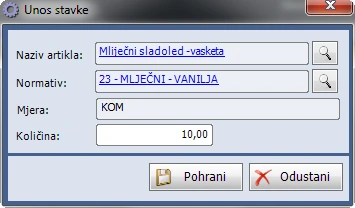
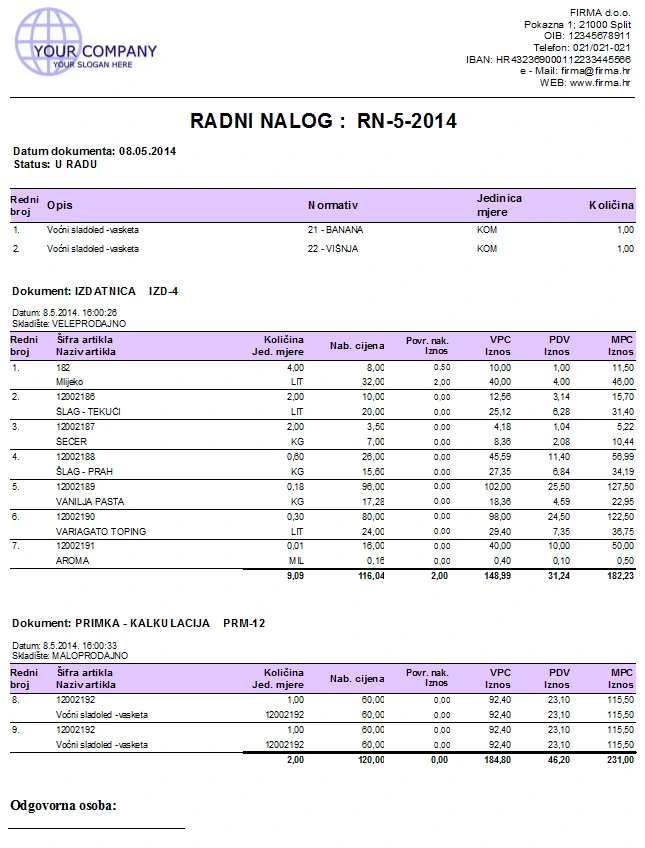
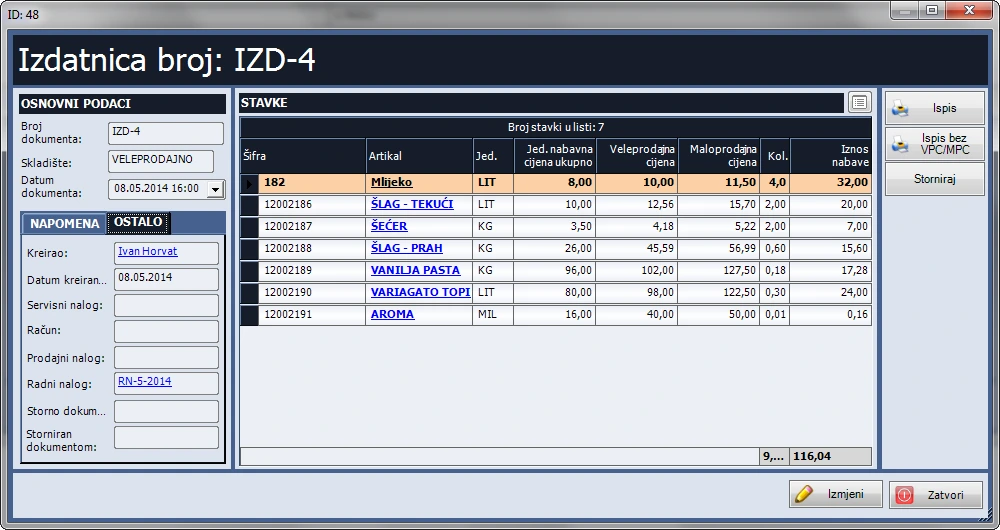
- Create a material issue from the work order. Produx fills in the required materials from the selected bills of materials.
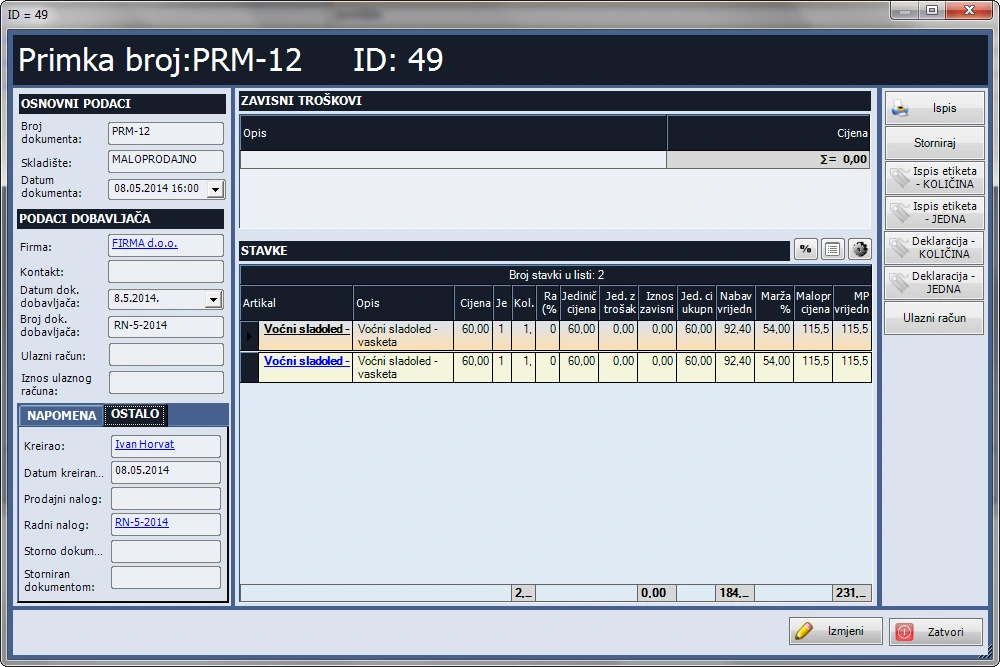
- Generate a goods receipt with costing from the work order to receive finished products into stock.
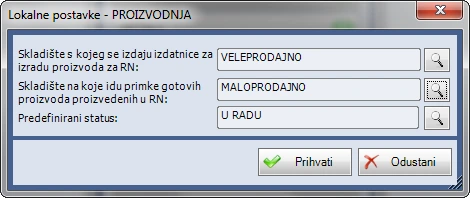
- Set default warehouses for material issues and goods receipts, and configure the default work order statuses.
Items and administration
- Import items from Excel or CSV and export the item list to Excel.
- Create your own item groups and parent groups, and assign items to them.
- Manage company, contact and user records.
Reports and bills of materials register
- Review and print the bills of materials register.
- With Inventory Management, review current or historical stock levels and individual item records.
- With Inventory Management, review summaries of stock documents, item totals by stock document and overall item summaries.

CRM
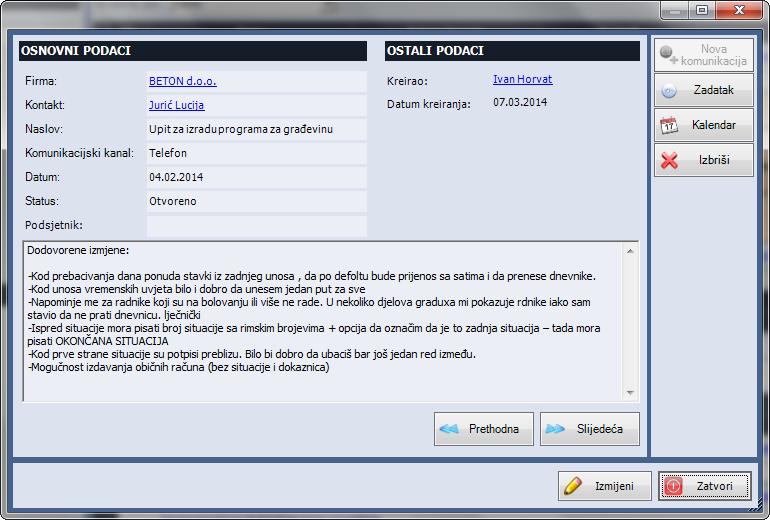
Track customers and communications. The screenshot shows an individual message record.
Features
Correspondence tracking
- Open correspondence from a company, contact or user record. Related entries for the same company or contact form a conversation thread.
- Search by subject and content, print entries or filter reports by company, contact, user, date and time.
- Set a reminder, create a task or add a calendar event from an entry. Use correspondence to build a knowledge base and track employee activity.
Task management
- Assign tasks to yourself or others. Track completion and performance, record feedback and review open, closed, approved and unapproved tasks.
- Set reminders for tasks, birthdays and correspondence, and export the task list to Excel.
CRM calendar
- Record meetings, presentations and other activities. View reminders for a selected user and filter the calendar by company, contact, user, event type or date range.
Master records
- Manage company, contact and user records.
Campaign management
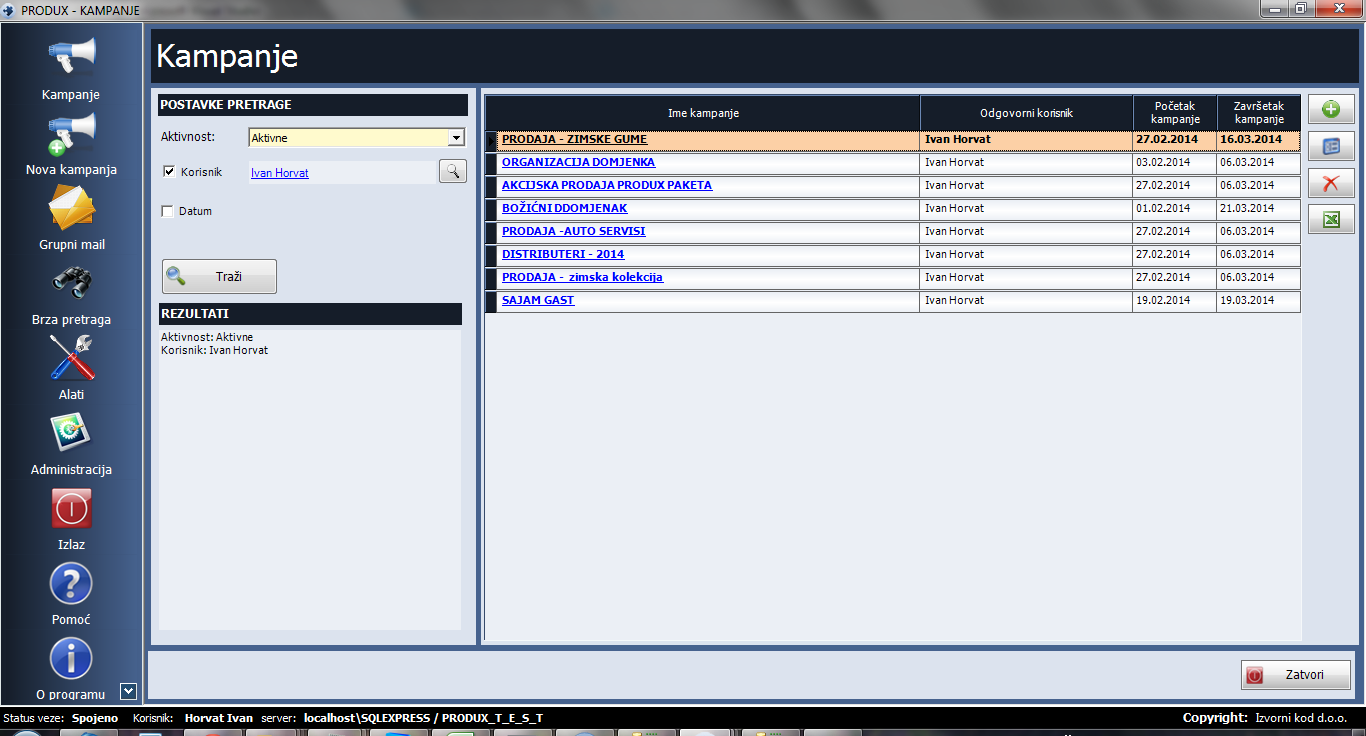
Manage campaigns from a dedicated view. The screenshot shows the campaign list.
Features
Participants and permissions
- Add companies and contacts from the directory, a group or an existing campaign.
- Give user groups editing or view-only access. The campaign creator can supervise progress.
Statuses and reports
- Assign each participant a status and review its history. Search by campaign details and print a breakdown by status or a summary.
Communications and CRM
- Use the Core module to send bulk email and SMS directly from the application.
- Use CRM to create a correspondence record from a campaign, then set a reminder, assign a task or schedule an appointment.
Master records
- Manage company, contact and user records.
Beauty salon
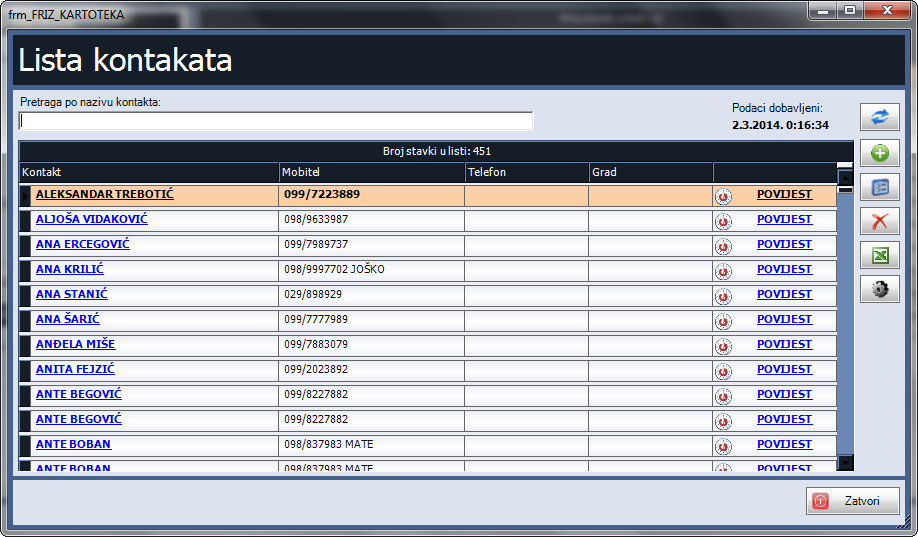
A module for salons. The screenshot shows the client record view.
Features
Client records
- Maintain contact details and review visit and service history.
Work orders
- Create an order from scratch or from a previous order. Add items and services from a predefined list and set defaults to speed up entry.
- Assign multiple staff members to an order and track their work. Filter orders by client, status or period and review summaries of services and goods.
Invoicing and sales with Retail
- Create an invoice from a work order or a previous invoice and email it from the application. Maintain sales and purchase invoice registers (IRA and URA).
- Filter invoices by status, customer, date, payment method, payment status and creator. Review daily cash reports, invoices by staff member and payment method, customer rankings and total takings.
- Analyse sales by item group, supplier, customer and period, and chart daily sales within a selected time window.
Stock with Inventory Management
- Record goods receipts, stock issues and supplier returns. Review stock value, balances as of a date, item records and the inventory register, and record stocktake shortages or surpluses.
- Print labels and product declarations, automatically log price changes and review item discrepancies and summaries of documents and items.
Communications with the Core module
- Send individual or bulk email and SMS about new services and offers. Select recipients by user, company, group or birthday.
- Get upcoming client birthday reminders and print address labels in 2 × 4, 3 × 7 or 4 × 10 layouts.
Appointments with Resource Bookings
- Book a resource and a staff member, add services or items and create an order or invoice from the appointment. View daily, weekly or monthly schedules, filter by status and print bookings by staff member.
Master records
- Manage company, contact and user records.
Resource bookings
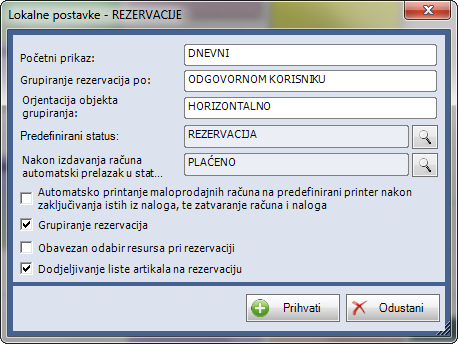
Book resources such as rooms or equipment. The screenshot shows booking settings.
Features
Schedule and booking entry
- View bookings by day, week or month, on a timeline or in a table. Group them by user or resource or show them together.
- Select a time slot and a resource, such as a room or equipment, with the mouse, then add services or goods to the booking.
Settings, search and printing
- Configure resource types, booking statuses and colours to match your workflow. Filter by resource type, company, contact, user, status or period and print bookings.
Orders and invoices
- Create a work order from a booking with Service, Vehicle and Boat Servicing or Beauty Salon. Create an invoice with Retail or Sales.
Travel orders
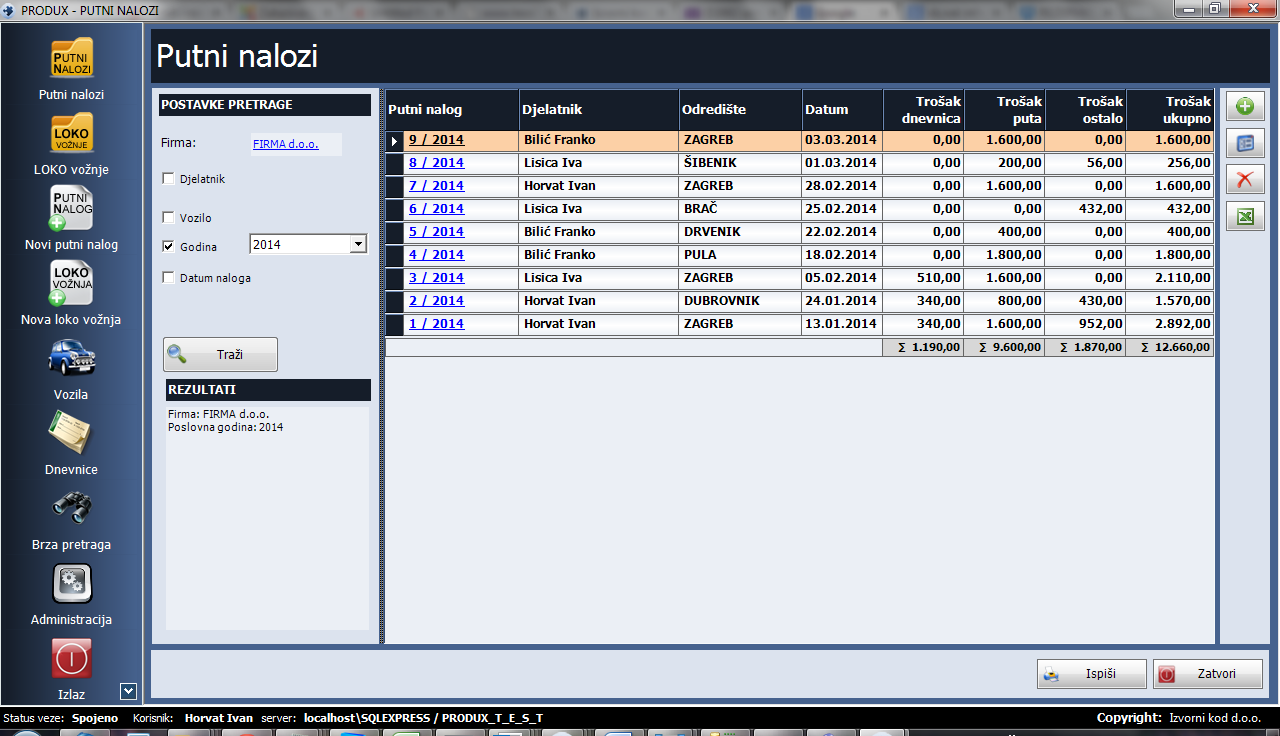
Keep records of business trips. The screenshot shows the travel order list.
Features
Travel orders and expenses
- Create domestic and international travel orders for one or more companies. Correct or complete orders after entry.
- Record advances, transport and other expenses. The application calculates trip duration, allowances and associated expenses from departure and return times.
- Save vehicles, routes and exchange rates, and set daily allowances, currency conversion rules and mileage rates.
Local business trips
- Log local business trips, transport costs, parking and tolls, and print a filtered list.
Search and printing
- Filter orders by company, employee, vehicle, date, period and destination. Print travel orders, expense statements or lists by employee, year or period.
Project management
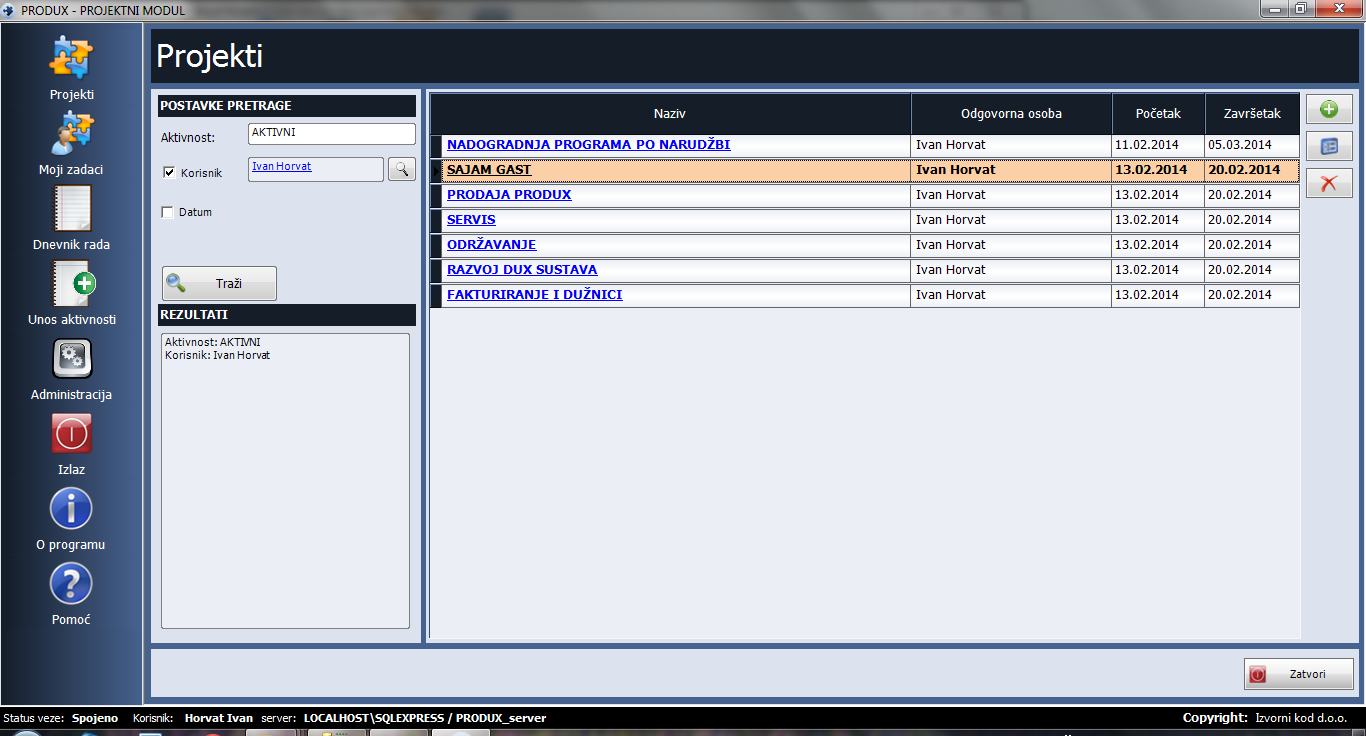
Manage projects and record employee activity in a work log. The screenshot shows the project list.
Features
Projects and permissions
- Run multiple projects at once. Create, edit, delete, activate or close projects and export the list to Excel.
- Set the project lead, client, start date, end date and activity status. Give users view or administration access.
Phases, tasks and hours
- Organise tasks into custom phases, set deadlines and plan income, expenses and hours. Assign one or more employees and designate someone to approve the completed task.
- Review unfinished, completed and completed but unapproved tasks, or view the full list. Export tasks to Excel.
- Use the work log to track activity details, staff and hours. Filter by employee, client, project or date range, and print or export the records to Excel.
- View tasks an employee owns or works on in a list or calendar. Filter them by completion status.
Finances and reports
- Track project income and expenses and filter by payment method and period. With Retail or Sales, link task expenses to purchase invoices.
- Print a report with tasks grouped by phase, planned income and expenses, and planned and actual hours per task.
Master records
- Manage company, contact and user records.
Cash office
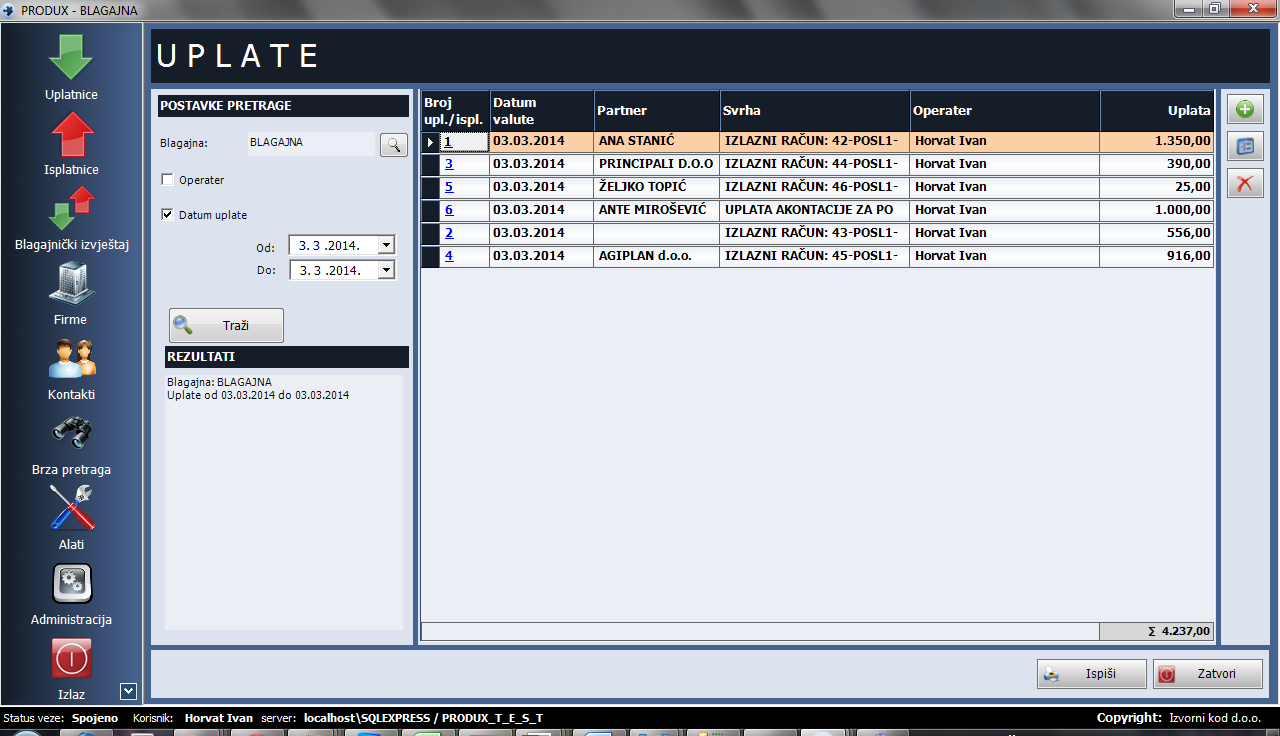
Maintain cash office records. The screenshot shows recorded payments.
Features
Cash offices
- Run multiple cash offices at the same time, including foreign currency cash offices. The official description also lists kuna cash offices for older records.
Cash receipt and payment vouchers
- Automatic numbering, printing and export to PDF, Word or Excel. Filter by cash office, cashier, date or period, purpose, partner and amount. Sort by purpose, partner or amount.
Cash office reports
- Review receipts and payments together with filters and sorting. Print daily or date-range reports or export them to PDF, Word or Excel.
Master records
- Manage companies, contacts and users.
Memberships
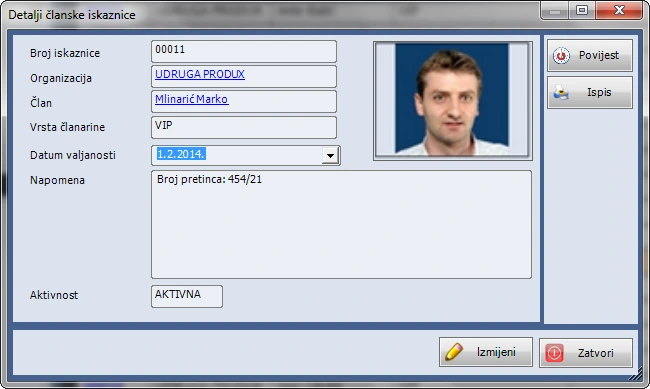
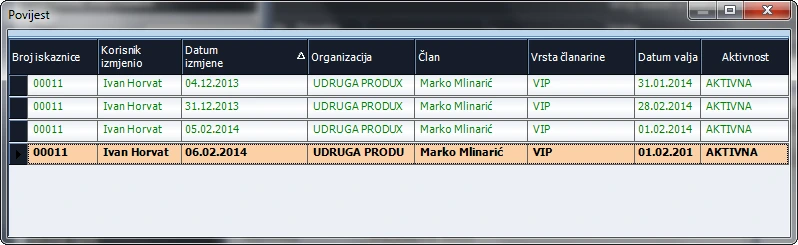
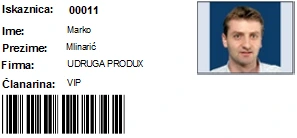
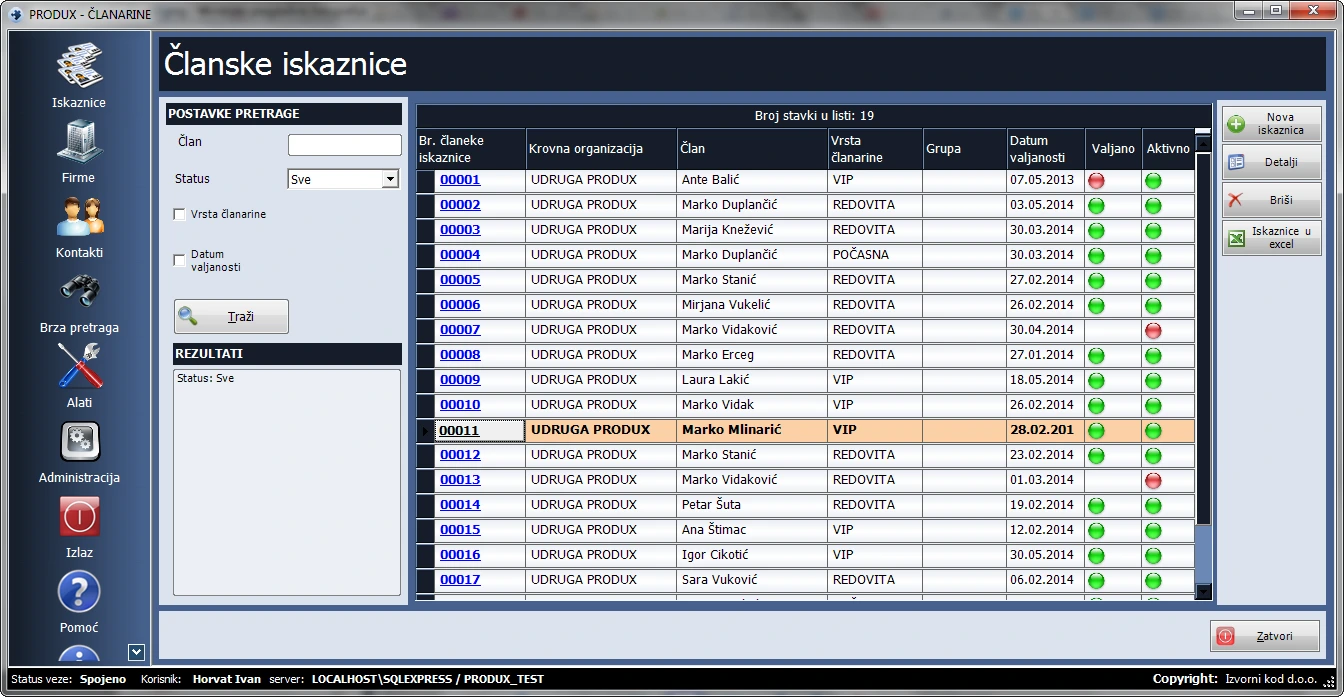
For clubs and centres that manage memberships. The screenshot shows a membership card record.
Features
Members and cards
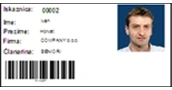
- Create and print cards and badges with a photo taken in the software, a barcode and a logo. Track member status and activity, federation affiliations, roles and ranks.
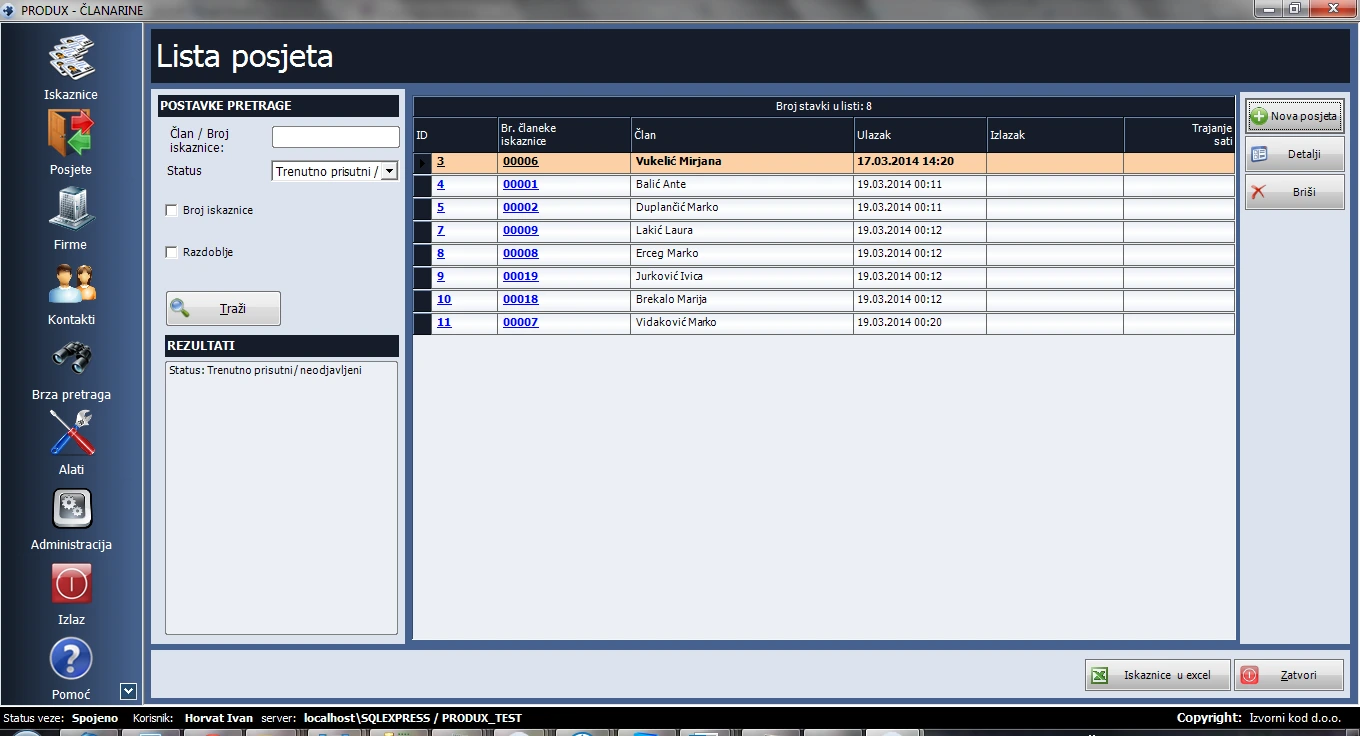
Visits
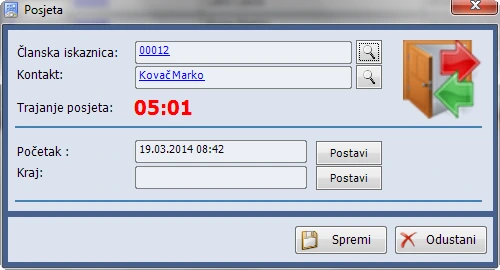
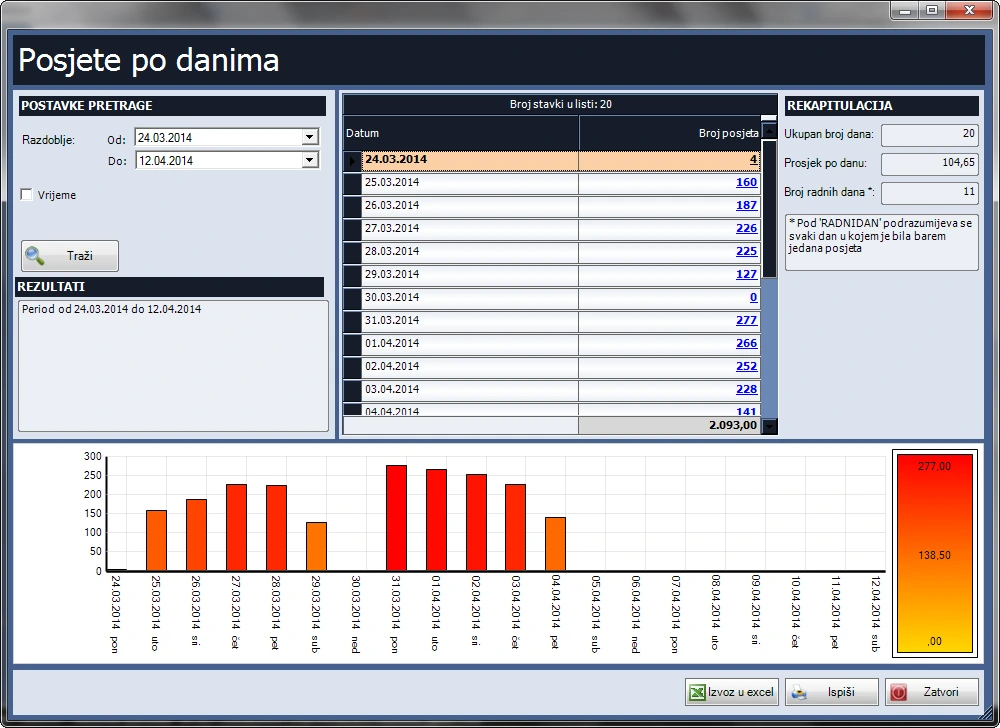
- Scan cards to record arrivals and departures. See who is present, monthly visit counts and visit duration. Get alerts for inactive cards or repeated entry without checkout. Search by member, contact, card or period.
Membership fees and invoicing
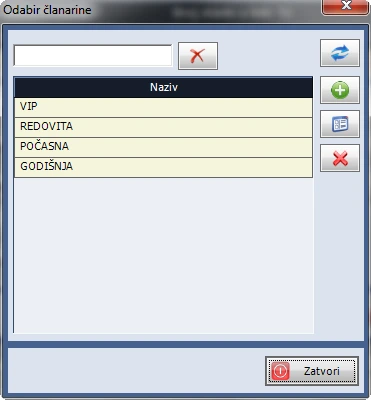
- Manage monthly, quarterly and annual fees, including cash and bank payments. Assign fee types and review paid and unpaid fees by member and role. Sort payment slips by purpose, partner or amount. Invoicing uses the Retail or Sales module, or both.
Dues and payment slips
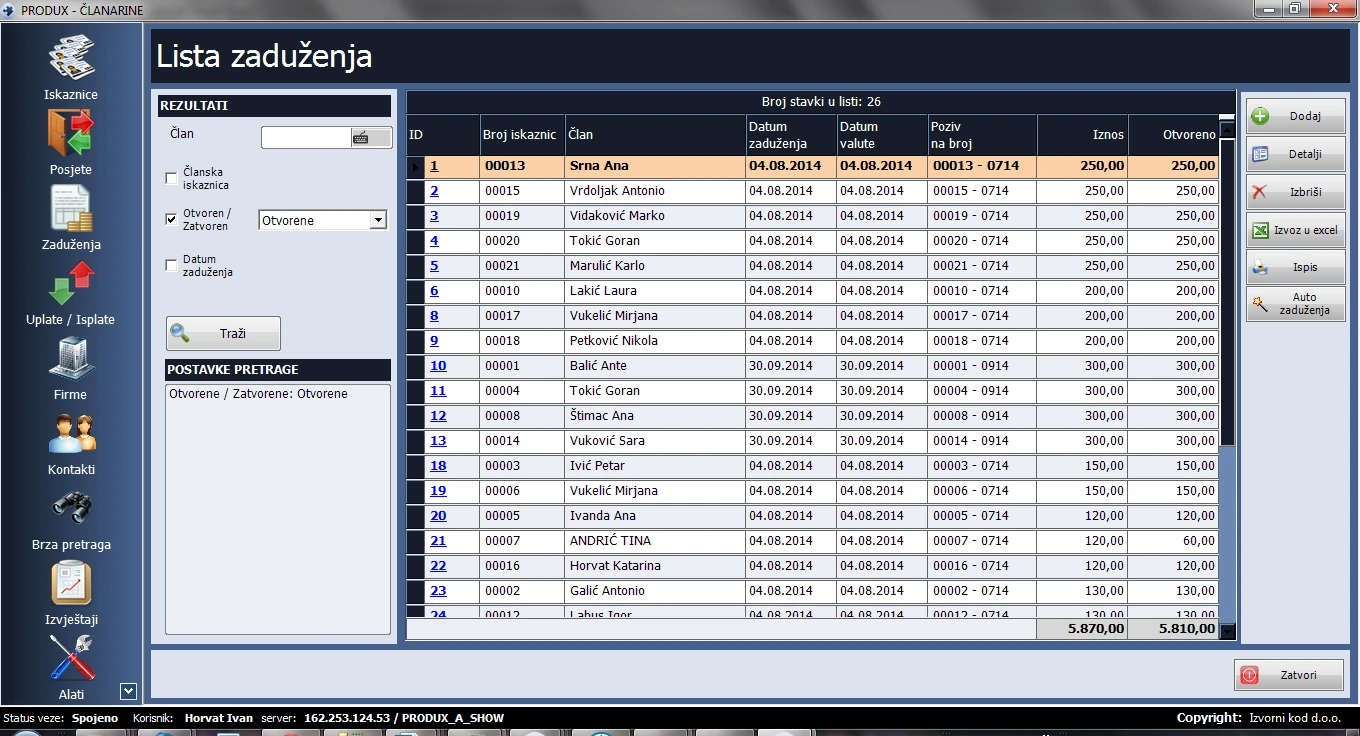
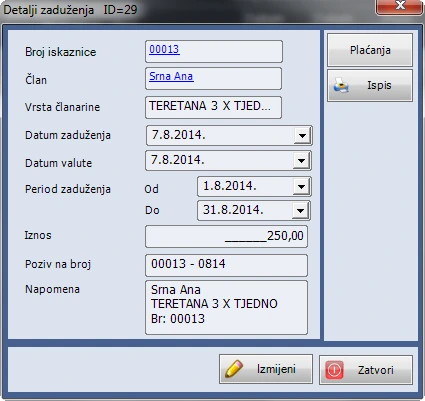
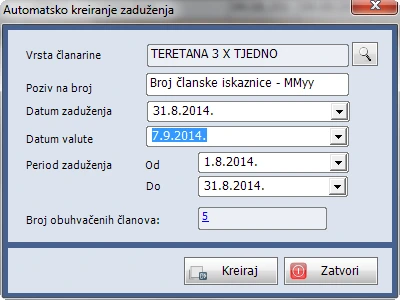
- Clubs and associations that do not have to invoice membership fees can set an amount for each fee type, create a charge from the membership card or generate charges by period. Each member record shows their charges.
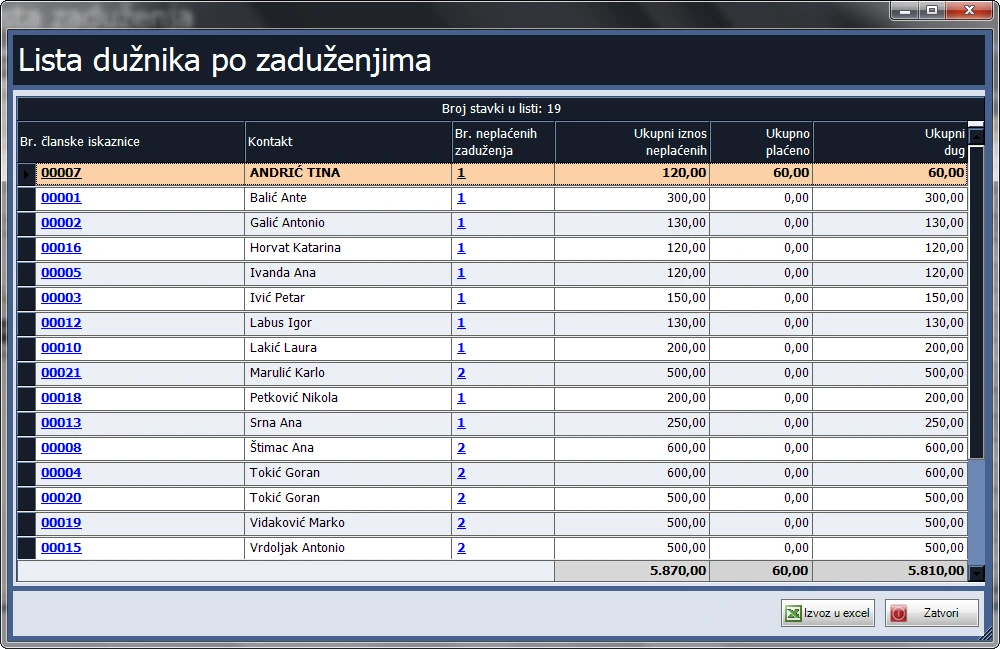
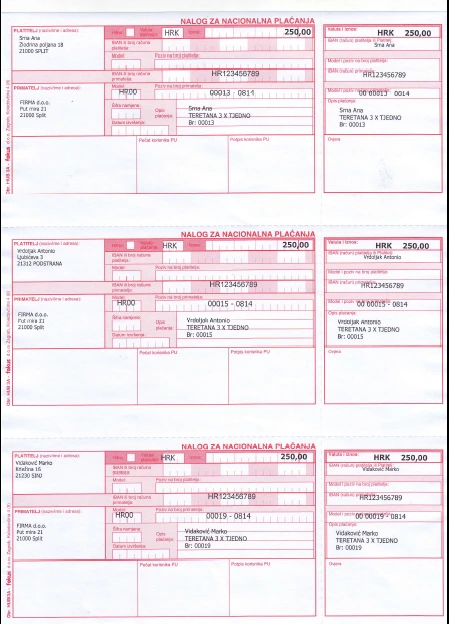
- Create individual or batch dues by fee type and period. Print individual or batch HUB 3A slips, three per A4 sheet. Settle dues manually or import FINA-format bank statements with the Cash Office module. Filter by member, period, payment reference and payment status, and review outstanding debtors.
Reports and tools
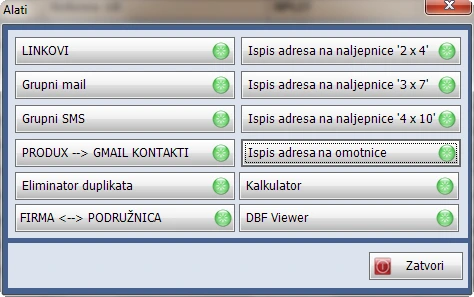
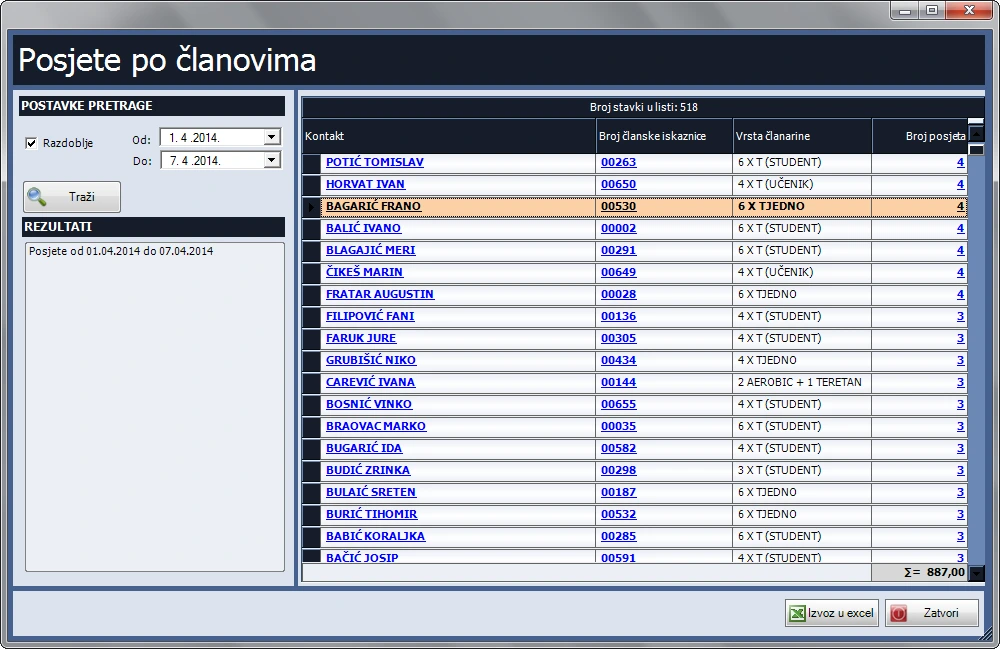
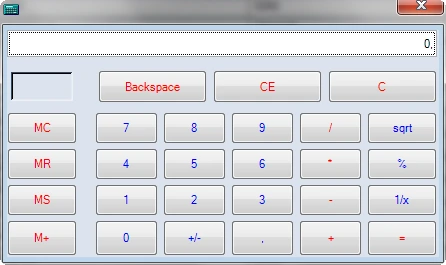
- View daily visit charts, print to PDF or export to Excel. Review visits by member and date range and select the count to open individual entries. Send group email or SMS to members, sponsors and companies by user, company, group or birthday. Print envelopes and labels in 2 × 4, 3 × 7 and 4 × 10 layouts. Use the calculator and shortcuts to folders or programs.
Master records
- Manage companies, contacts and users.
Core module
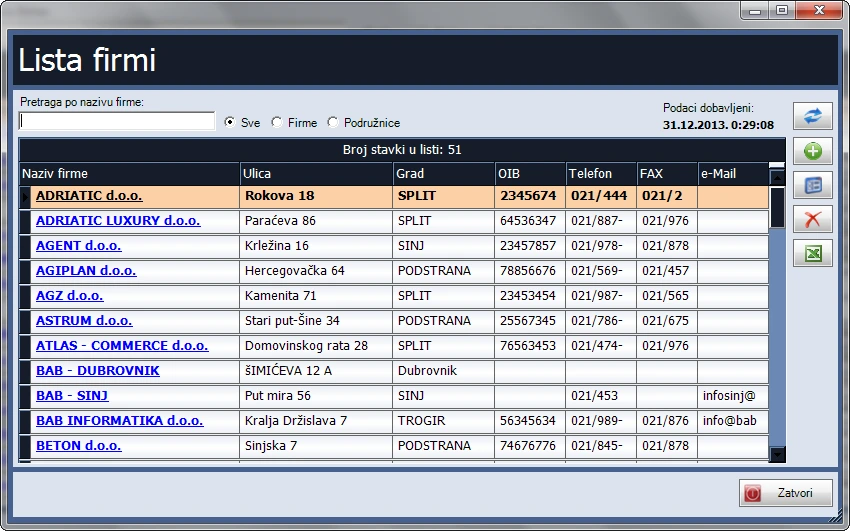
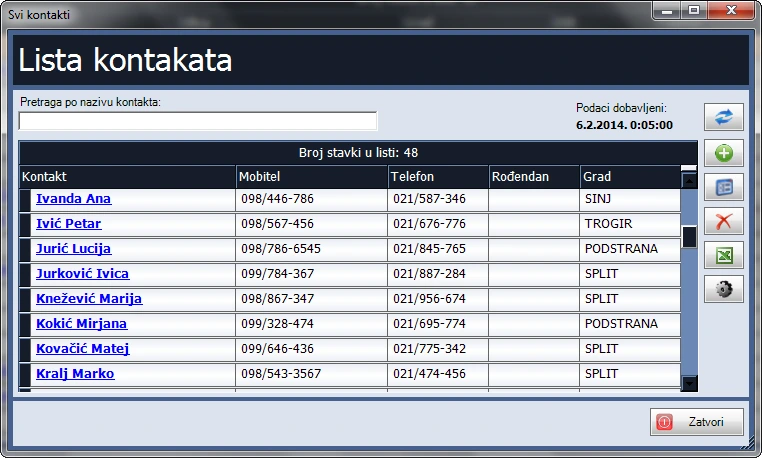
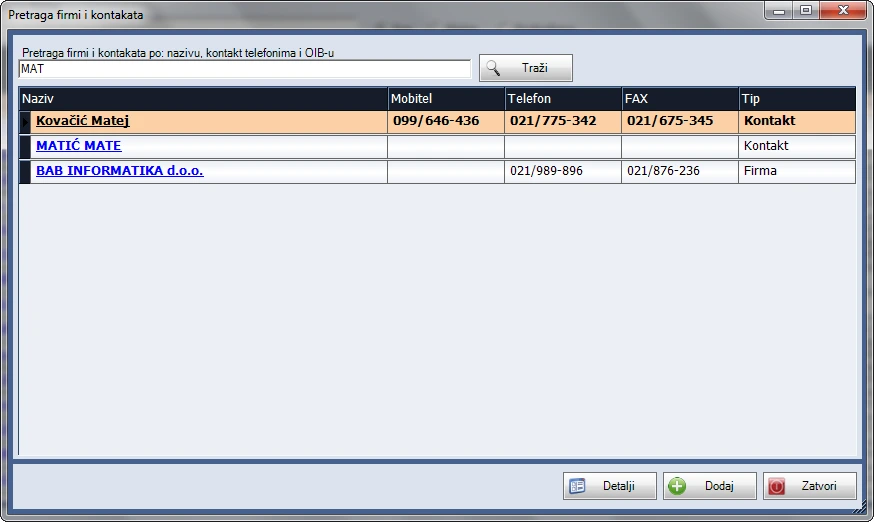
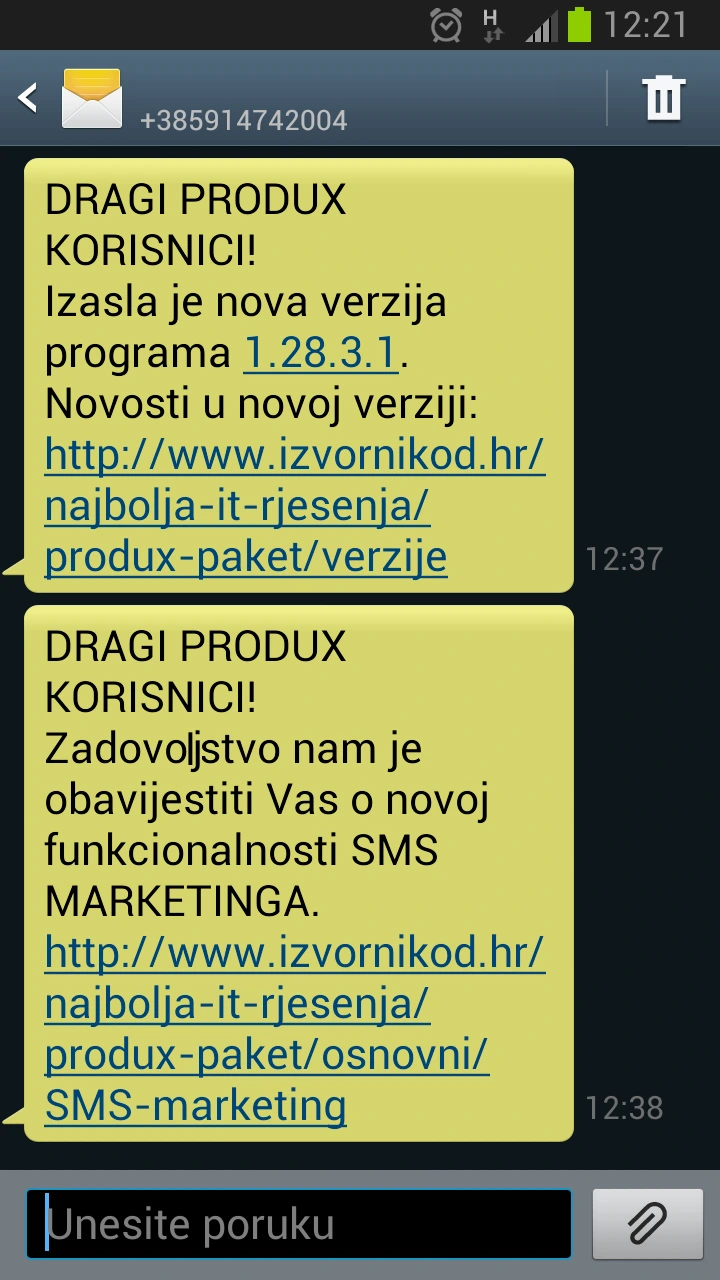
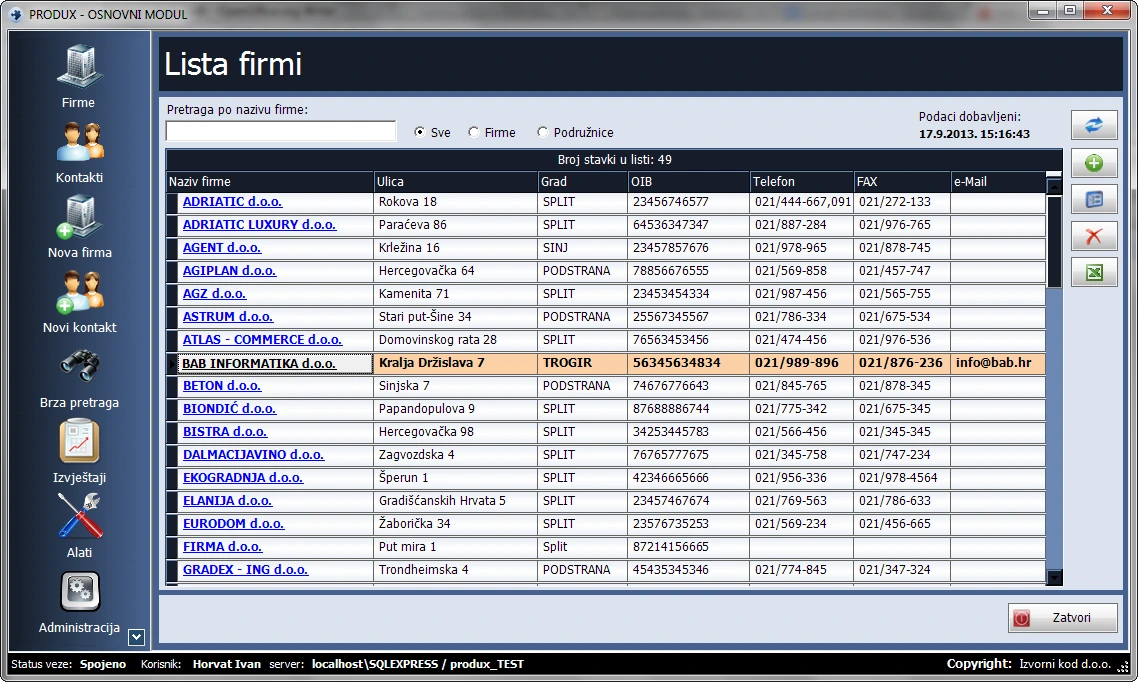
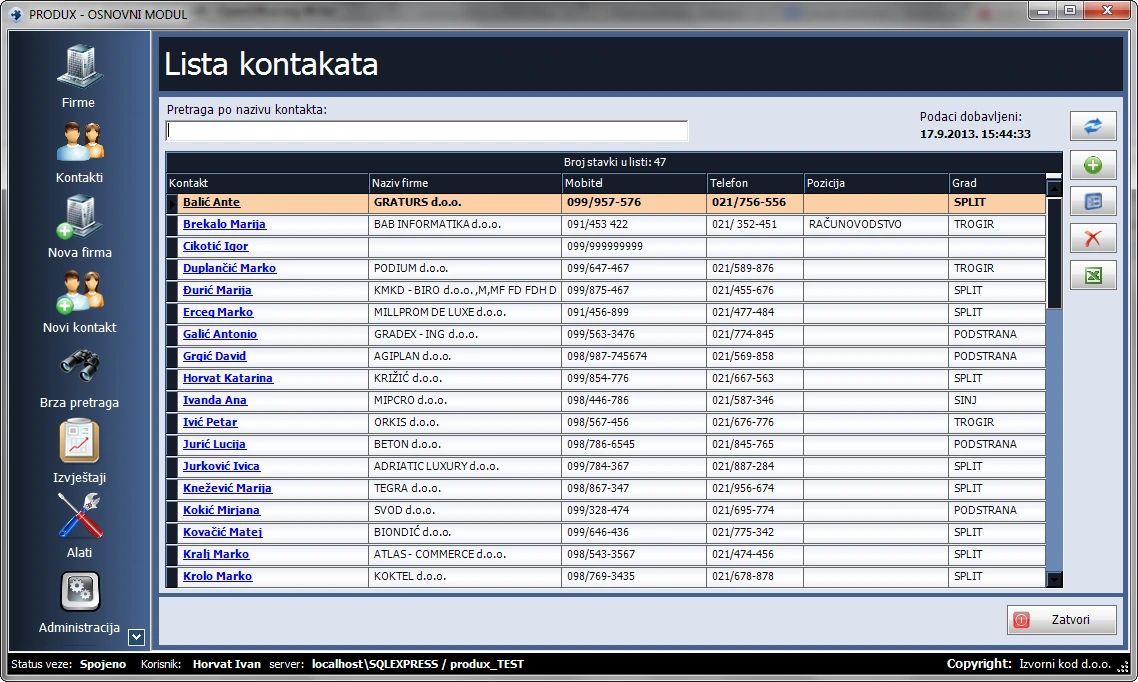
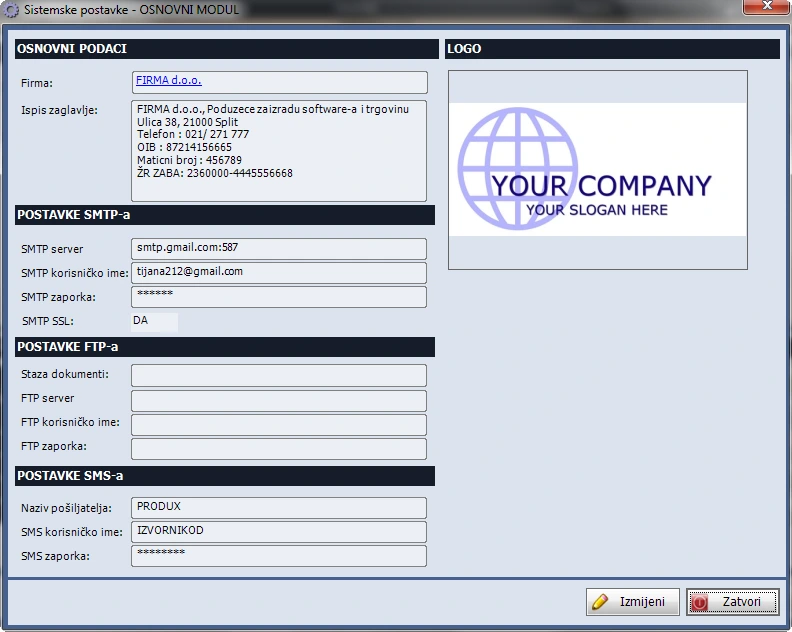
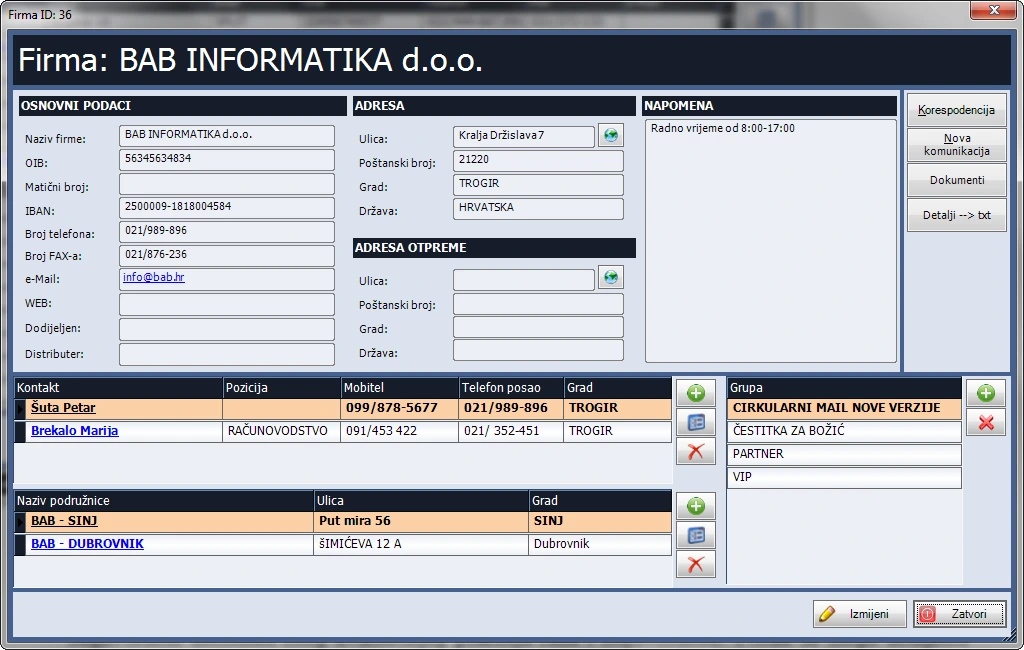
Maintain company and contact records. The module also supports bulk SMS using stored contacts.
Features
Company records
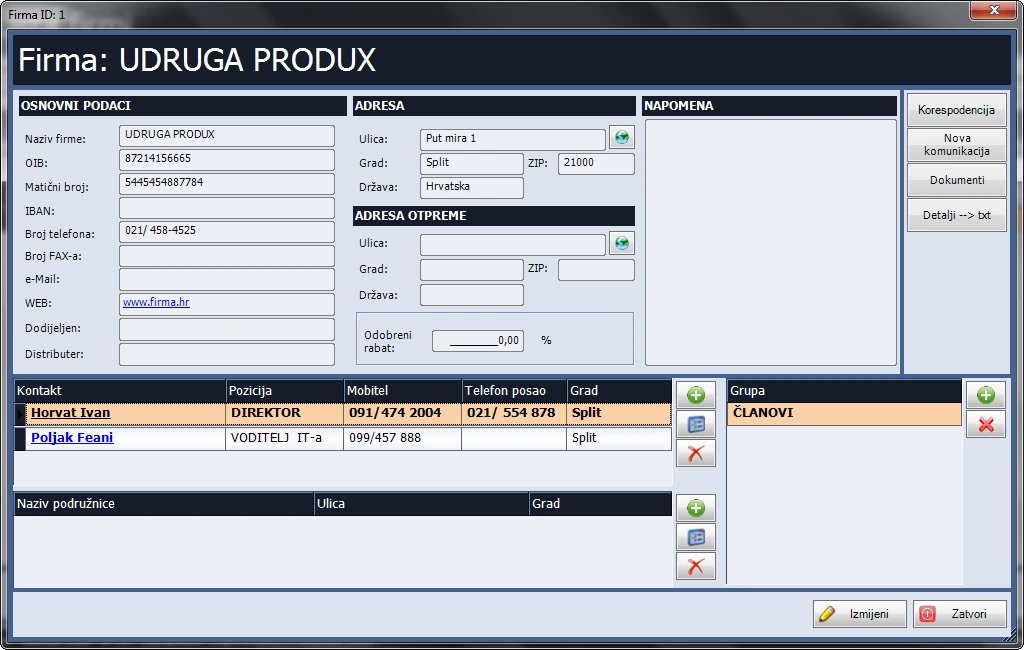
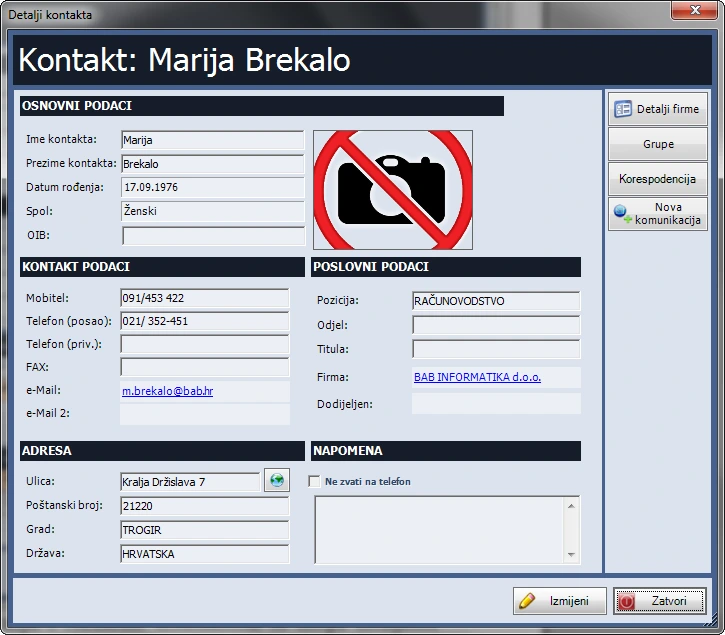
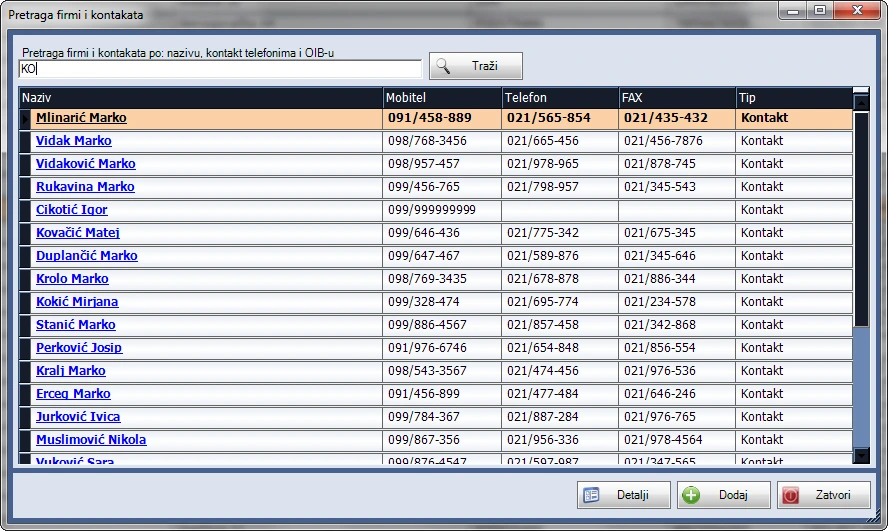
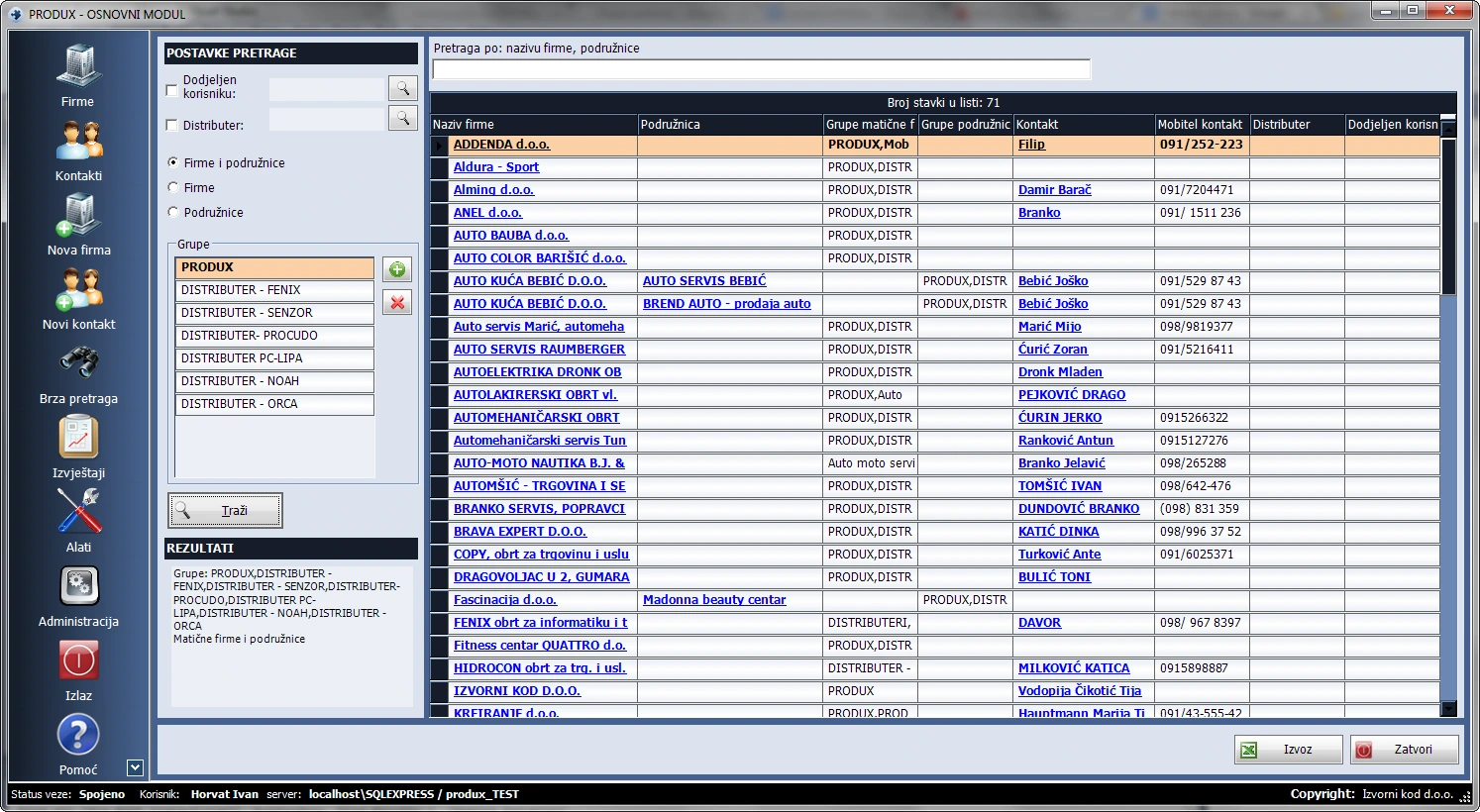
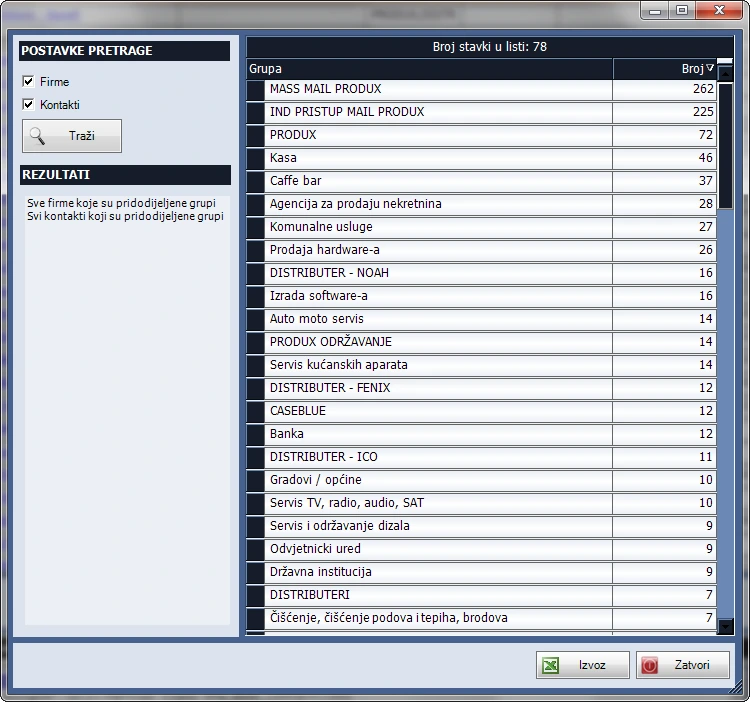
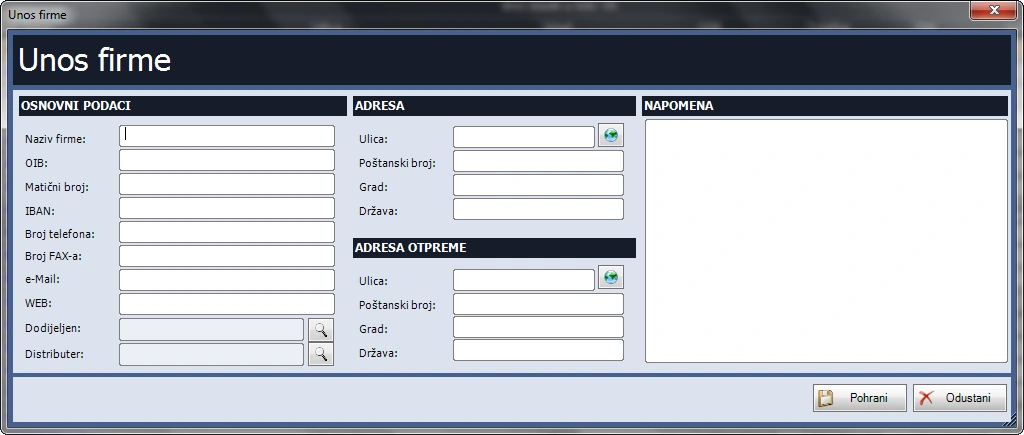
- Keep company names, tax IDs, IBANs, telephone and fax numbers, email, websites, addresses and notes. Link contacts and branches, assign an owner and classify companies into groups such as customers, suppliers or repair providers.
Contact records
- Maintain contact records and classify them by role, department or group. Birthday reminders are available.
User administration
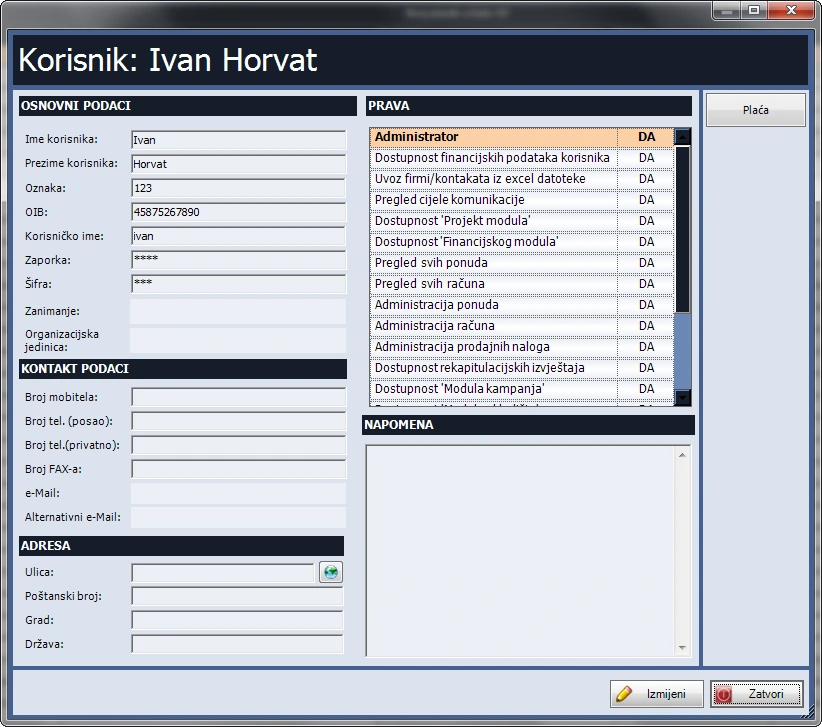
- Assign access to licensed modules and administrator privileges. Classify users by custom roles and departments, and export company and contact lists by group to Excel.
Tools and group messaging
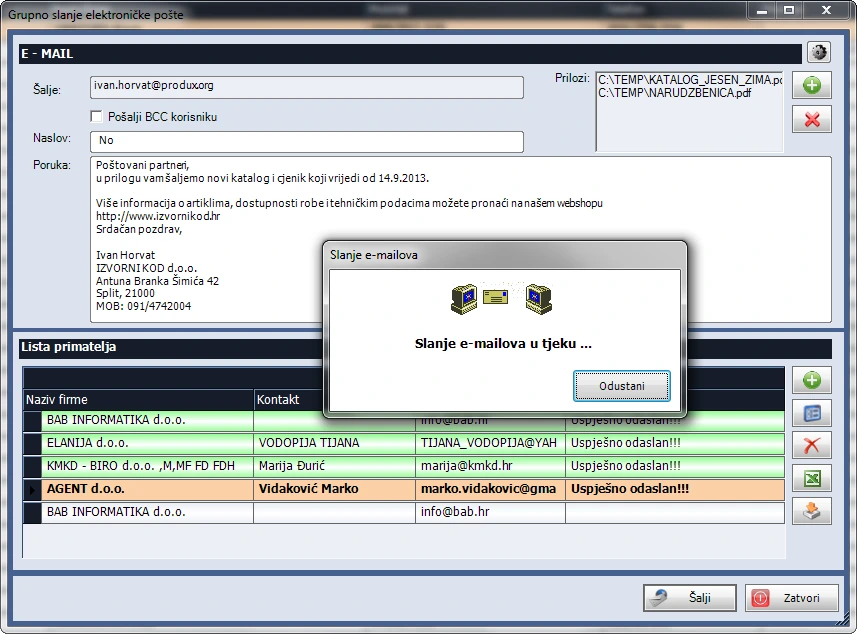
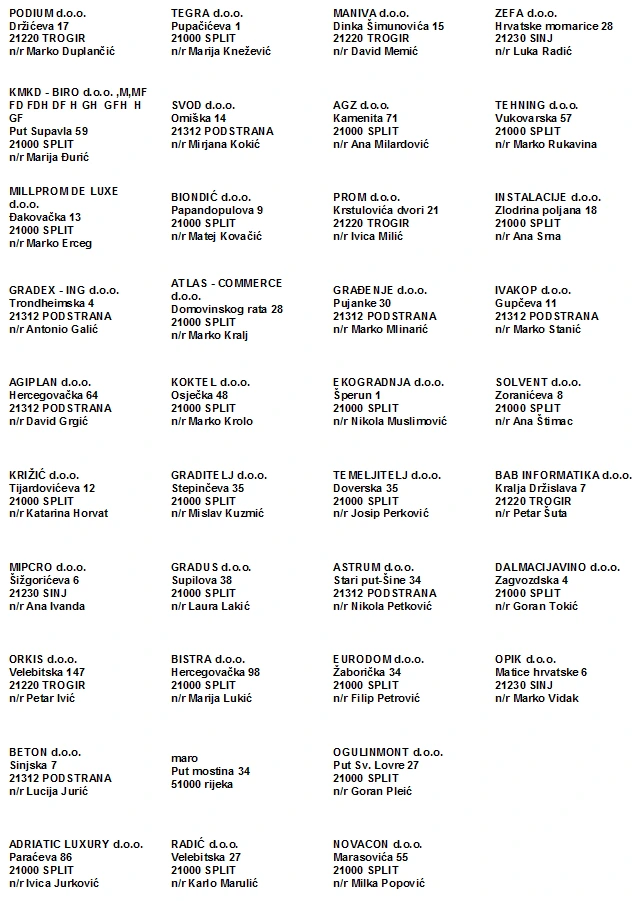
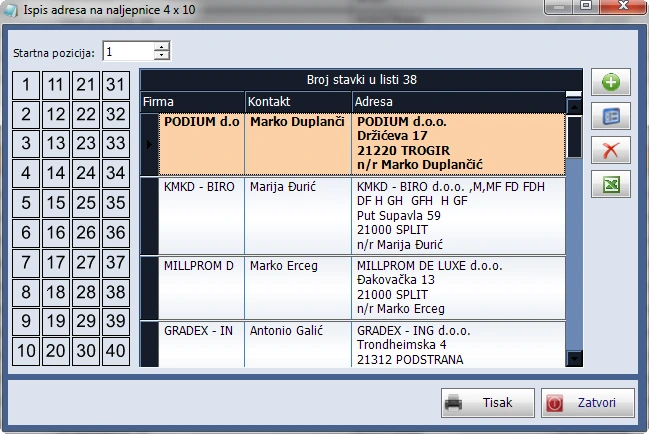
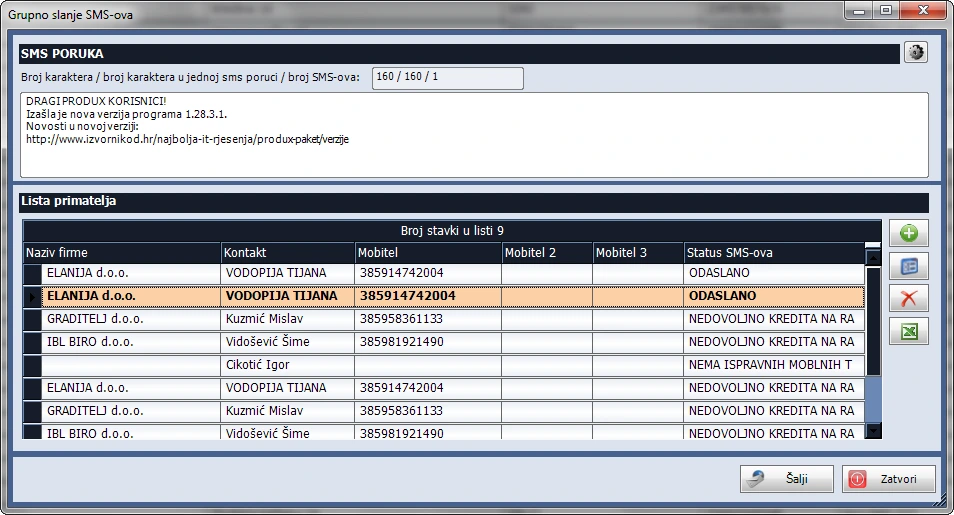
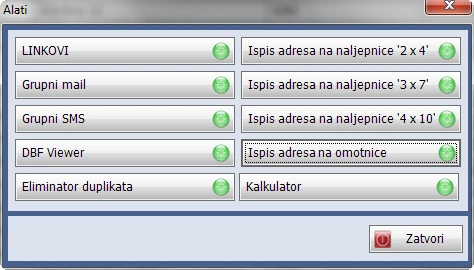
- Use the calculator and shortcuts to folders or programs. Prepare group email and SMS by user, company, group or birthday. Print addresses on envelopes and 2 × 4, 3 × 7 or 4 × 10 label sheets.
Inside Produx


